Evermotion: More Than an Asset Library
How Evermotion became a full-scale production partner for archviz, automotive and synthetic data.


Total: € 0

Buy Corona Renderer 1.4 License in Evermotion Shop
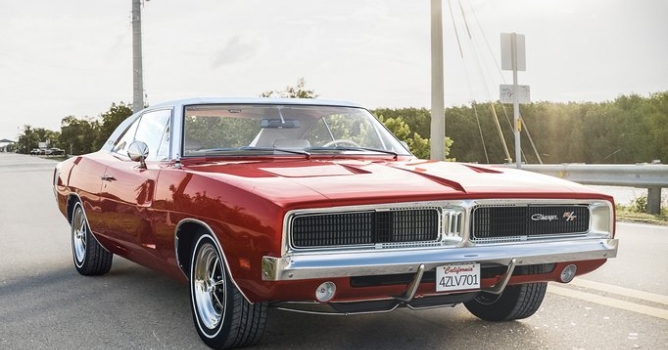
Top image: Dodge 69 by Ihor Dmytrenko (model by Narek Gabazyan)
Quick Facts
Denoising
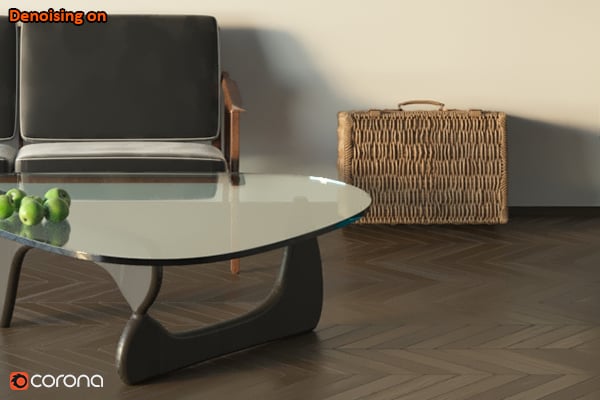
The new denoising feature analyzes noise in the 3D space, so is not just a 2D post-process. You can use it to reduce the number of passes needed to get a noise-free image, with render time reductions of 50 to 70% reported to us by third parties in commercial usage (not by arbitrary measuring tools or carefully crafted test scenes!). It will also remove fireflies from an image, and can be used only in that mode if required.
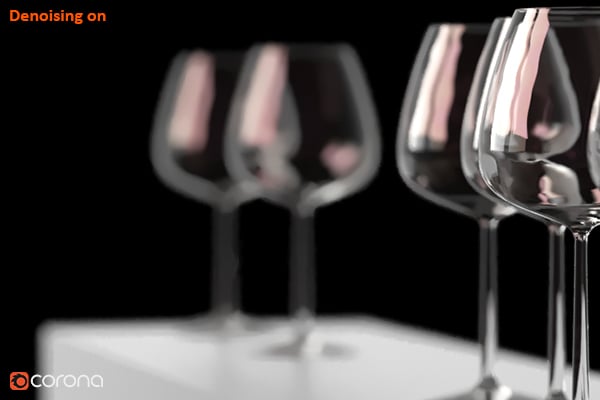
It is seamlessly integrated into the core as one-click solution. The denoising level can be interactively adjusted in the VFB after rendering is complete, so that you are not locked in to the level set in the rendering options. This lets you check and adjust the blending between the regular and the denoised image without having to re-render.
Adaptive Image Sampling
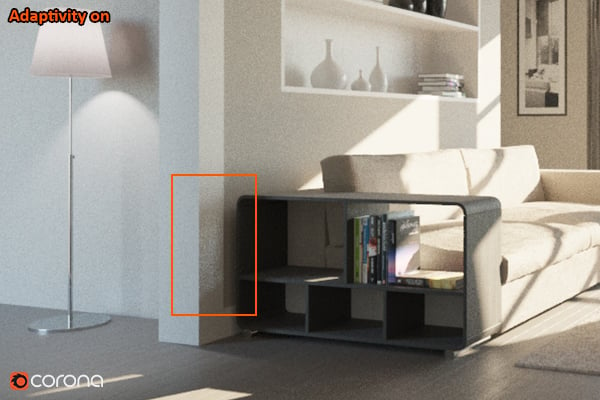
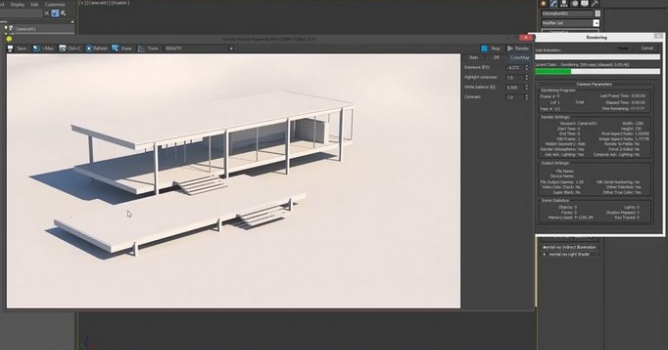
This balances out the rendering calculations over the image to focus more processing power on tricky areas like shadows, so you don’t find yourself with a clean image but still needing more render passes as you wait for one problem area to clean up.
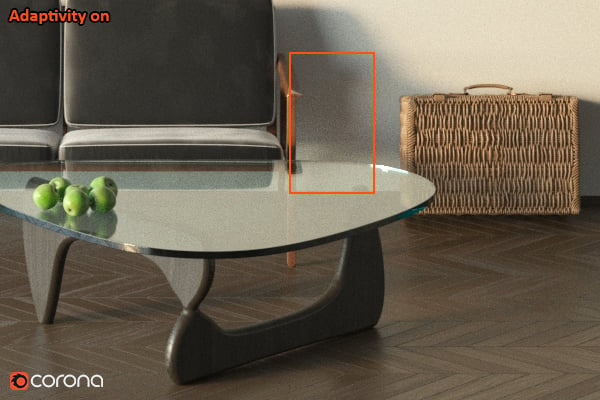
A note – with the introduction of Adaptive Image Sampling, it is now more useful to use the new Noise Limit for your renders than the old Pass Limit, to ensure consistent quality for every image or frame in the least amount of time.
VFB History and Comparison
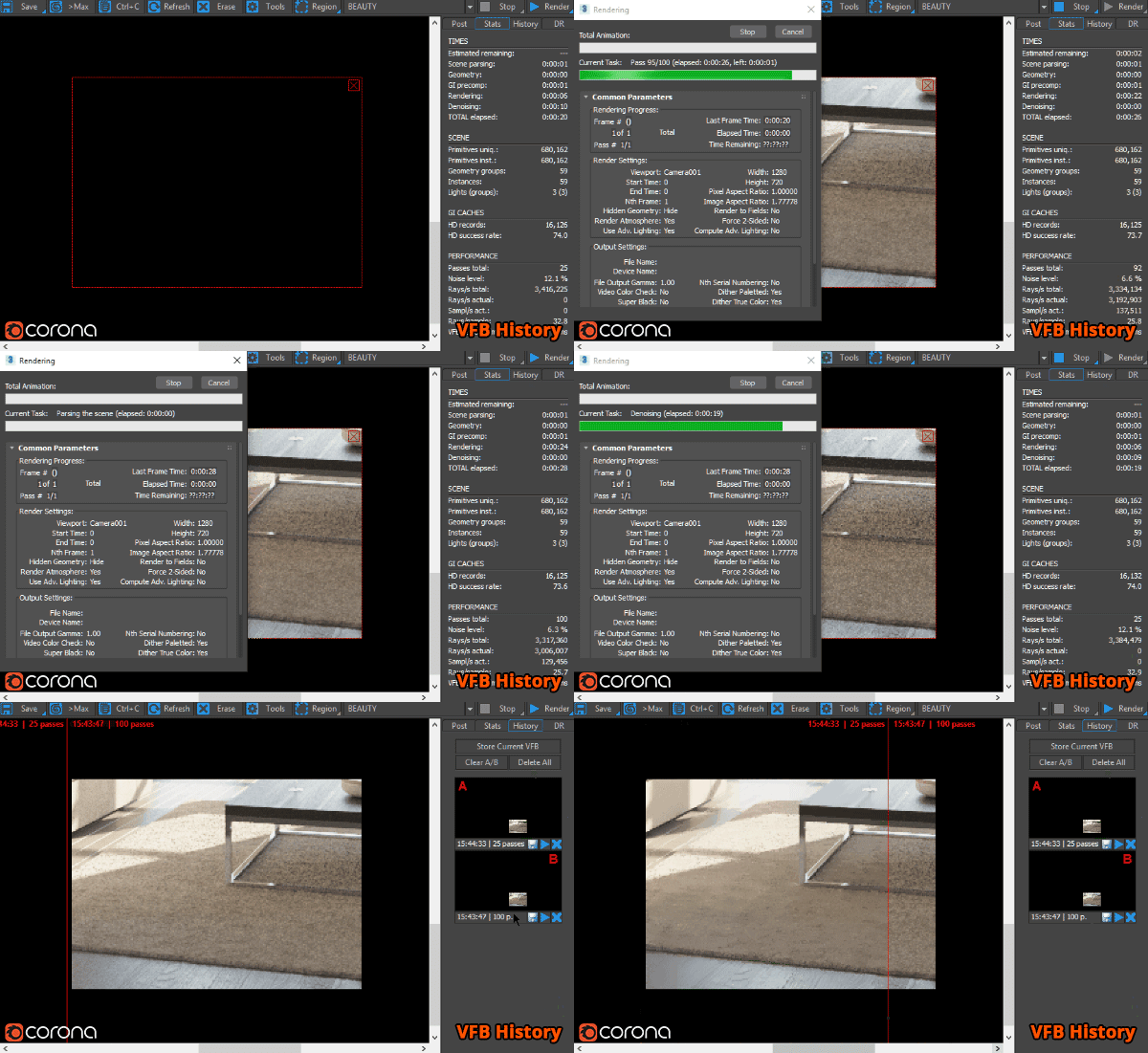
You can now save your render to a history buffer, and perform an A / B comparison in the Corona VFB on any two images from that buffer (including region renders). Ideal for speeding up your workflow when comparing settings, materials or lighting.
Interactive and Multiple Render Regions in the Corona VFB
It’s now easy to add as many render regions as you wish to the Corona VFB, speeding up your workflow when you need to check multiple areas at once in either interactive or regular renders.
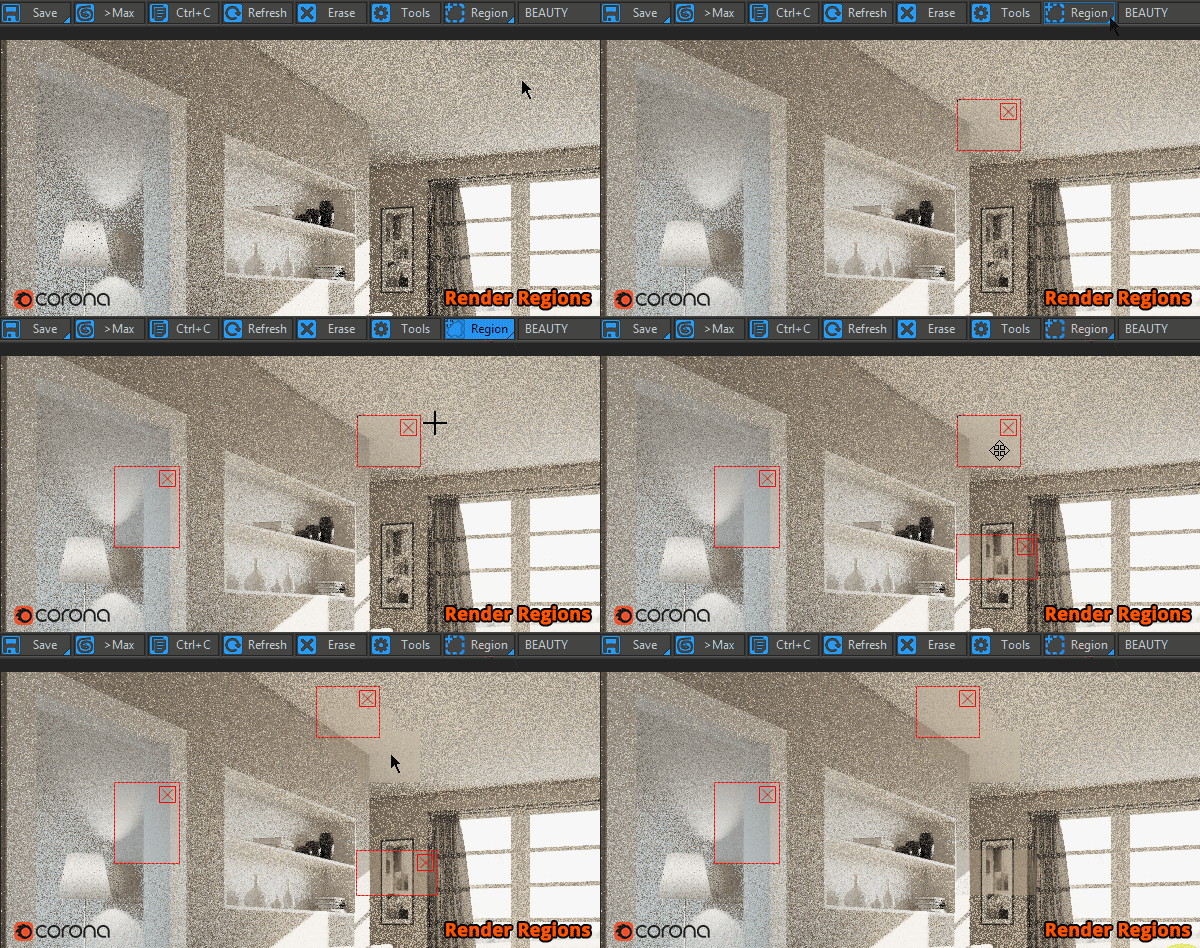
You can also move the regions at will in the Interactive renderer mode so that they act as a “sample brush”, letting you paint-in areas which you want to refine faster or inspect at better quality.
Efficient Handling of More Than 255 lights
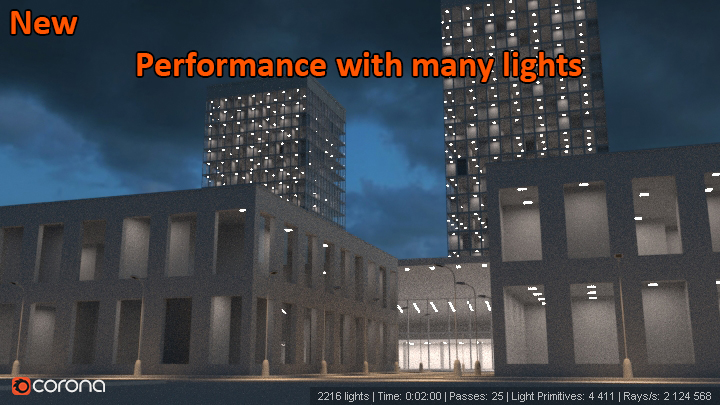
Corona now handles scenes with more than 255 lights without problems and with no penalty to render time.
Texture Baking Added
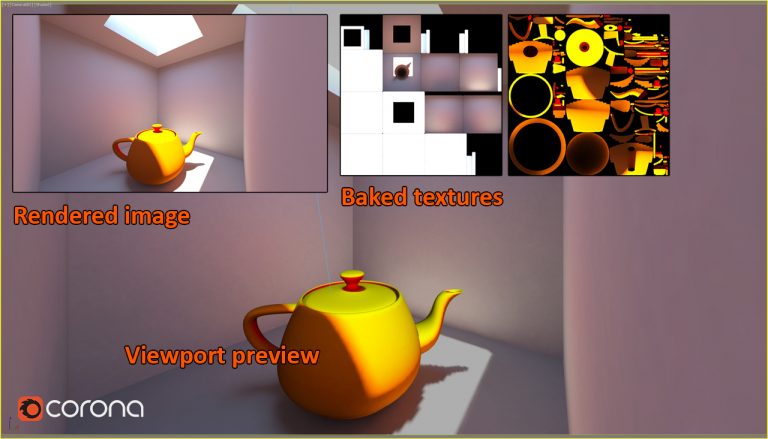
You can now use the Render To Texture option to bake your textures for exporting your models to real-time applications such as VR or games.
Virtual Reality Camera Added
Enabling this option in the Corona camera modifier will let you render your stereoscopic panoramas in equirectangular format. This is our first implementation of the VR camera and we plan to develop this functionality further as we move forward.

"Cake Please" by Peter Ang
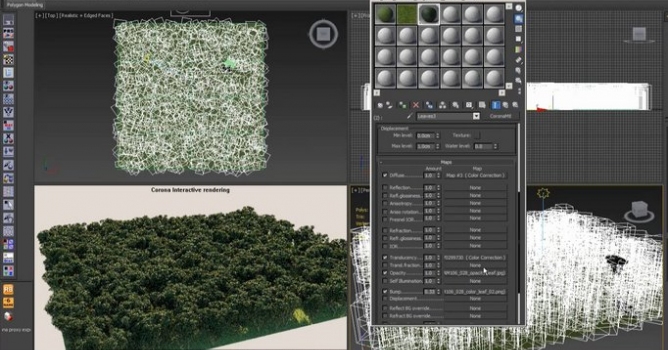
Corona Objects Switched to Nitrous in the Viewport
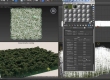
This will speed up viewport performance where there are a lot of Corona objects such as lights, proxies and scatter. The tests below used a GTX 980 Ti with a Corona Scatter set to display 100% of the 100,000 instances in Wire box Previz mode.
Want to know more?

LEAVE A COMMENT





|

|

|

|

|
 Customer zone
 Your orders
 Edit account
 Add project
 Liked projects
 View your artist profile
COMMENTS