Search
Cart
Sign in
  • offerCustomer zone
  • offerYour orders
  • offerEdit account

  • offerAdd project
  • offerLiked projects
  • offerView your artist profile

  • Dark mode
    ✔
Tricky Cut Outs made easy and fast

Tricky Cut Outs made easy and fast

Youtube 2015-04-23 14:33 tutorial  > Photoshop  > compositing

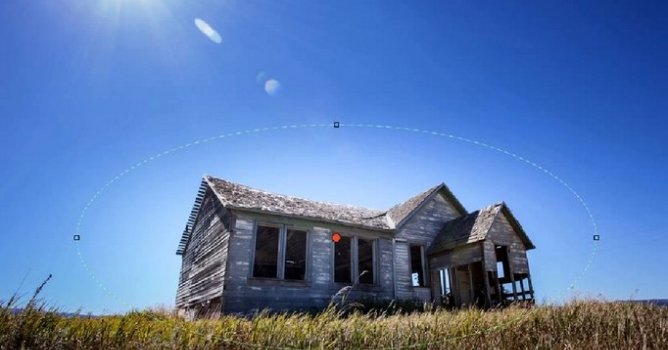
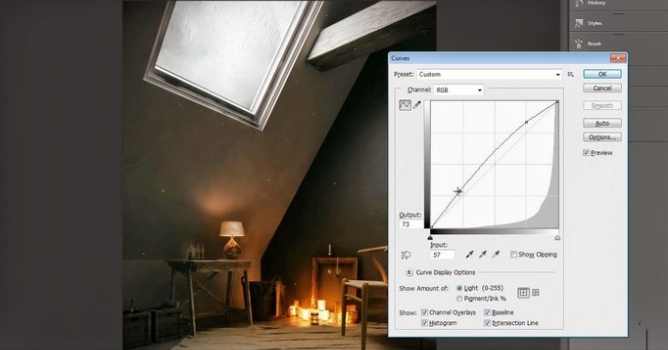
Want to place a cut-out tree in your visualization? Learn how to make fast cut-out in Photoshop using Color Range, Layer Masks and a Blend Mode.

Author: Youtube Editor: Michał Franczak
Tags: photoshop
You may also like...
Making of The Devil's Fountain

Making of The Devil's Fountain

One day I was taking photos around Lisbon , and I came across some beautiful stone statues in the middle of lakes set in some of the city's most beautiful parks. Later, I came across another fountain in a square, which had three of those classic angel-like figures standing below. Taking this photo as reference, setting it in the mood I had witnessed before at the park and adding a malevolent twist I decided to make the painting entitled "Fountain of Hell".
×

LEAVE A COMMENT

You need to be logged in to leave a comment. Don't have account? Register now.