Evermotion: More Than an Asset Library
How Evermotion became a full-scale production partner for archviz, automotive and synthetic data.


Total: € 0
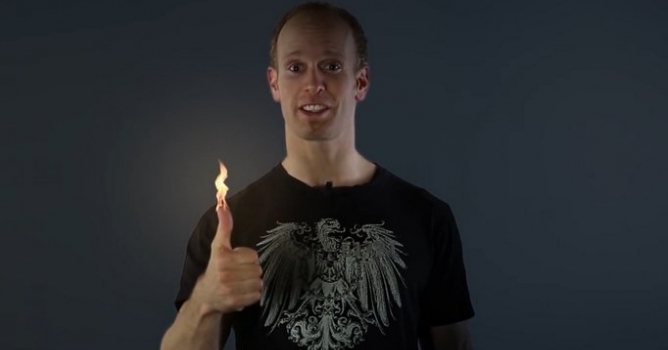

If you want to follow along with this tutorial, you can download the footage here: https://bit.ly/1tatmMu
and the background image here: https://bit.ly/1qwX8rs
For the fire element Surfaced Studio is using Action Essentials 2 by Video Copilot. You can get it here: https://www.videocopilot.net/products...
You can also find some free fire elements on
https://footagecrate.com/fire.html
It is easy to do some motion tracking and attach a basic stock footage element of fire onto your hands, but there is a little bit of work involved if you actually want to make it look good.
After tracking a thumb, we will use a looping fire stock footage element and set thumb on fire! With the help of a delta null object and some clever expressions to bend the fire. Finally we will add some advanced lighting to the scene using the Difference Matte effect to avoid spending hours rotoscoping.








LEAVE A COMMENT





|

|

|

|

|
 Customer zone
 Your orders
 Edit account
 Add project
 Liked projects
 View your artist profile
COMMENTS