We are more than an asset library

Watch our Showreel
Search
Cart
Sign in
  • offerCustomer zone
  • offerYour orders
  • offerEdit account

  • offerAdd project
  • offerLiked projects
  • offerView your artist profile

  • Dark mode
    ✔
How To Animate a Photo - The 2.5D Effect

How To Animate a Photo - The 2.5D Effect

The Creators Project 2013-11-18 08:24 tutorial  > After Effects  > compositing

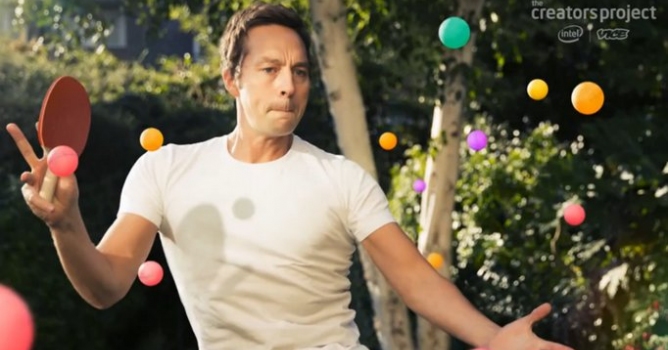
Learn how to create motion in still photographs.

A technique made popular in the film The Kid Stays In The Picture. In the tutorial above, Joe Fellows shows us how he's able to bring photos to life using the parallax effect with Photoshop and After Effects.


Author: The Creators Project
Tags: animate
You may also like...
Oruva brings 3ds Max scenes to Blender, Cinema 4D and others - with materials converted for each renderer

Oruva brings 3ds Max scenes to Blender, Cinema 4D and others - with materials converted for each renderer

A new Windows tool reads native .max files and rebuilds V-Ray and Corona materials for target renderers, letting multi-software studios skip re-setup work.
×

LEAVE A COMMENT

You need to be logged in to leave a comment. Don't have account? Register now.
errah 04:51:15  |  19-11-2013
Amazing.....thx fo sharing...
walethijau 11:16:14  |  25-11-2013
WOW, very interesting....good
logishape 19:21:19  |  26-11-2013
Breathtaking...........wow.
[email protected] 01:58:44  |  27-03-2014
hey mate - nice little tutorial. Presumably the textures on the spinning balls were done using a 3d app? Theres no way to get that 3d rotation in AE is there??