We are more than an asset library

Watch our Showreel
Search
Cart
Sign in
  • offerCustomer zone
  • offerYour orders
  • offerEdit account

  • offerAdd project
  • offerLiked projects
  • offerView your artist profile

  • Dark mode
    ✔
Heart - making of

Heart - making of

Dimitar Dimitrov 2012-07-23 12:04 tutorial  > Making of  > rendering

Hello, my name is Dimitar Dimitrov, I`m from Bulgaria and I have been working in the CGI for 5 years.

The main thing I want to write about in this making off tutorial is not the technical part of the project. I want to write about the organization of the work. The main problem of the CGI artists who make non-commercial job is that they don't finish it on time. The first thing I do when I start the project is to check how much time I have. I joined NOX competition at the end and I had just few days to make the image so I have divided my time into:

  • Concept - 2 hours - few quick sketches in my sketchbook.
  • Looking for references - 2-3 hours - I found some great references for organic here: https://www.biodigitalhuman.com/home/
  • Interior modelling and texturing - 2 hours
  • Heart modelling and texturing - 10 hours
  • Lighting - 3 hours
  • Retouching - 3 hour
Everything took me about 23 - 26 hours in 4-5 days. This is very important in every project you make. You must finish your work before the deadline.
 

The job

Ok, lets do the job:
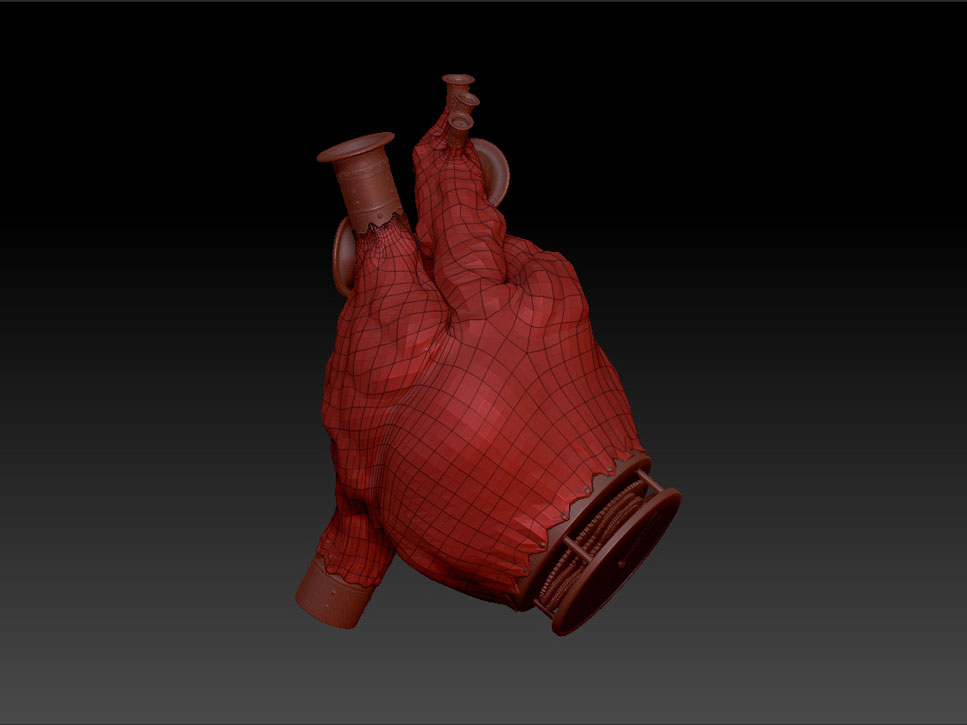
1. First I modeled a heart in 3ds max, unwrapped it and exported to obj to add detail in Zbrush:

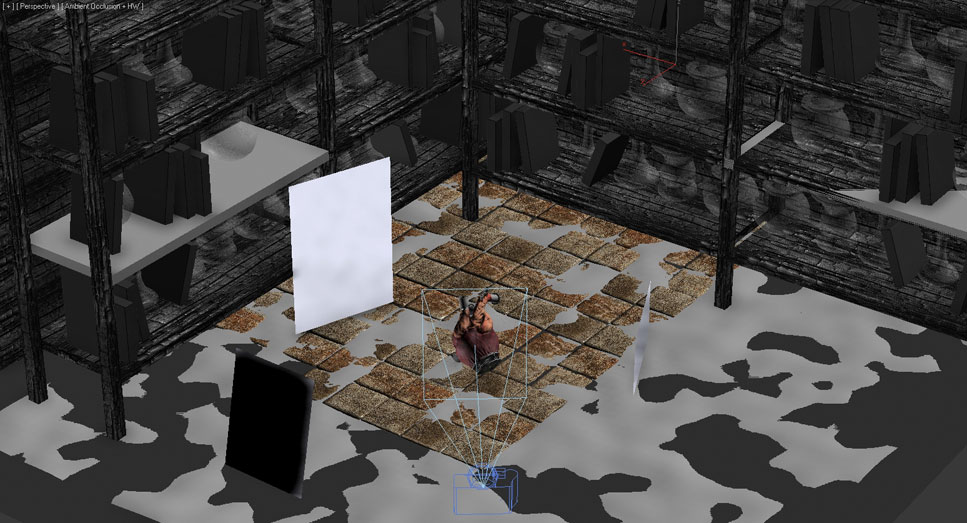
2. I built the scene. I knew that at the end the background will be blurred and almost nothing will be visible there so I didn`t waste my time to add detail and make better texture for there.

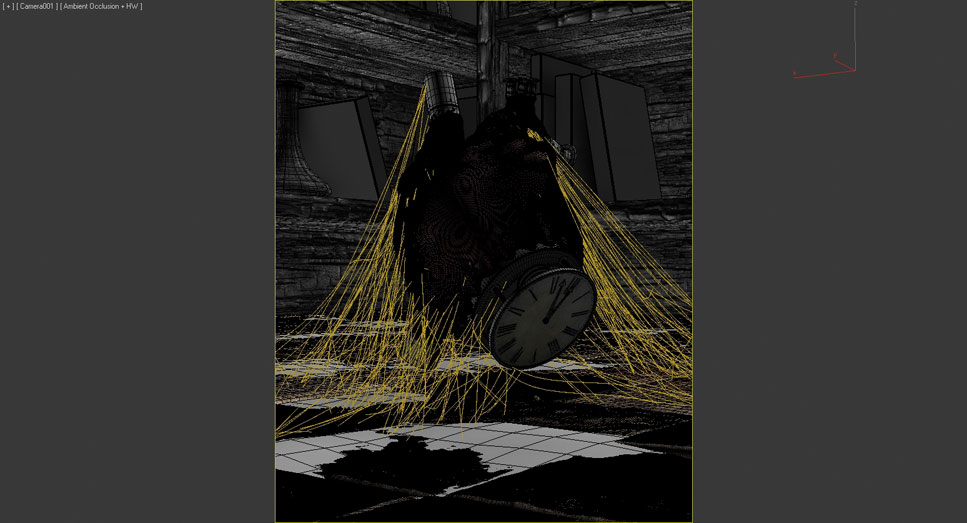
3. I used 2 great scripts for next step. I made floor tiles with this StonePlacment script ( https://www.aardolino.com/stone-placement-tools-maxscript/ ) and made webs with CobWebs (https://jokermartini.com/2012/05/09/cobwebs/ )

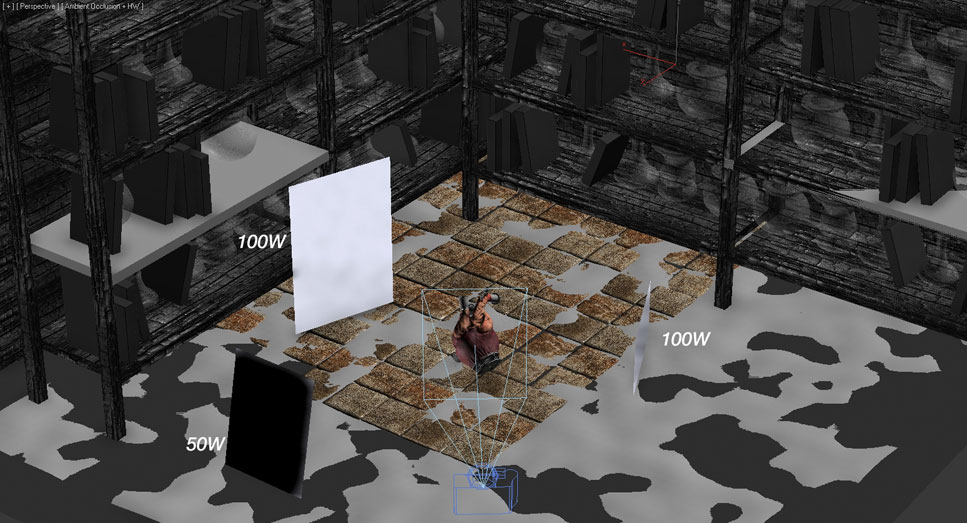
4. I found out that Nox have a great ability for postproduction so I had in mind what I wanted to make with lighting and just added few lights in the scene and after that I controlled it in the postproduction stage

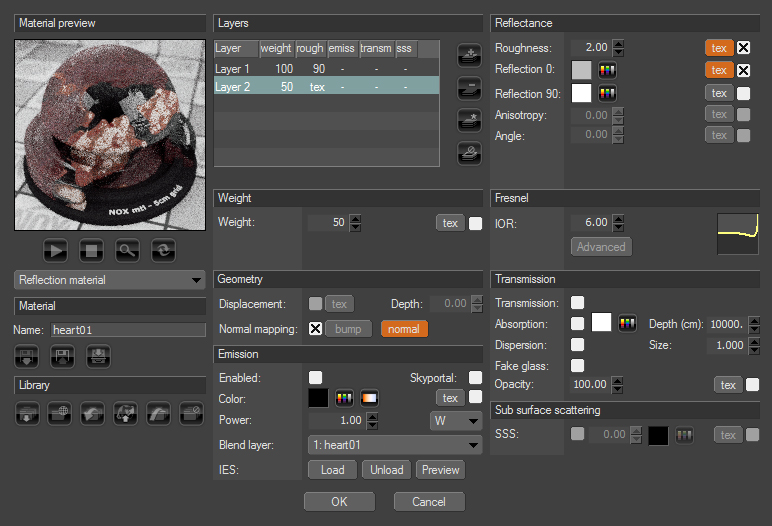
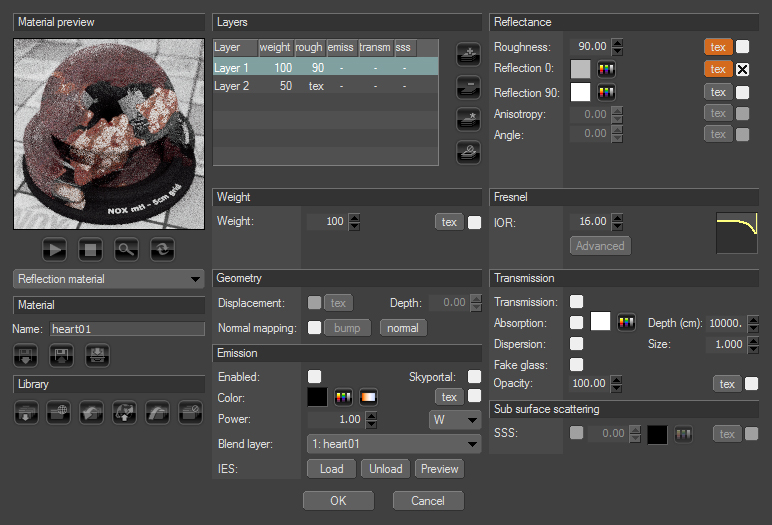
5. I didn`t want to go too far with heart and make it bloody. I wanted it to look more like an illustration.


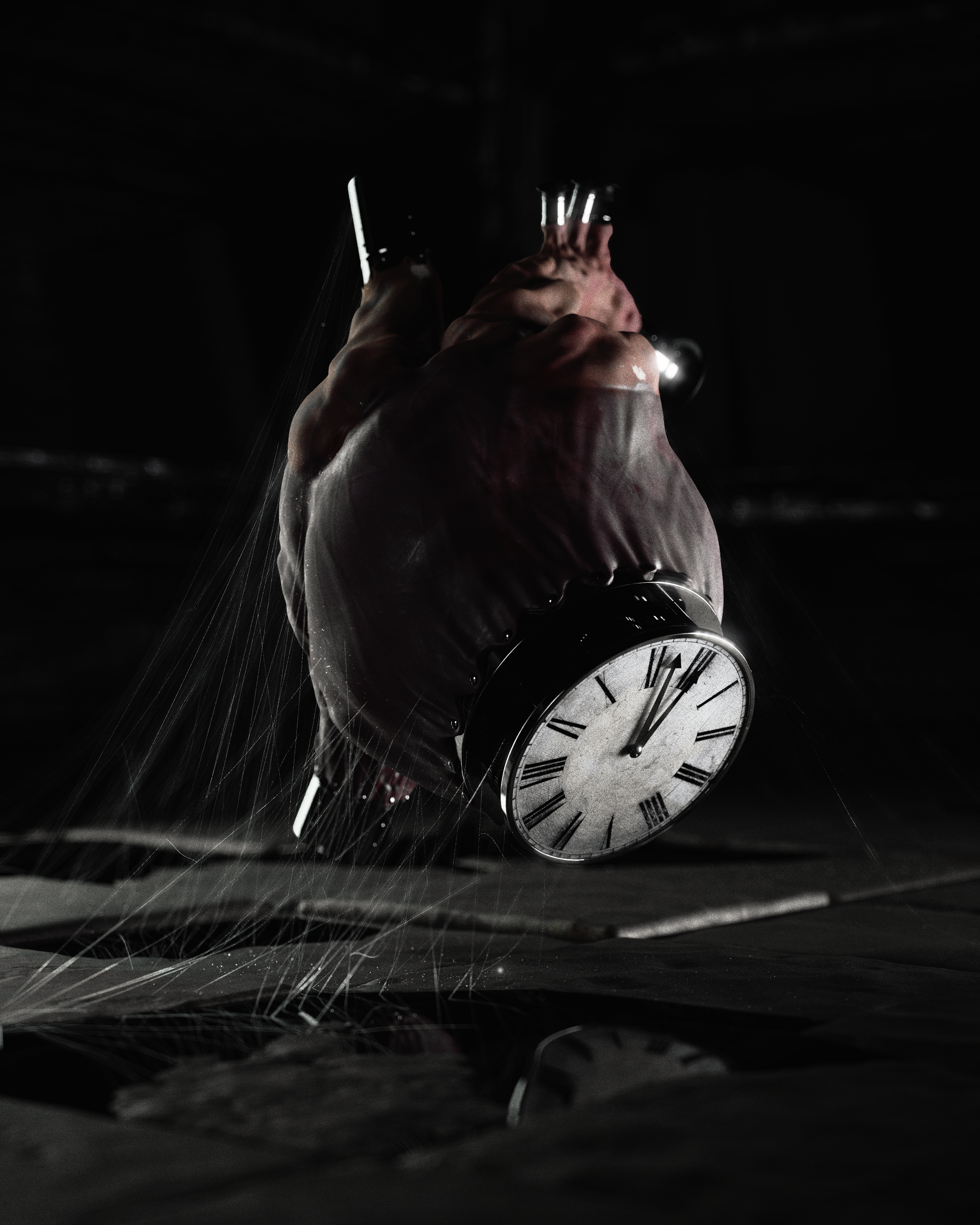
6. Final image:

Author: Dimitar Dimitrov
Tags:
You may also like...
Using 3D building models for industrial and commercial visualizations

Using 3D building models for industrial and commercial visualizations

In professional visualization, buildings are more than background elements. They define context, scale, and clarity for industrial and commercial projects. Well-prepared 3D building models help viewers read a scene instantly and understand its purpose without relying on technical descriptions or supporting text
×

LEAVE A COMMENT

You need to be logged in to leave a comment. Don't have account? Register now.