 Customer zone
 My courses
 Your orders
 Edit account
 Add project
 Liked projects
 View your artist profile

[email protected]
19:26:36 | 04-07-2023
beautiful tutorial!
Search
Cart
Your cart - 0 items
Total: € 0
Total: € 0
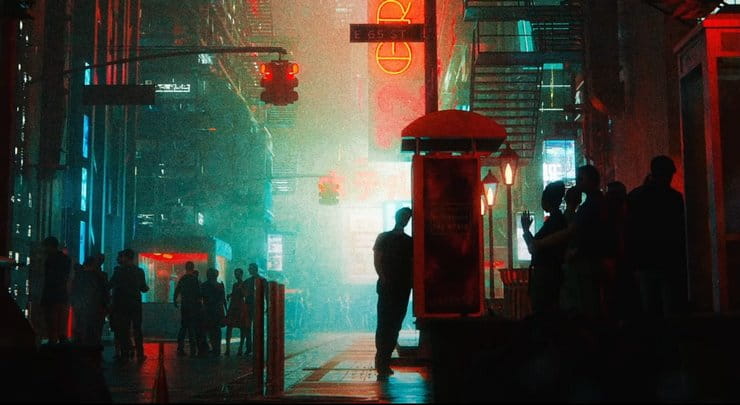

To add 3D people to your renders, you'll need access to 3D modeling software and a library of 3D models or assets. Once you have the 3D people assets, import them into your 3D modeling software. Typically, you can use the software's import function or drag and drop the files into the workspace.
Position and scale the 3D people within your scene to match the desired location and scale. Most 3D modeling software allows you to manipulate objects by rotating, translating, and scaling them using various tools or numerical inputs. Ensure that the lighting and materials of the 3D people match the overall scene. Pay attention to shadows, reflections, and ambient lighting to achieve a realistic integration. If you want your 3D people to have specific poses or movements, use the rigging and animation tools within your 3D modeling software. This step is optional, but it can add life and dynamism to your renders.




LEAVE A COMMENT






|

|

|

|

|
COMMENTS