Search
Cart
Your cart - 0 items
Total: € 0
Total: € 0
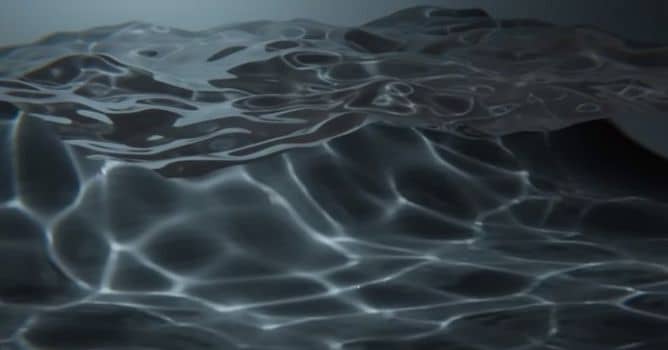

Blender caustics it's a new thing that's been added to Blender. It's still something that's being worked on it's nowhere near its final stages. But it already looks pretty good and renders pretty quickly.
The first thing you need to do is you need to download a newer build of Blender. If you don't get the right build you're not going to have caustic so make sure you're using a Blender 3.1. Then, after setting up a basic scene, create a plane and a sphere and make sphere material transmissive. Change renderer to Cycles, enable "caustics" in light settings. Then choose your glass object and enable "Caustic caster" setting" and then choose your plane and enable "Caustics receiver" setting.







LEAVE A COMMENT








|

|

|

|

|
 Customer zone
 Your orders
 Edit account
 Add project
 Liked projects
 View your artist profile

COMMENTS