Search
Cart
Sign in
  • offerCustomer zone
  • offerYour orders
  • offerEdit account

  • offerAdd project
  • offerLiked projects
  • offerView your artist profile

  • Dark mode
    ✔
How to use Forest Pack's Custom Edit Mode

How to use Forest Pack's Custom Edit Mode

iToo 2021-04-06 09:04 tutorial  > 3ds MAX  > misc

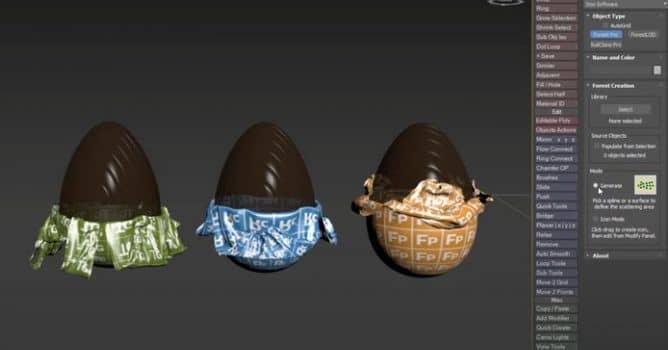
Learn how to place individual objects using Custom Edit mode in Forest Pack 7.

The process to activate that mode from a new Forest Pack object has changed slightly in Forest Pack 7. In this tutorial, we’ll quickly explain how to use Custom Edit mode in Forest Pack 7.


Forest Pack is a plugin that lets you simulate natural distribution patterns and get the most out of your assets using advanced mapping and randomisation tools, or fine-tune your scatters with granular control over every aspect of the plugin.

Author: iToo Editor: Michał Franczak
Tags:
You may also like...
How to Speed Up Archviz Rendering Without Upgrading Your Hardware

How to Speed Up Archviz Rendering Without Upgrading Your Hardware

Save time, reduce stress, and focus more on the creative side of your projects.
×

LEAVE A COMMENT

You need to be logged in to leave a comment. Don't have account? Register now.