Search
Cart
Your cart - 0 items
Total: € 0
Total: € 0


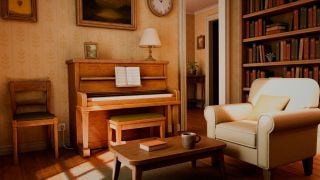
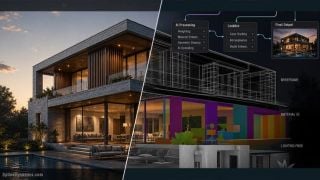
This scene comes from Archinteriors vol. 56 - a collection of 10 scandinavian interiors created for 3ds Max and V-Ray (although obj and fbx formats are also available). You can get Archinteriors vol. 56 directly from Evermotion Shop.

The final image after post-production

The scene consists of a building mesh, furniture, grass plane with scattered plants and it is lit by Vray Dome - settings are visible on the panel.
.
There is a HDR map in dome slot, here are the settings.

It's "slipway" HDRI that we used for lighting this scene. This map can be downloaded from HDRIHaven for free.

Building mesh

Building material

V-Ray light portal in window for speed up rendering, a standard technique.

And now, let's take the building mesh off!

This is how interior looks without walls - wooden floor, some detailed furniture and a couple of light sources

A light to make the water tank a bit more interesting.

Carpet made with Vray Fur.

Carpet directional map that we used to control curving of carpet hair particles.

V-Ray light lister

Noise modifier added on top of the marble wall panels to add a bit of variation.

Render settings



LEAVE A COMMENT








|

|

|

|

|
 Customer zone
 Your orders
 Edit account
 Add project
 Liked projects
 View your artist profile

COMMENTS