Objects like cloth allow light to pass through them even though the actual substance they are made of is not really transparent or refractive. The light passing through the cloth is described as translucency. When bright light is placed behind a piece of fabric then back side characteristics of the fabric strongly effect its overall appearance. VRay2SidedMtl is the best choice for representing cloth and other translucent objects.
Translucency determines which side (front or back) relative to the camera is more dominant in the render.
Select the VRay2SidedMtl node. In the Parameters rollout, set the Translucency color to the desired value. Note that darker colors make the VRay2SidedMtl look more solid, while lighter colors make it more sheer and allow more light from the back side to pass through the object.
More information about translucency in V-Ray is here.






 Customer zone
 Your orders
 Edit account
 Add project
 Liked projects
 View your artist profile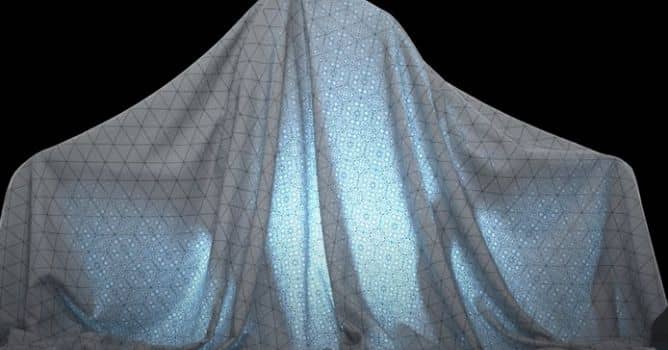













COMMENTS