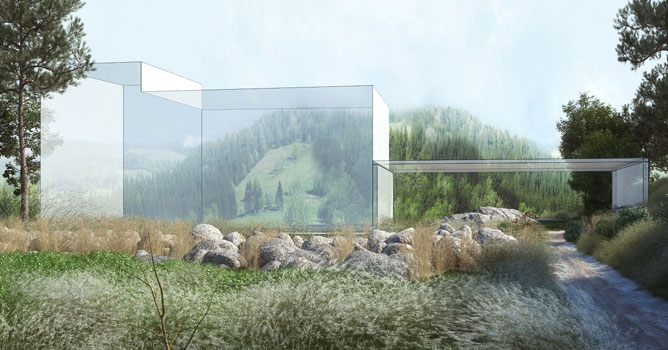
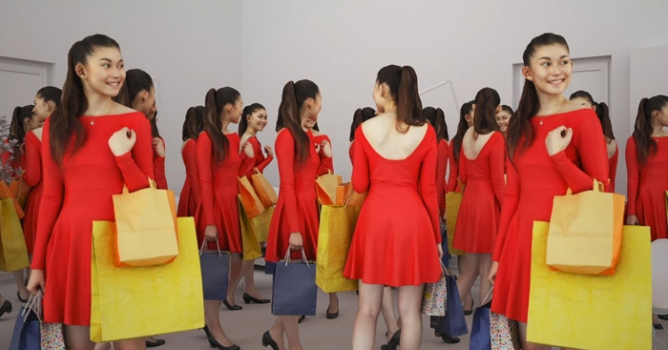
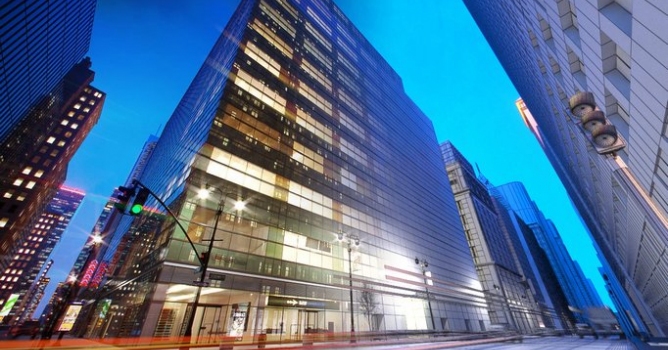
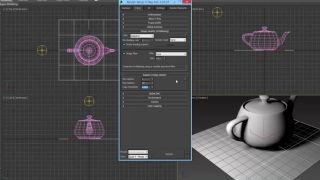
The complete workflow will be shown, from the preparation of the model in 3ds max, the addition of 3d people with the Drag&Drop Gallery panel, the creation of a Motion Blur effect, the rendering process and the final work of post-production using a dedicated mask for the 3D models created with anima.
- 00:13 - Overview
- 00:20 - Introducing anima drag&drop gallery panel
- 00:42 - Use case preview
- 00:59 - Why people in renders?
- 02:03 - Chapter 1: 3dsMax - anima LITE Drag&Drop workflow
- 02:17 - What is anima LITE?
- 02:44 - Drag&Drop Gallery panel in 3dsMax
- 05:40 - Chapter 2: Motion Blur Effect & Scene Setup
- 05:44 - Adding Motion Blur effect
- 08:03 - Easy modifications based on feedback
- 10:24 - Generating a render mask for the actors
- 11:27 - Chapter 3: Post-Production & Final Result
- 11:42 - Post-Production workflow
- 12:36 - Using the actor's mask
- 13:51 - Final render with and without people






 Customer zone
 Your orders
 Edit account
 Add project
 Liked projects
 View your artist profile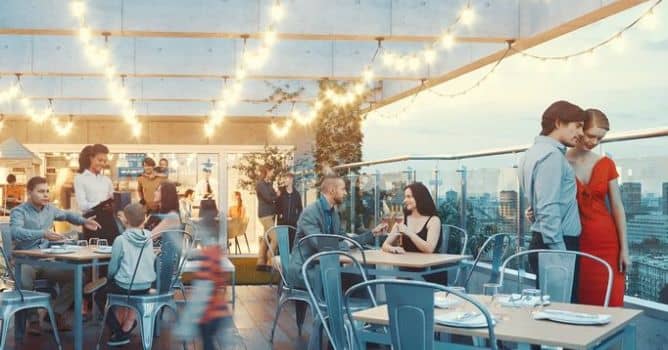











COMMENTS