Search
Cart
Your cart - 0 items
Total: € 0
Total: € 0
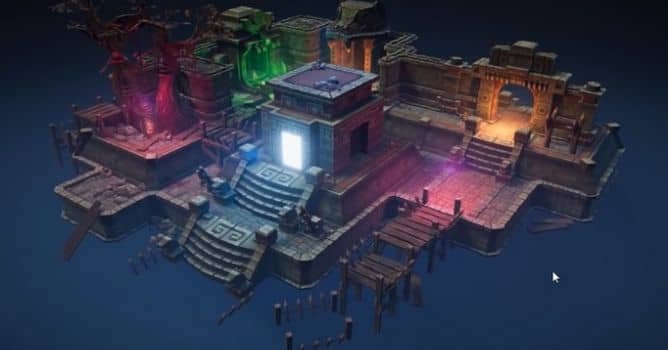

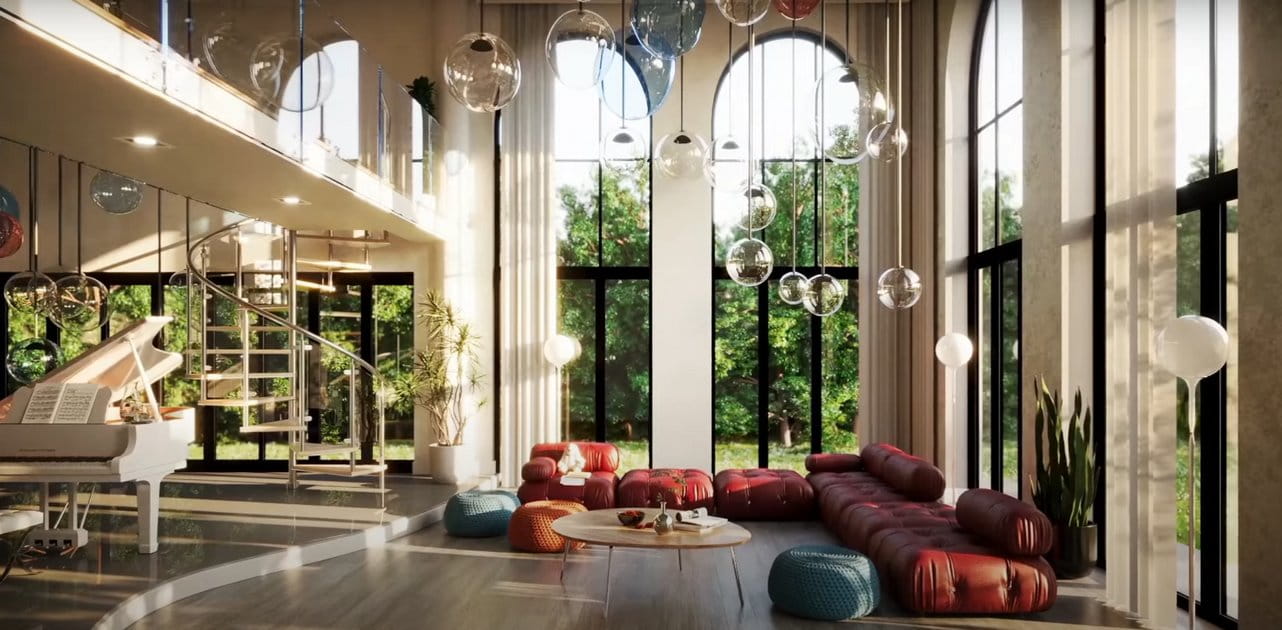
Modifying Unity scene - from standard rendering to High Definition Render Pipeline.
first, we need to ensure we have HD Render Pipeline installed, then we create render pipeline asset. We can change rendering settings with it. The next step is to assign this asset to project (just drag it to Preferences > Graphics > Render pipeline window).
We need to change color space to linear and update all materials to HDRP. You can change all materials in one go, with Edit > Render Pipeline > Update Materials option. After that we can add Scene Settings (right click in Hierarchy window and choose Rendering > Scene Settings). With this asset you can change shadow quality, sky and sun, fog, etc.






LEAVE A COMMENT





|

|

|

|

|
 Customer zone
 My courses
 Your orders
 Edit account
 Add project
 Liked projects
 View your artist profile

COMMENTS