We are more than an asset library

Watch our Showreel
Search
Cart
Sign in
  • offerCustomer zone
  • offerYour orders
  • offerEdit account

  • offerAdd project
  • offerLiked projects
  • offerView your artist profile

  • Dark mode
    ✔
Creating unique textures for 3d models in Substance Painter

Creating unique textures for 3d models in Substance Painter

FlippedNormals 2019-02-18 10:20 tutorial  > Making of  > texturing

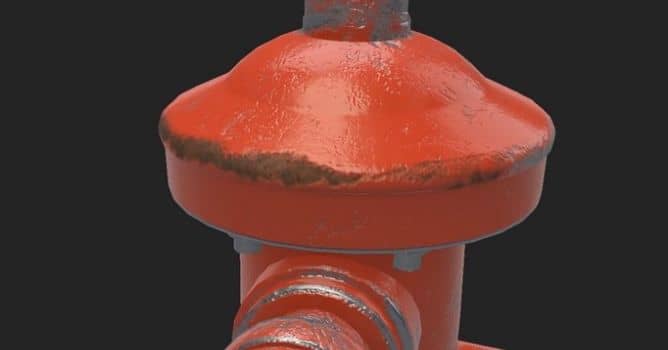
In this Substance Painter video tutorial, we talk about what most beginners get wrong. Instead of crafting carefully made materials, they will rely far too much on smart materials and smart masks, disregarding reference and the story of the model.

Procedural masks and smart materials are tempting shortcuts for texturing objects, but these features are often overused by beginners. They result in a model that does not have a story and looks far too generic. In this tutorial by FlippedNormals you will see how to add a bit of a soul to your models with paint layers used in conjunction with procedurally generated masks.


Author: FlippedNormals
Tags:
You may also like...
Veras 5.3 Adds Node-Based Workflows: Parametric Control Comes to AI Rendering

Veras 5.3 Adds Node-Based Workflows: Parametric Control Comes to AI Rendering

Veras 5.3 introduces NODES, a visual workflow builder now in Beta that lets users generate parametric geometry and bake it directly into Revit, Rhino, or SketchUp. The system shifts Veras from rendering-first to a full generative design platform with interactive design tools.

×

LEAVE A COMMENT

You need to be logged in to leave a comment. Don't have account? Register now.