It might not be the obvious choice of plugin for this task - after all snow normally forms a continuous blanket-like mesh, and Forest Pack scatters hundreds of thousands of individual objects - but when coupled with a MetaBalls plugin, Forest Pack can be used to add a covering of snow to high polygon objects really quickly.
In this tutorial we'll examine two techniques for adding realistic snow to a tree, starting with covering only the branches that are visible to the sky and not occluded by one another. We'll then build upon these foundations to add a denser coating of snow by covering all the tree's upwards facing polygons. Finally we'll use our new snow covered tree assets to populate the small environment shown above.
itoosoft.com/tutorials/making-it-snow-with-forest-pack






 Customer zone
 Your orders
 Edit account
 Add project
 Liked projects
 View your artist profile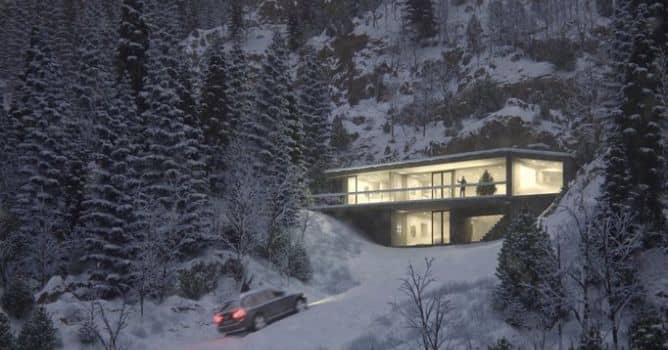













COMMENTS