We are more than an asset library

Watch our Showreel
Search
Cart
Sign in
  • offerCustomer zone
  • offerYour orders
  • offerEdit account

  • offerAdd project
  • offerLiked projects
  • offerView your artist profile

  • Dark mode
    ✔
Texturing DeWalt Drill driver in Substance Painter 2

Texturing DeWalt Drill driver in Substance Painter 2

Youtube 2017-03-13 08:46 tutorial  > Making of  > texturing

Tutorial by Iskander Gallyamov.

Author: Youtube
Tags: substance
You may also like...
Working with Materials in Substance Designer 4 for Beginners

Working with Materials in Substance Designer 4 for Beginners

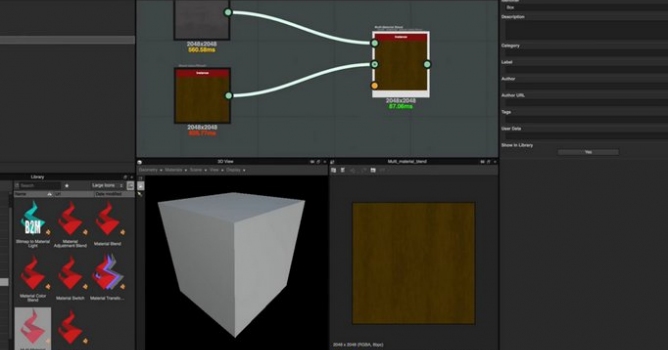
In this video, we discuss the process of creating base materials and then blending these materials using the Multi-Material Blend node.
×

LEAVE A COMMENT

You need to be logged in to leave a comment. Don't have account? Register now.