How to make your FBX file have textures in unreal engine 4?
hey everyone.
i am new to UE4's material editor. and i have got the Evermotion Archmodels Vol. 165 to make a post apocalyptic game. there are a few things i really don't understand:
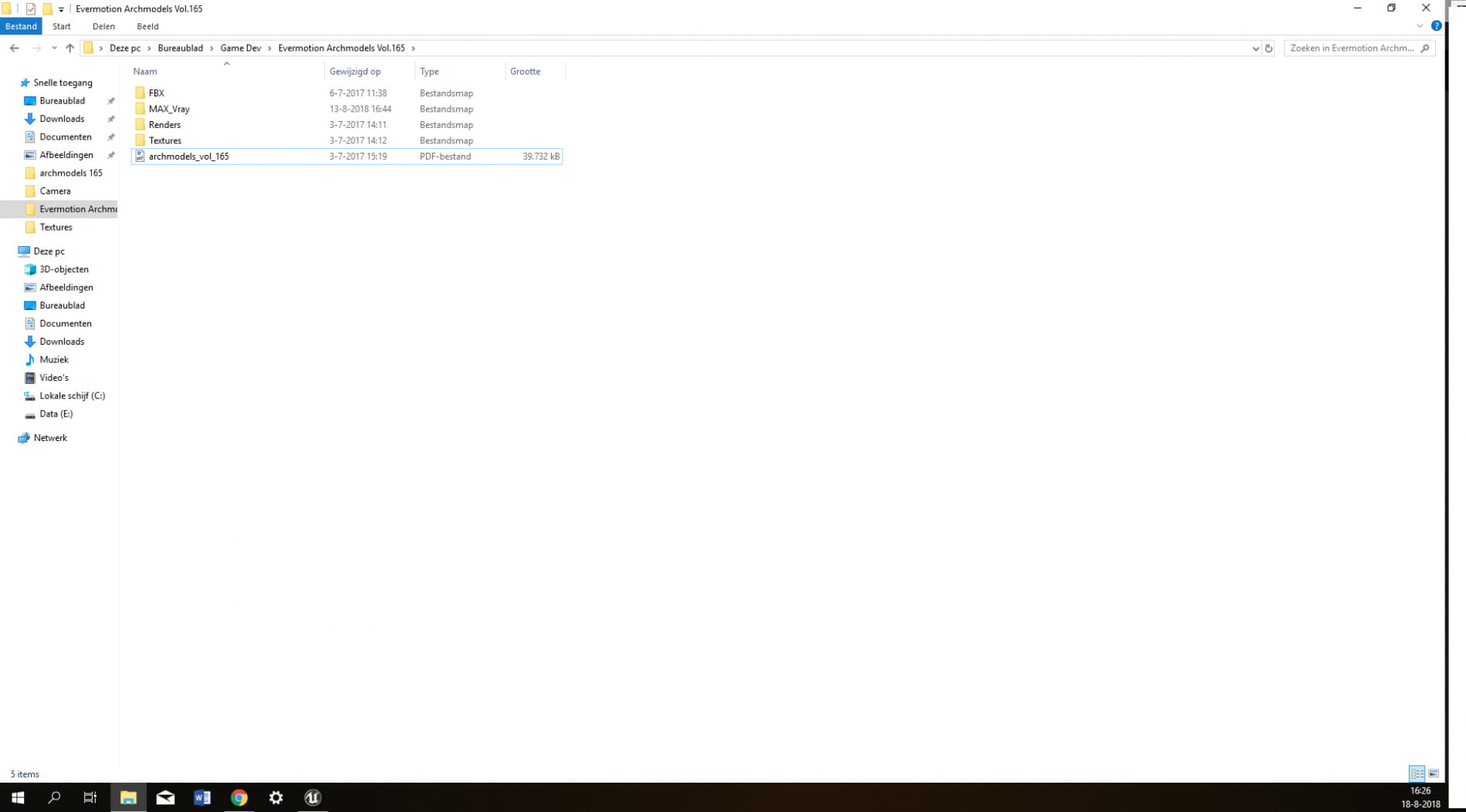
In the file of the download i find the following: (look at pc sc 3)
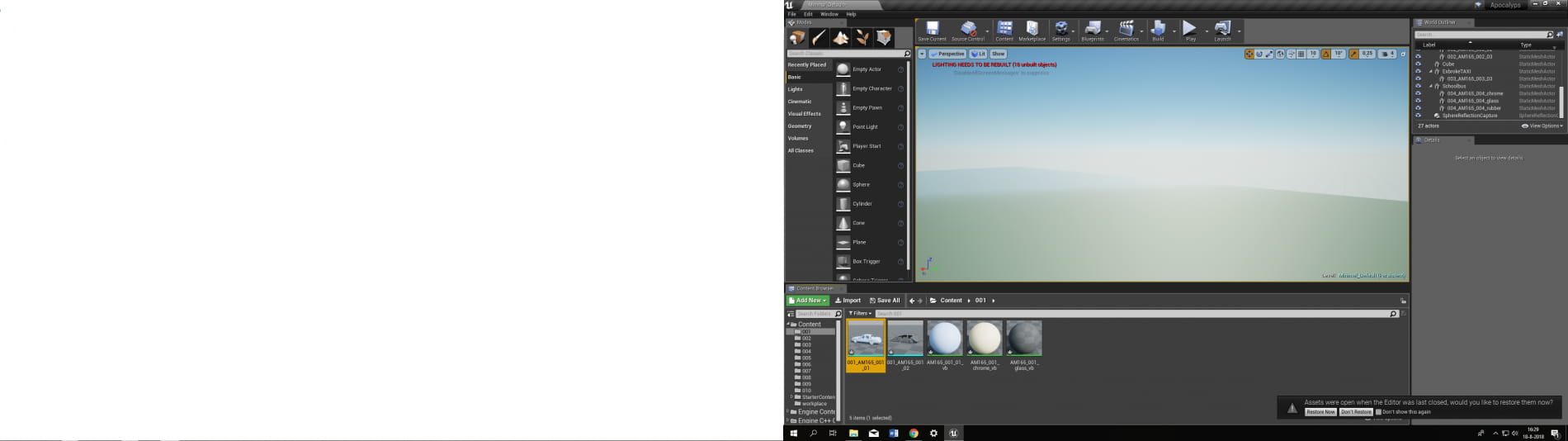
so i import the FBX file in Unreal Engine 4 and i have this: (look at pc sc 4)
then i import the textures in the same folder (the name of the folder is 001 (see pc sc 4))
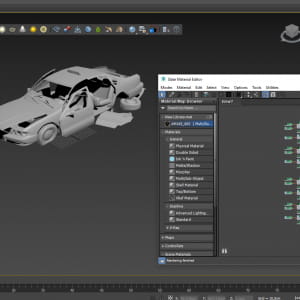
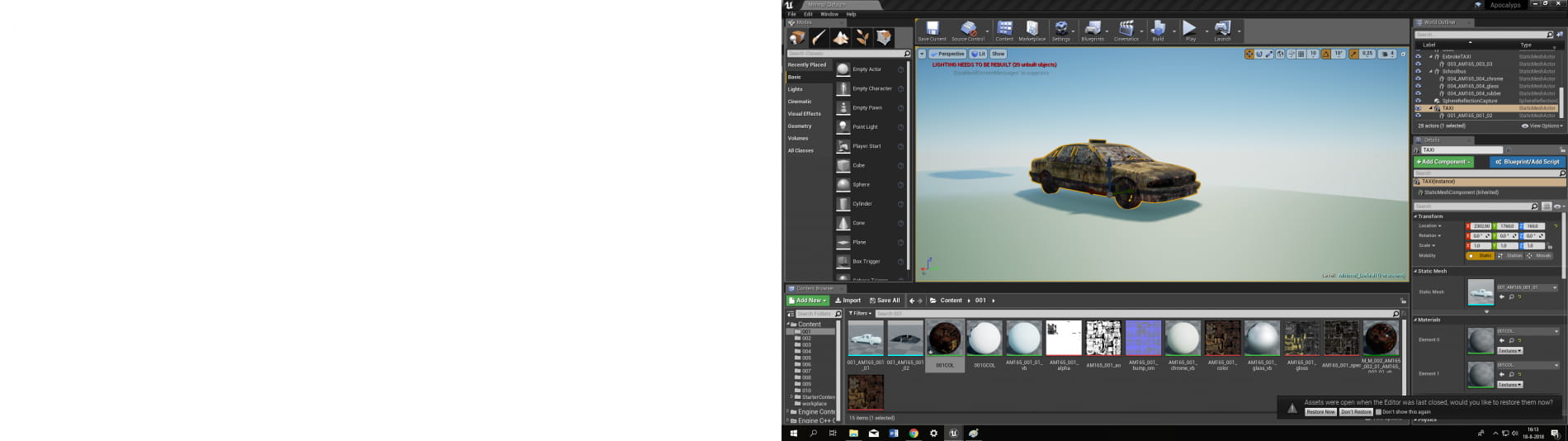
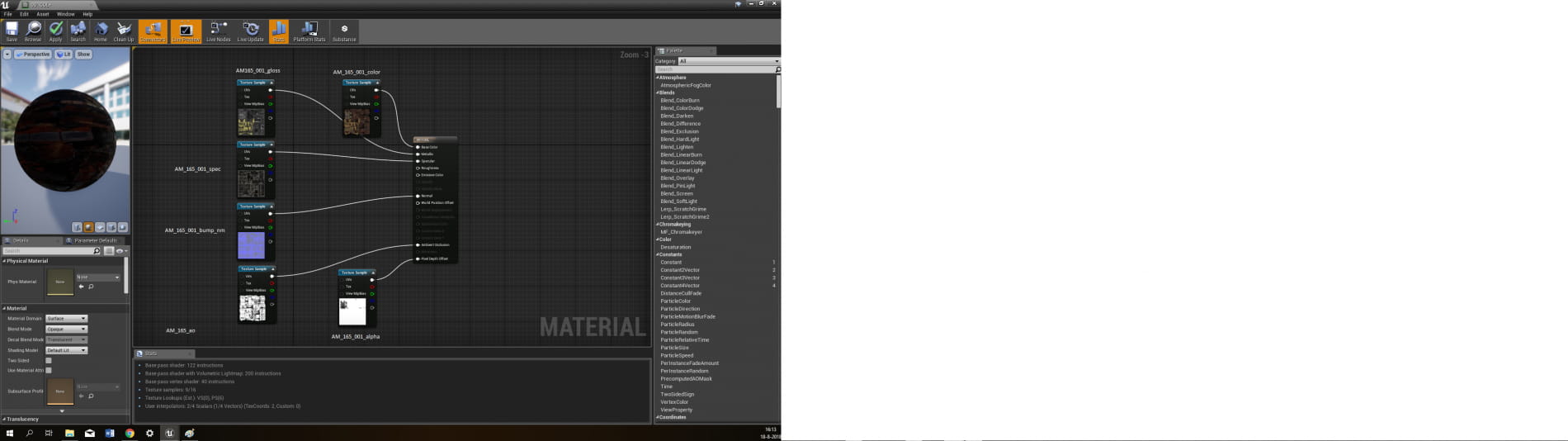
and then i open up the material "AM165_001_01_vb.AM165_001_01_vb" and do this inside it with the textures (look at pc sc 2 (i've putted the names of the textures near the texture sample. I click apply and save and then i see the textures added to the FBX (i've used the same material on the glass and the body of the car) but it doesnt really look the same like in the render picture (look at pc sc). also what do i need to do with AM165_001_01_chrome_vb and AM165_001_01_glass_vb?
Thanks for the help everyone!
-Daniel
Posted on 18.08.2018
You have to be logged in to like this project
 DanielKnows
LEAVE A COMMENT






 Customer zone
 Your orders
 Edit account
 Add project
 Liked projects
 View your artist profile