willis tower
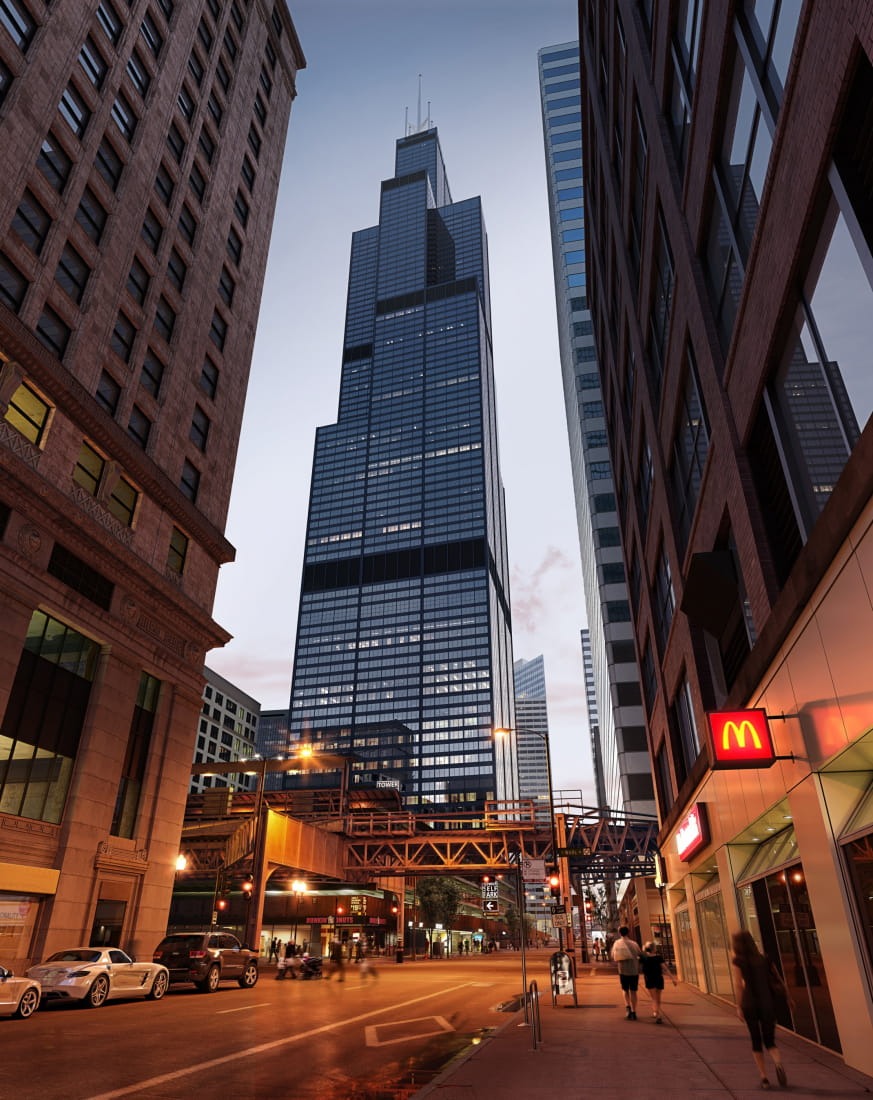
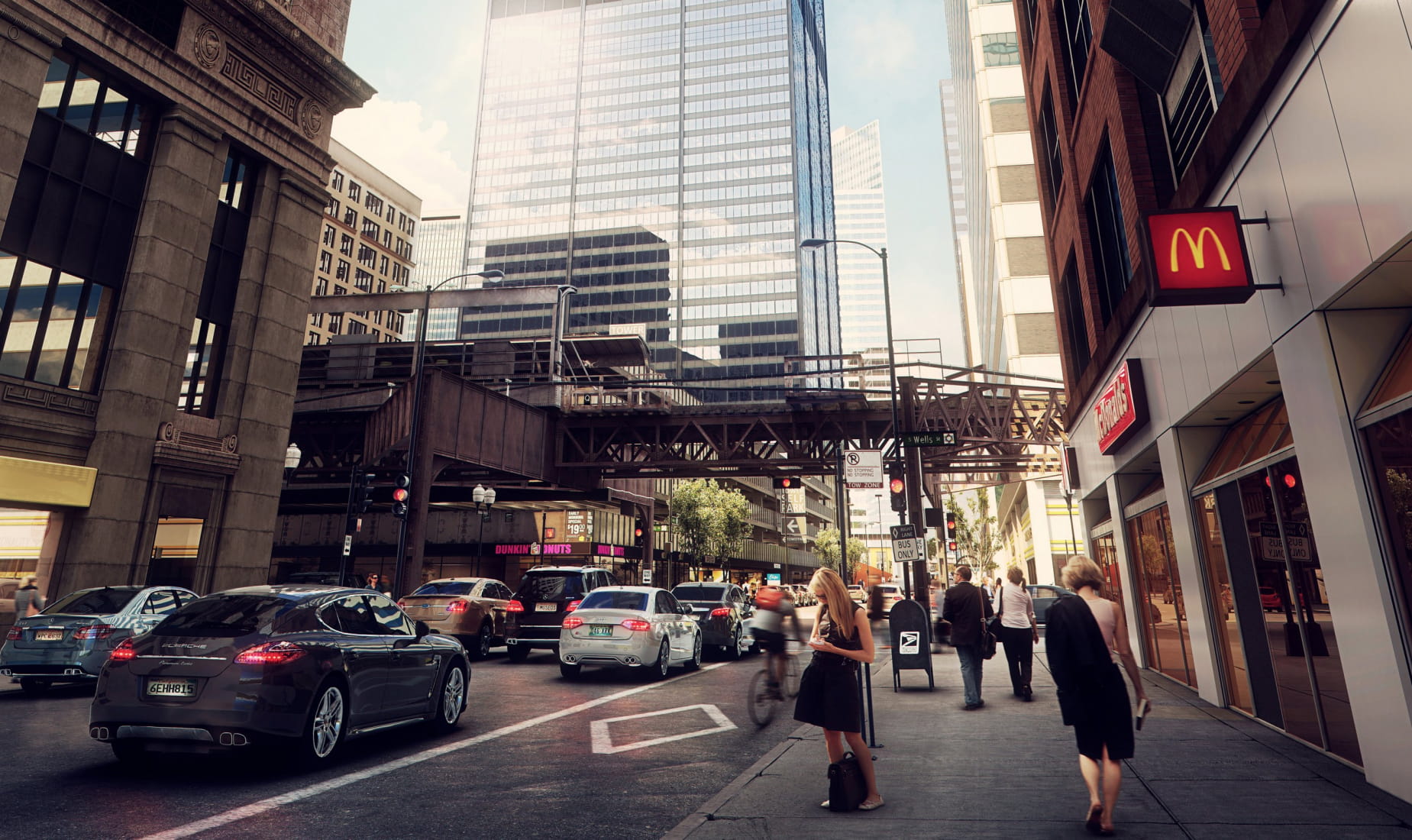
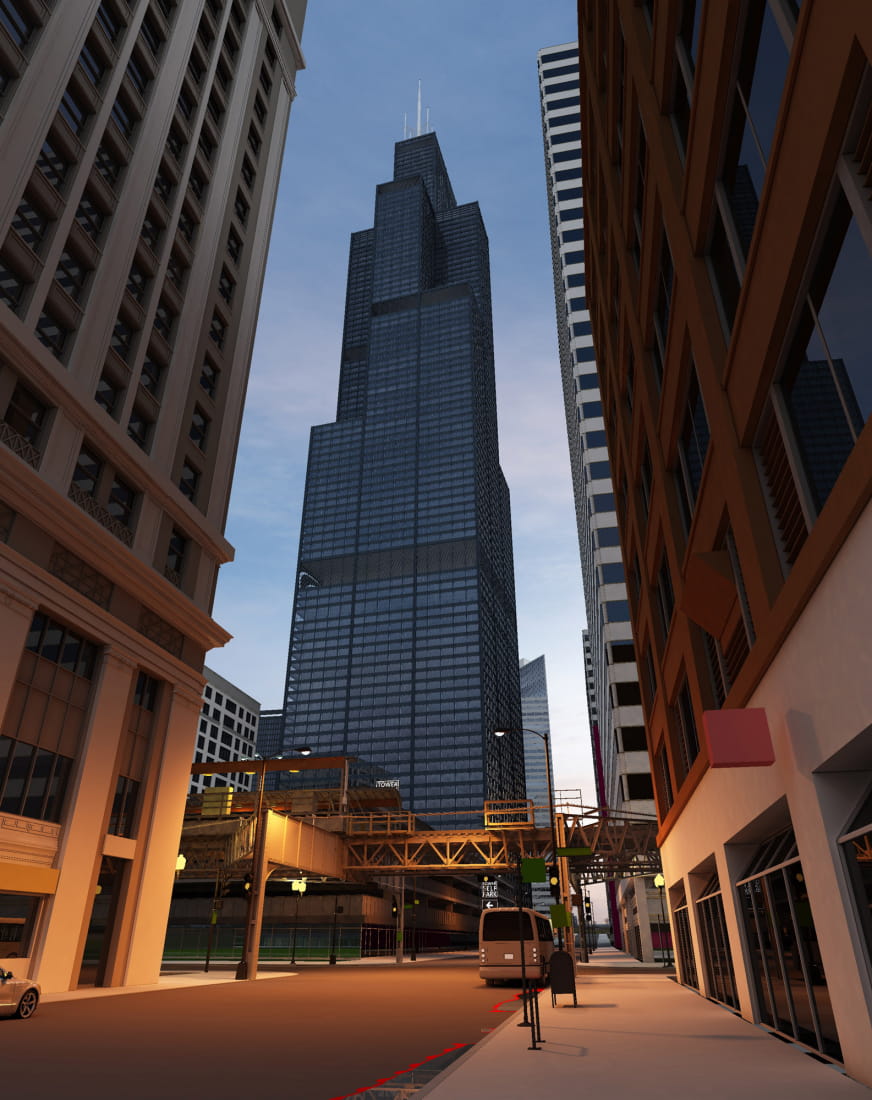
124059 Hello everyone, this is one we are very familiar with the photo scene, I hope you like it!
124166
124167
Hello everyone, it's my great pleasure to share with you my process of making Willis Tower CGI.
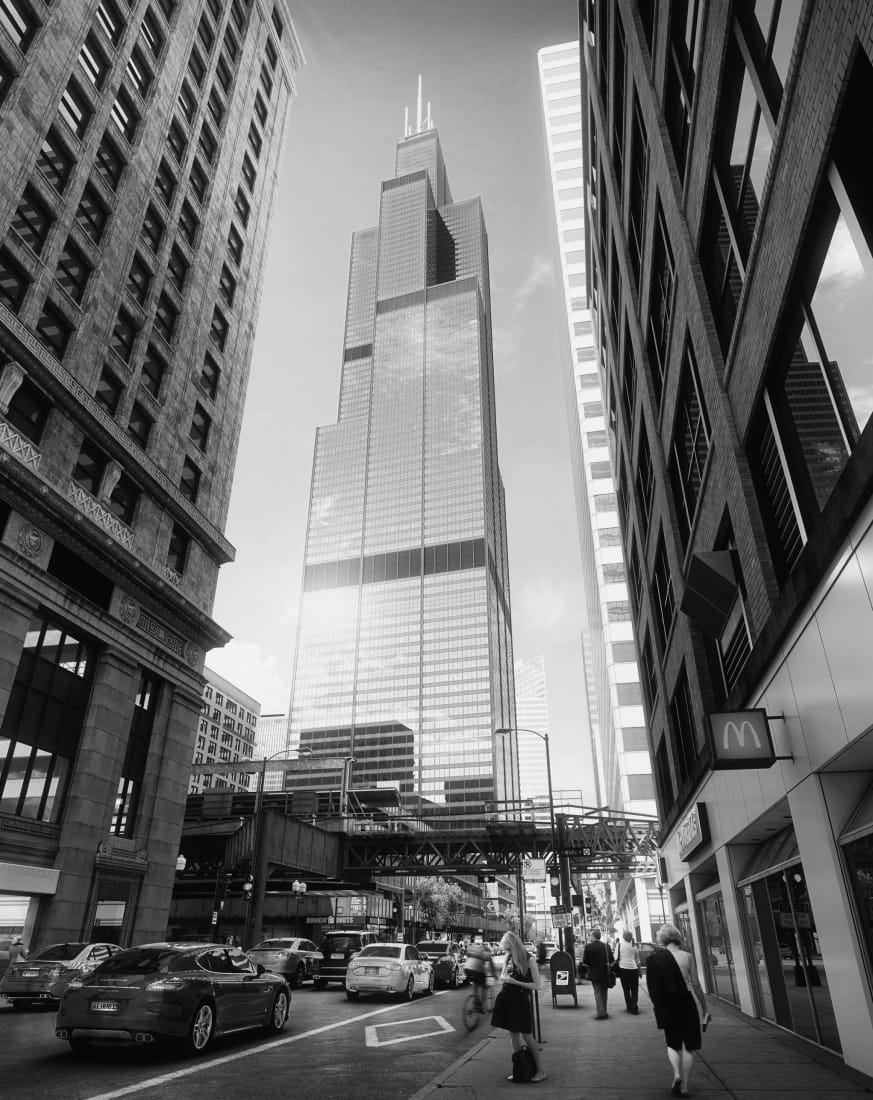
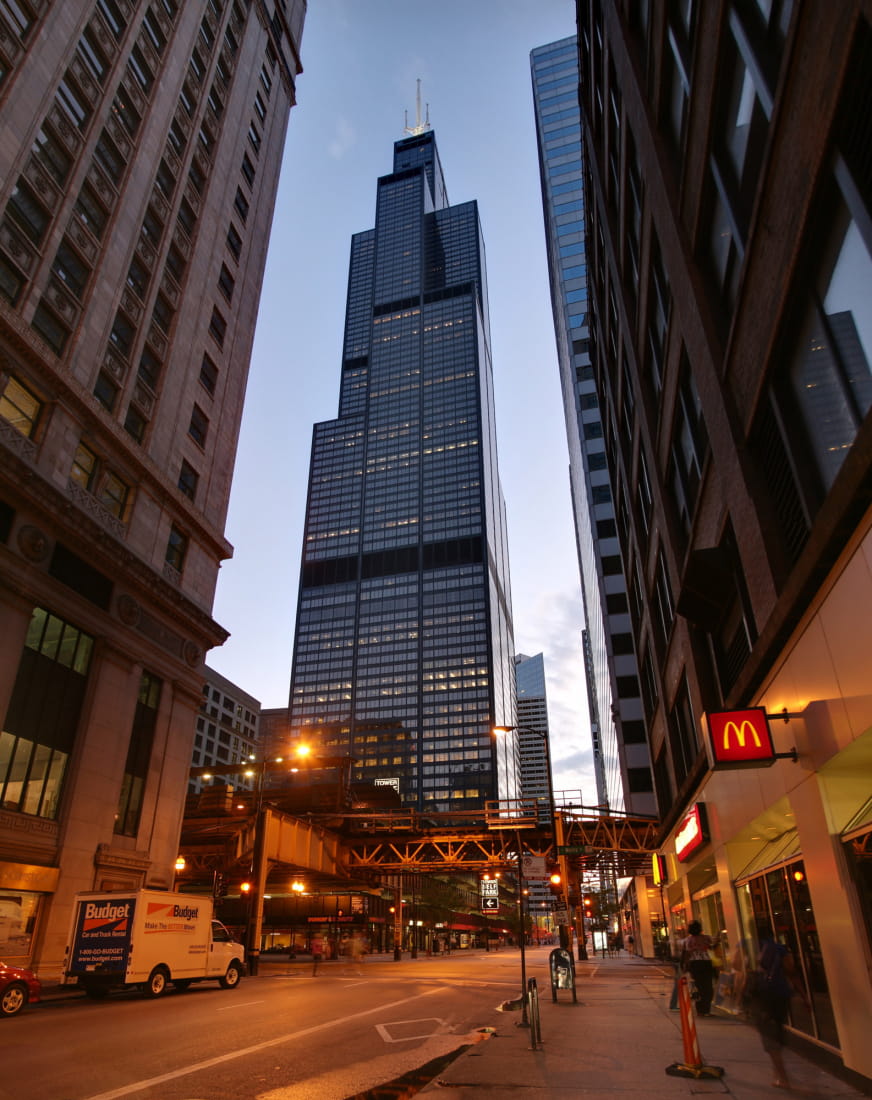
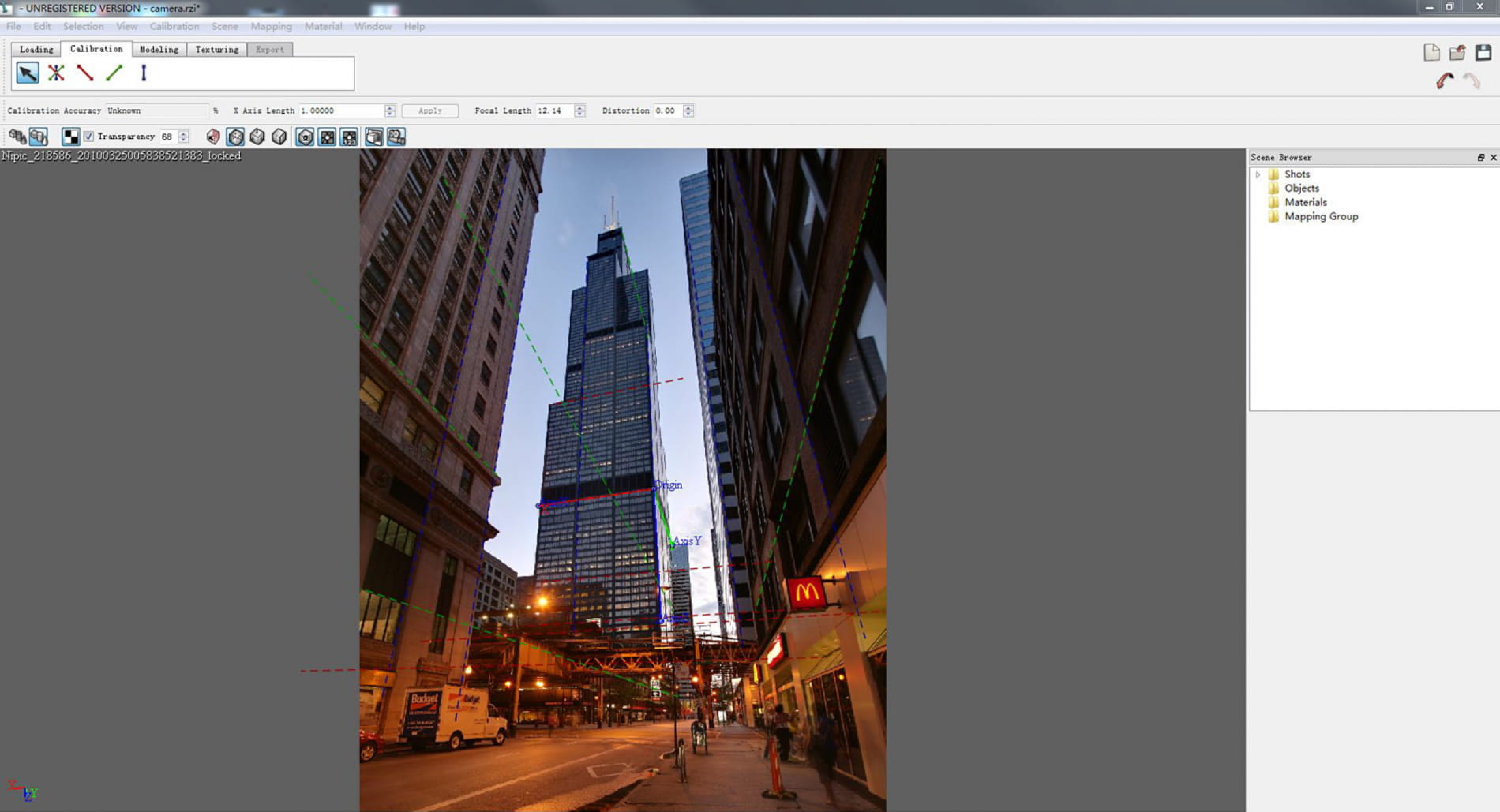
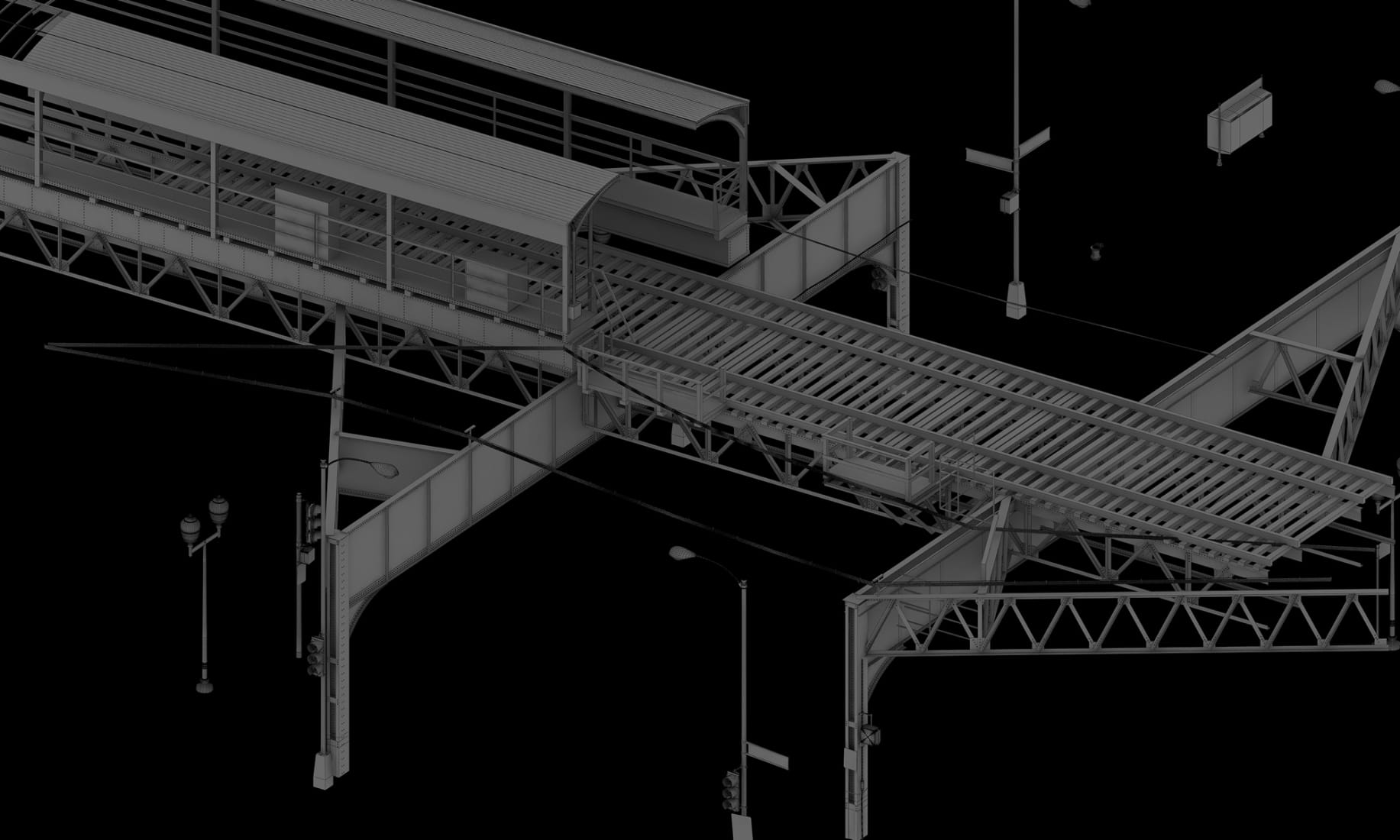
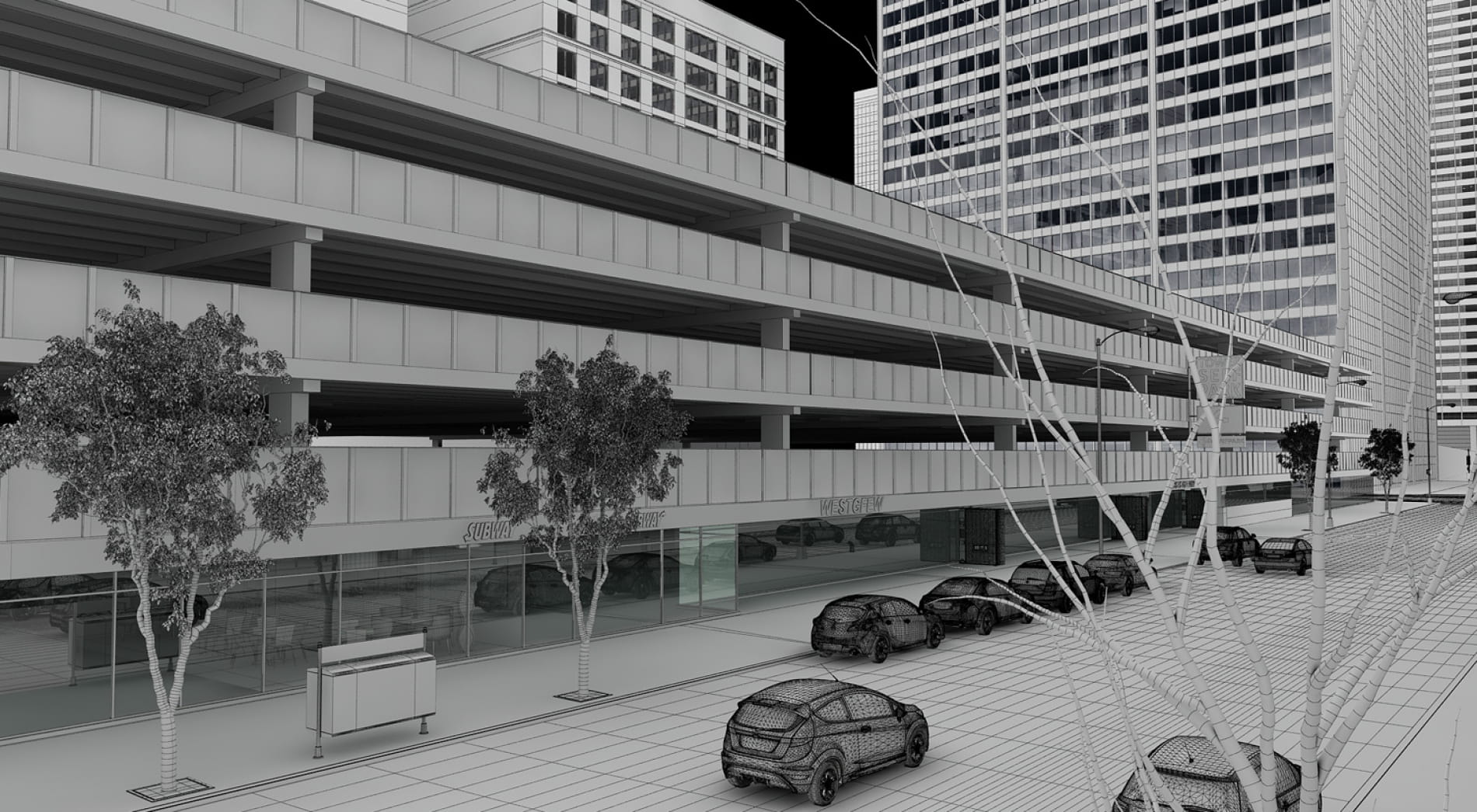
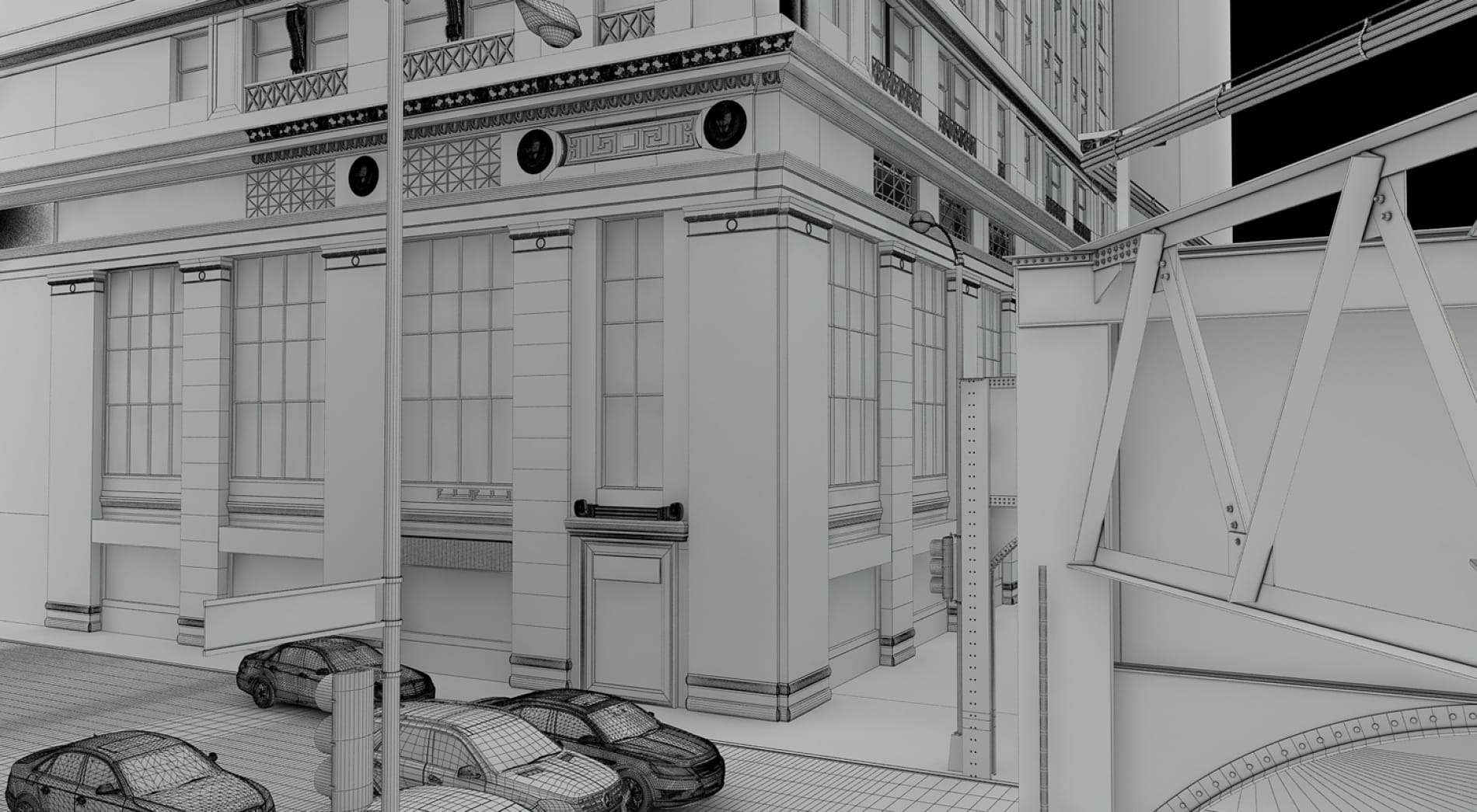
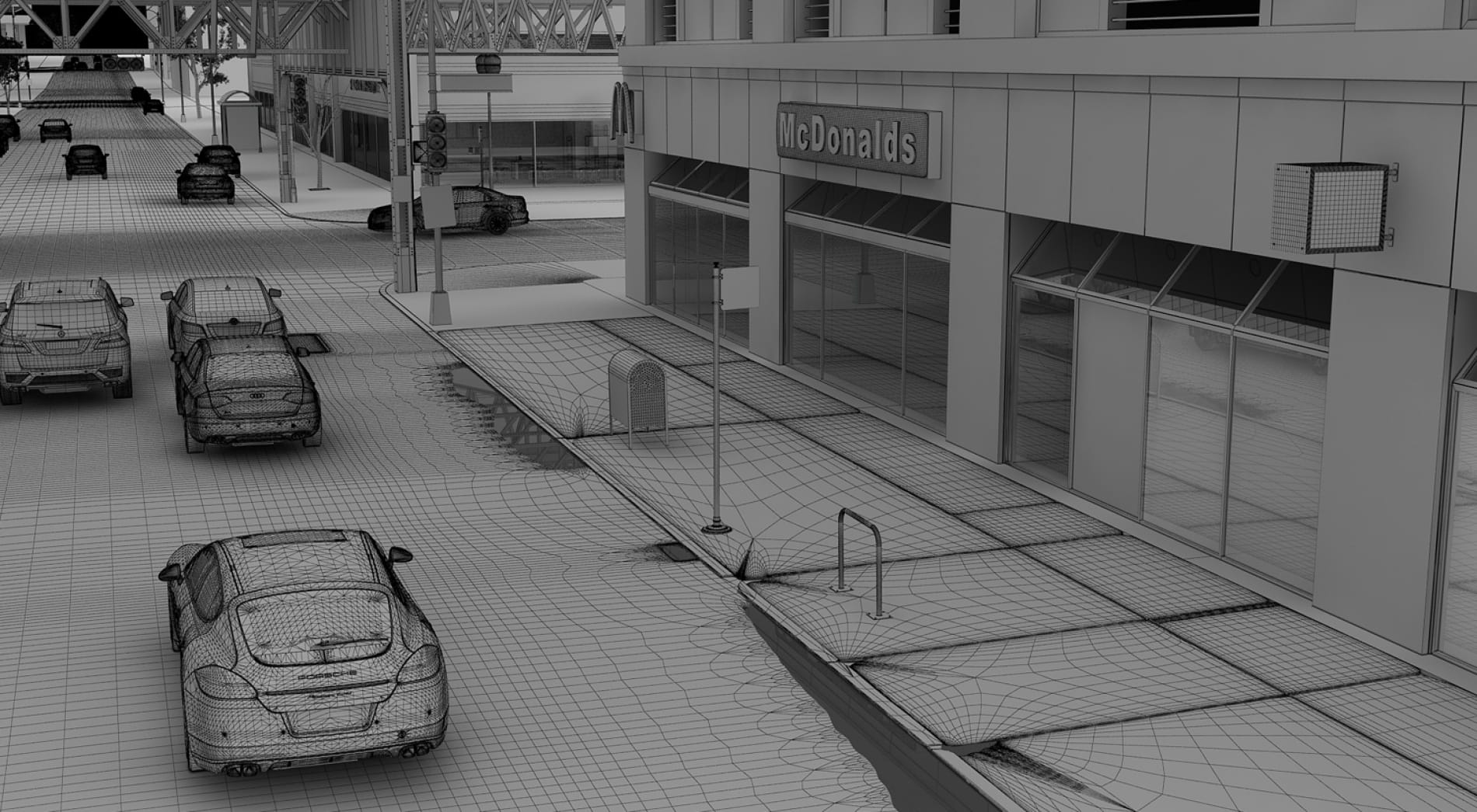
I like this photo very much so planned to create it in full 3D. The workload of this scene is huge, except cars and furniture which can be taken from library all the rest need to be modeled and all those small details require a lot patience. Once I finished some more models I would render to check if it's good enough. The size of this photo is 2855 x 3600, at the beginning I had used Autodesk Image Modeler to match the camera of the photo, but now this function is in MAX2014 already.
124578
124580
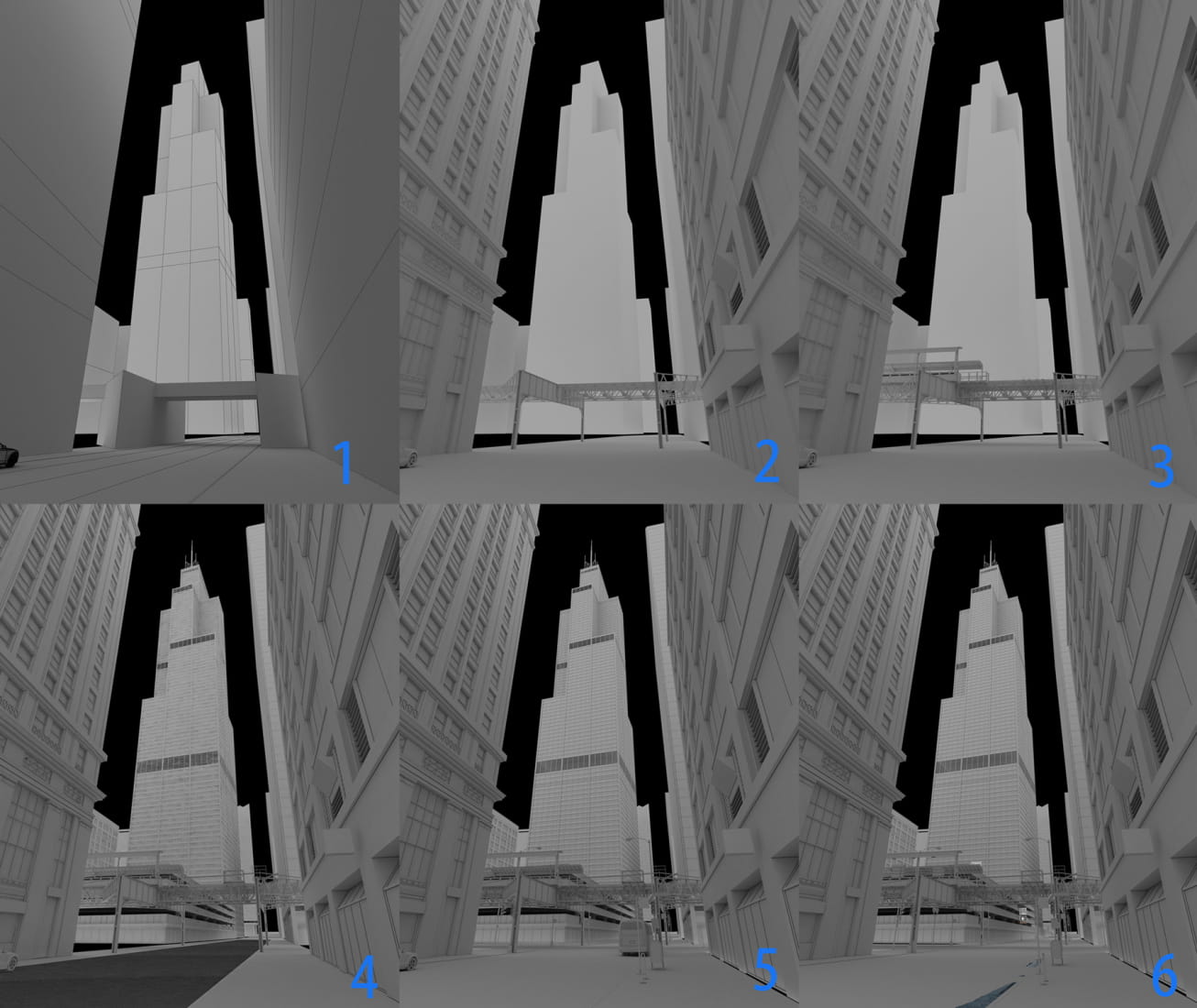
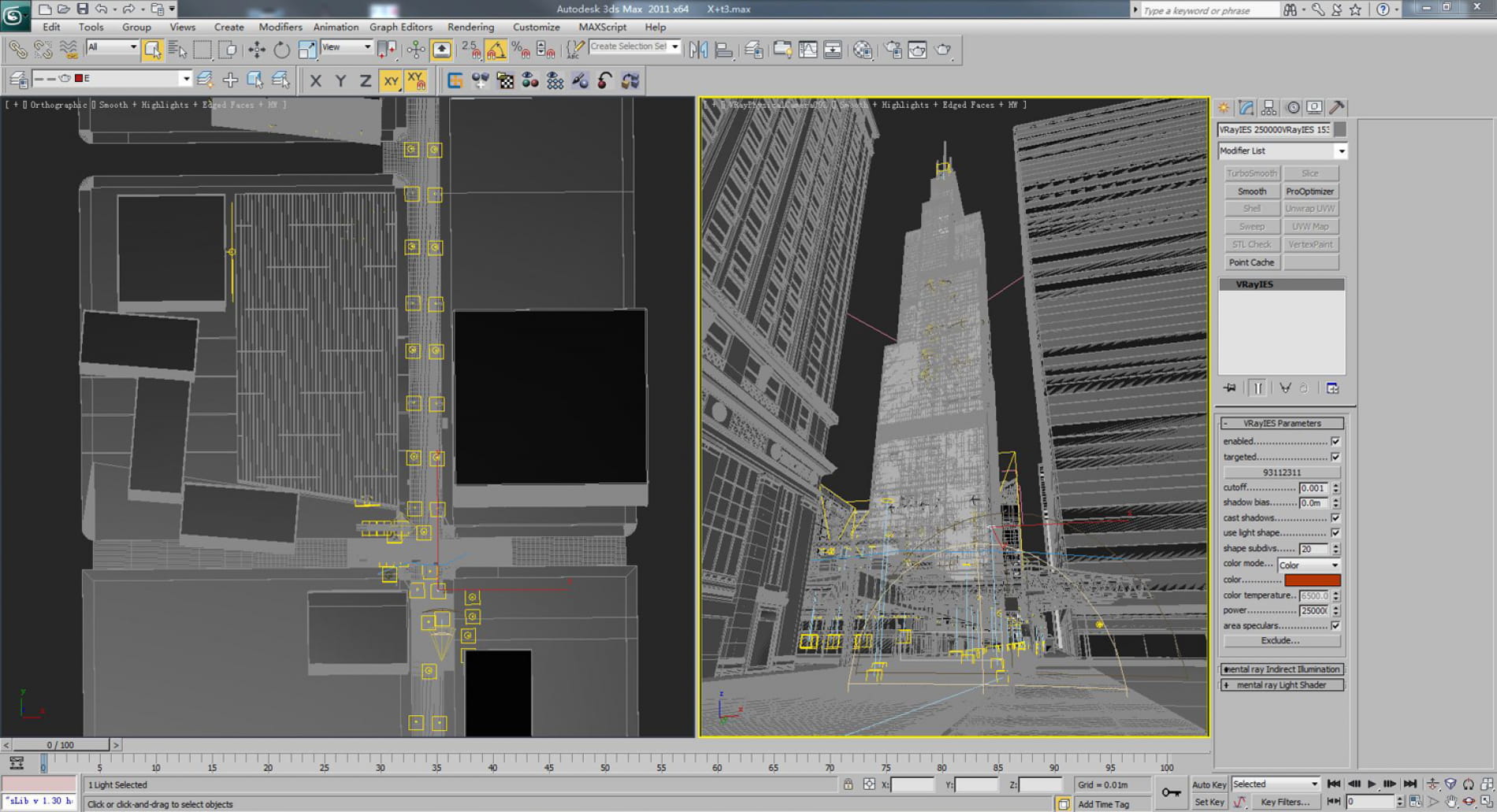
Then I made some boxes to match the location and volume of the buildings. This cost me about one day as I need to make this accurate or the details and reflections will be incorrect later. Then I added a car and a bus and measured the heights of buildings to make sure my camera is correct.
124581
124582
And the rest is to model all details till it's 80% completed. At this point I made a rough lighting to confirm the main lighting location. I mainly used VRayIES. To lighten up an area or one floor I'll duplicate the lights rather than increase the lightness, but this will slow down the computer.
124583
124584
Continue finishing rest of the model to make more details!!
124585
124586
124587
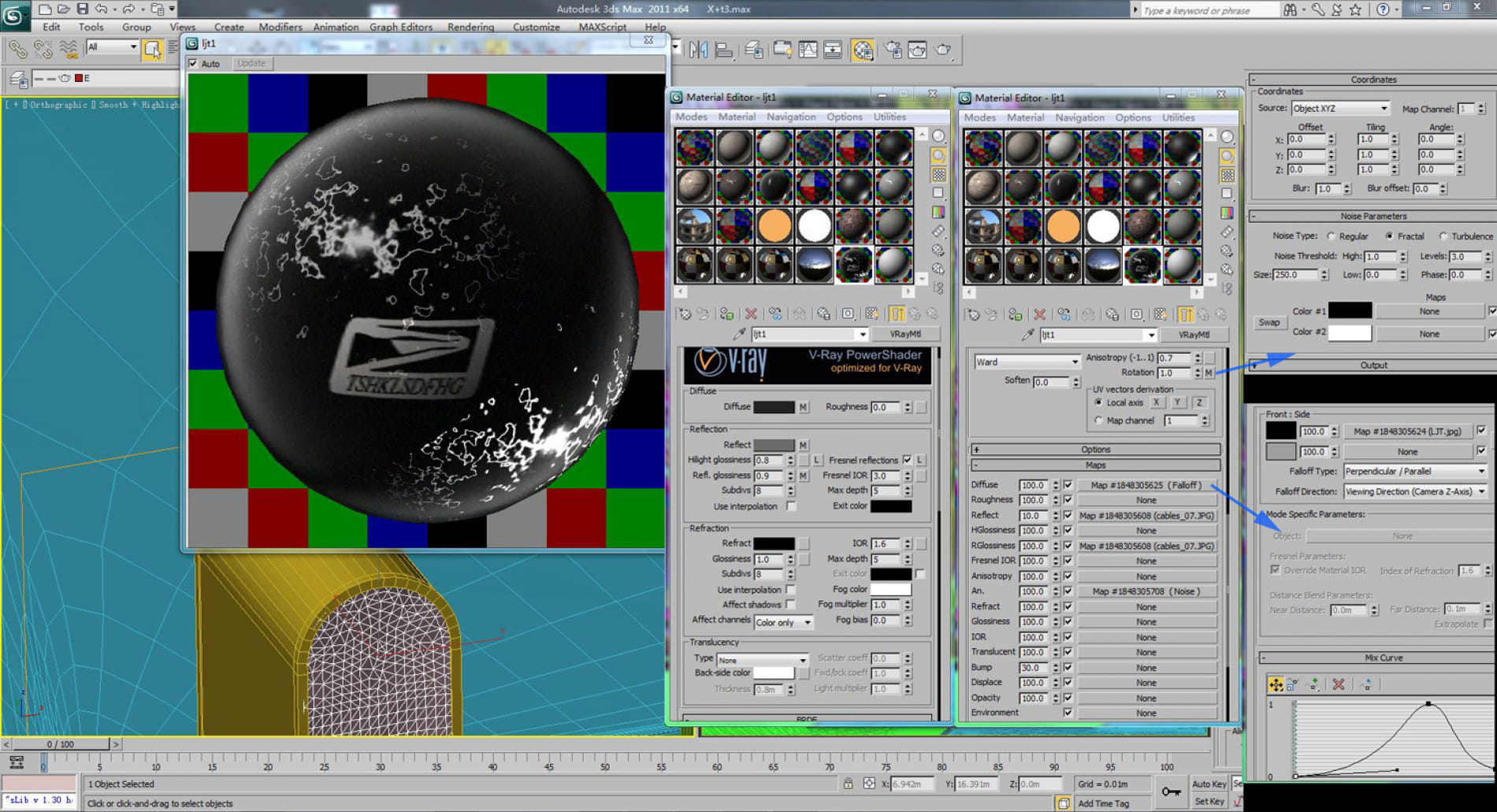
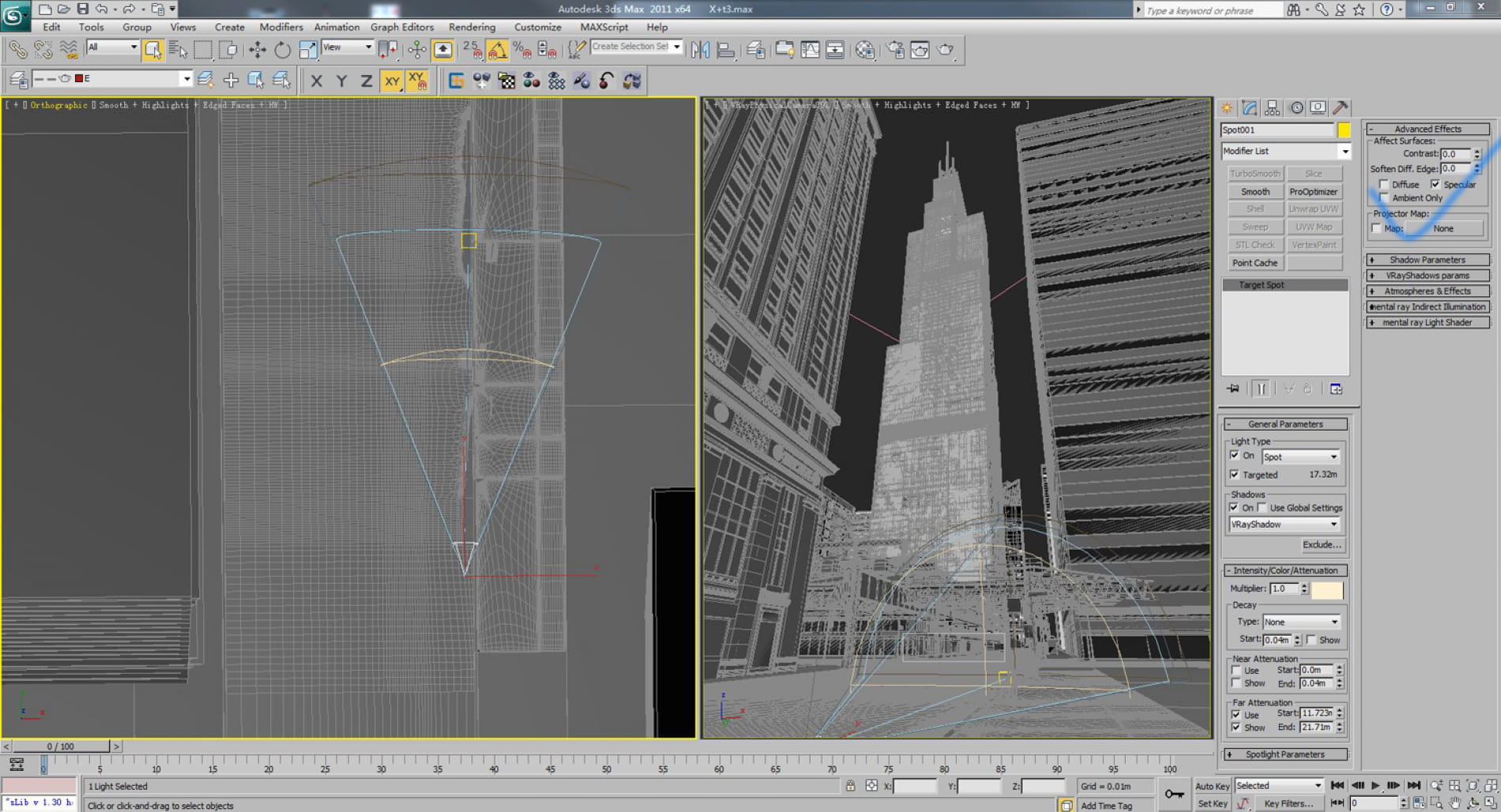
I start applying materials from this trash bin as it has distorted highlight, so I made a spot light which only produces highlight to simulate the car lights behind. All lamp posts and balustrades will be affected.
124588
124589
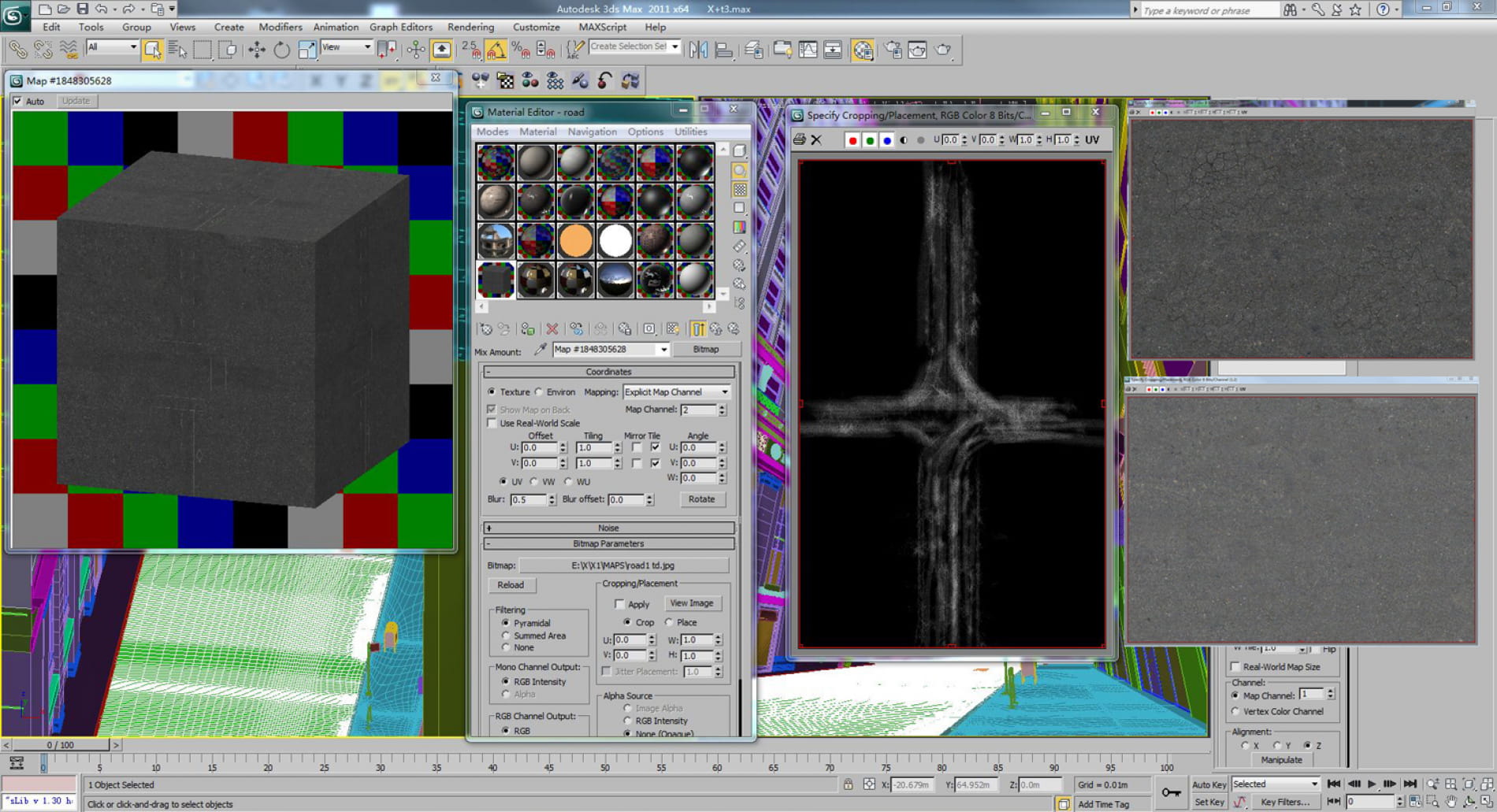
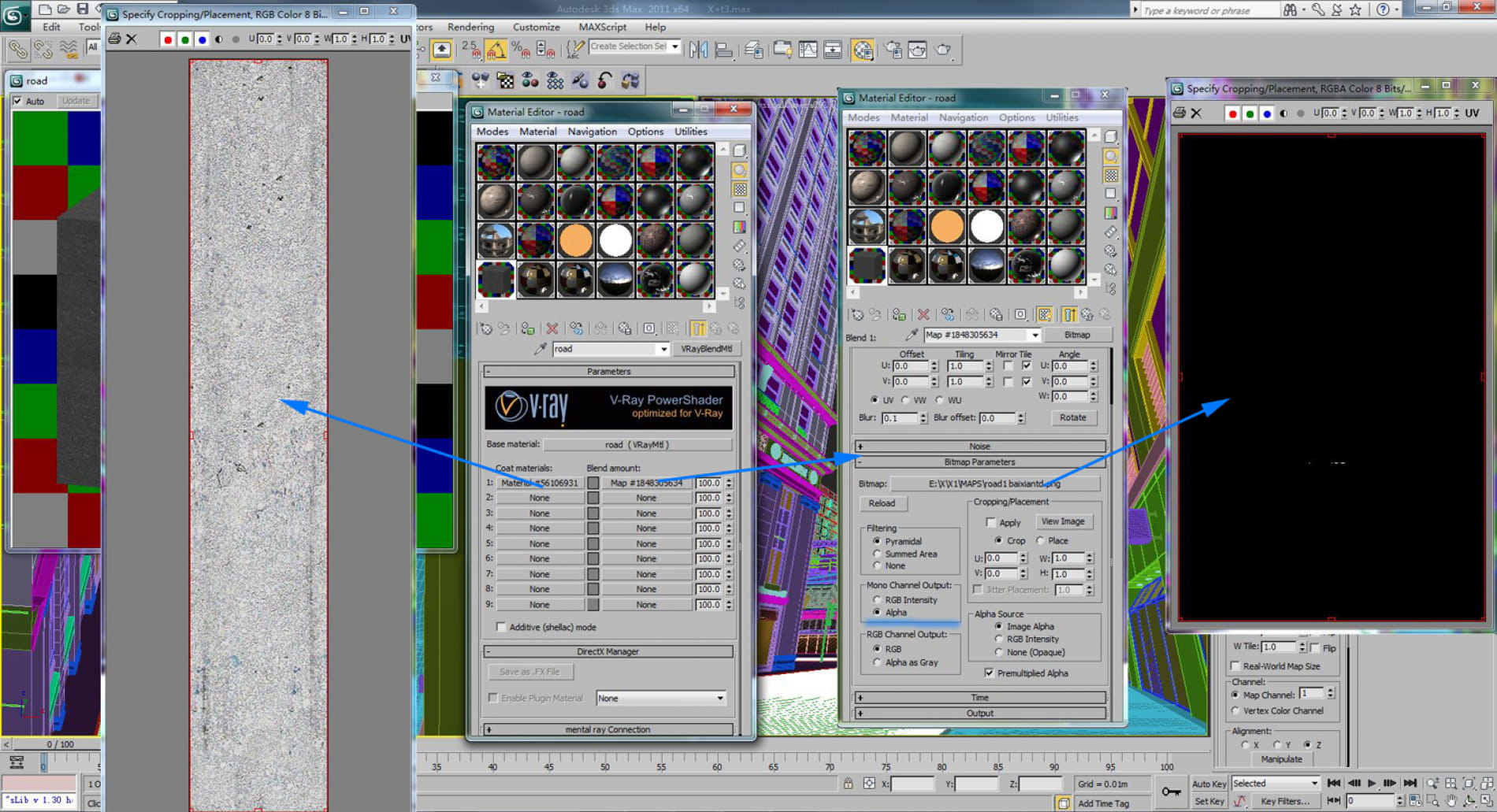
I used mix texture for roads. The road markings are mapping in PNG format so that I can use them repeatly.
124593
124594
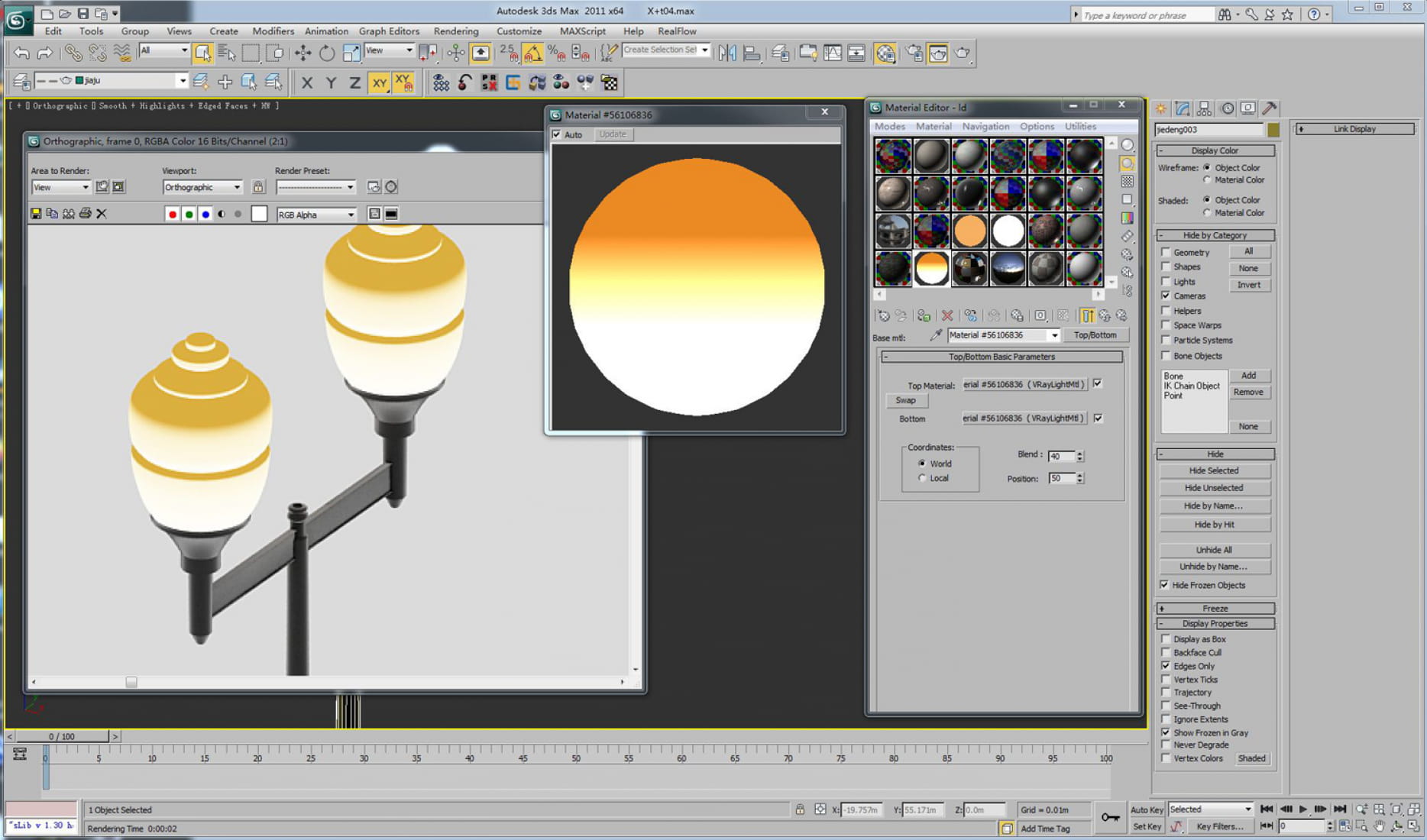
Other materials are just normal VR material. Some are more complicated as I want to achieve good effect. Here is lamp posts' materials.
124595
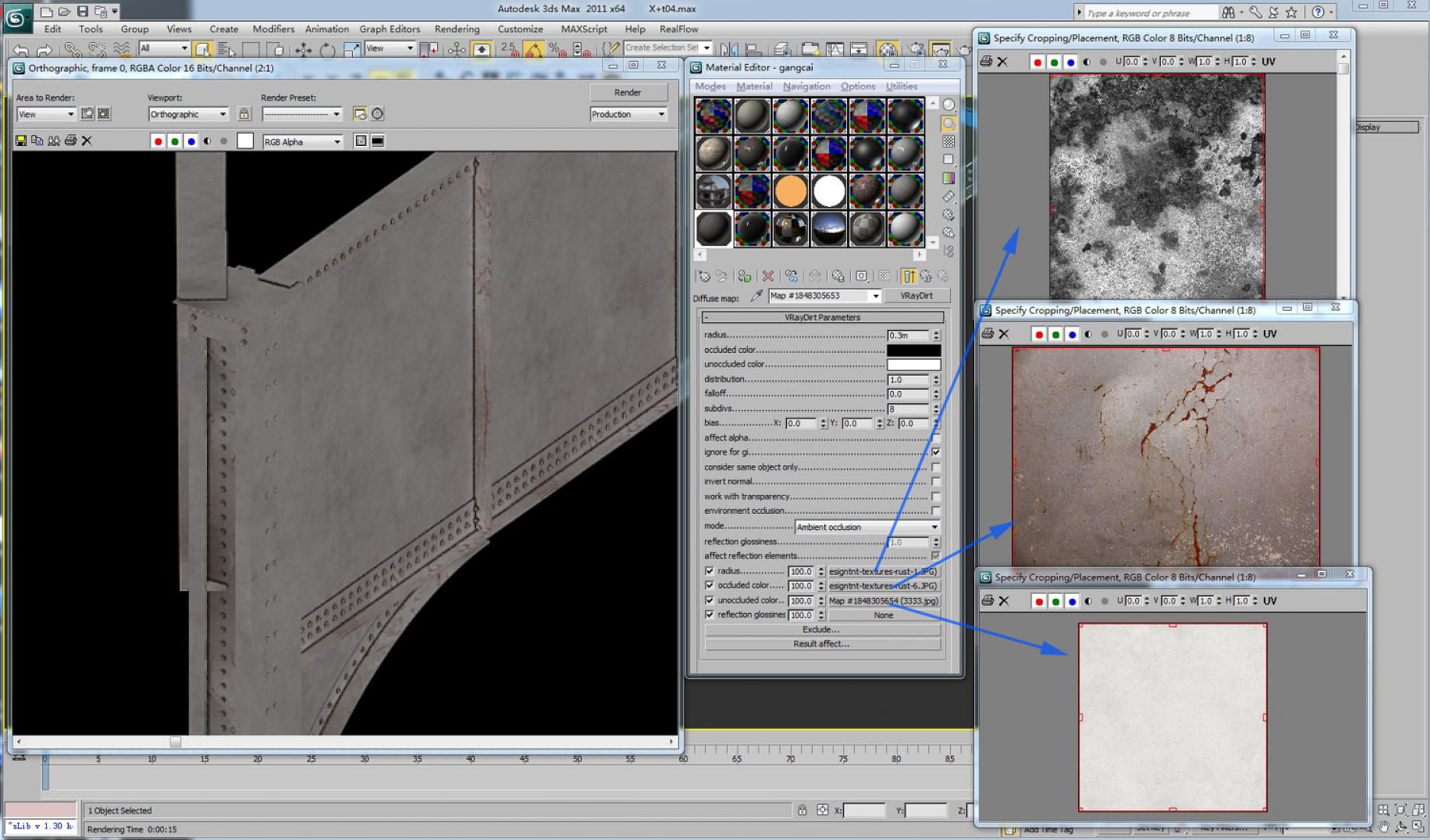
Material for railway bridge.
124596
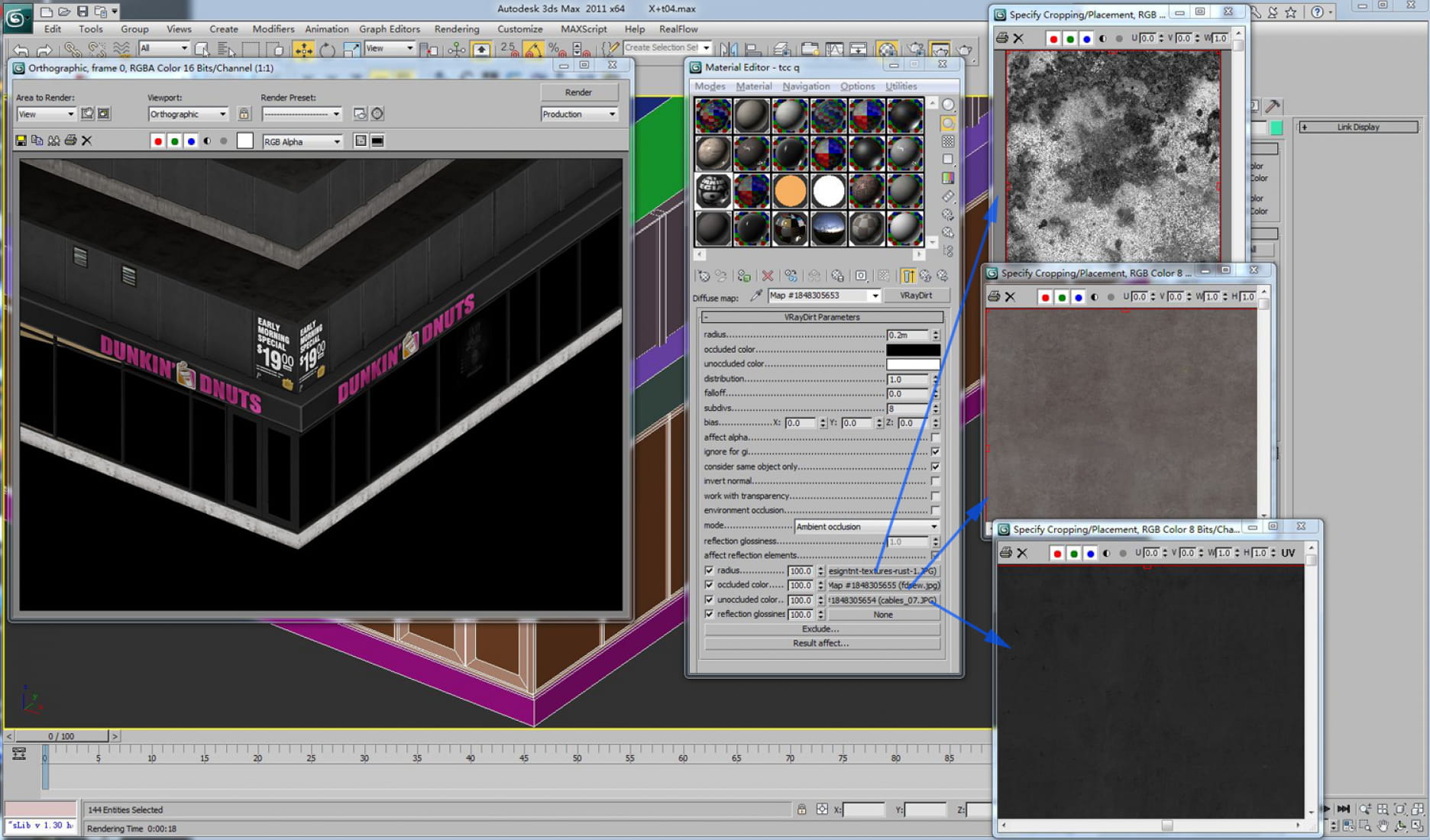
Material for parking lot.
124597
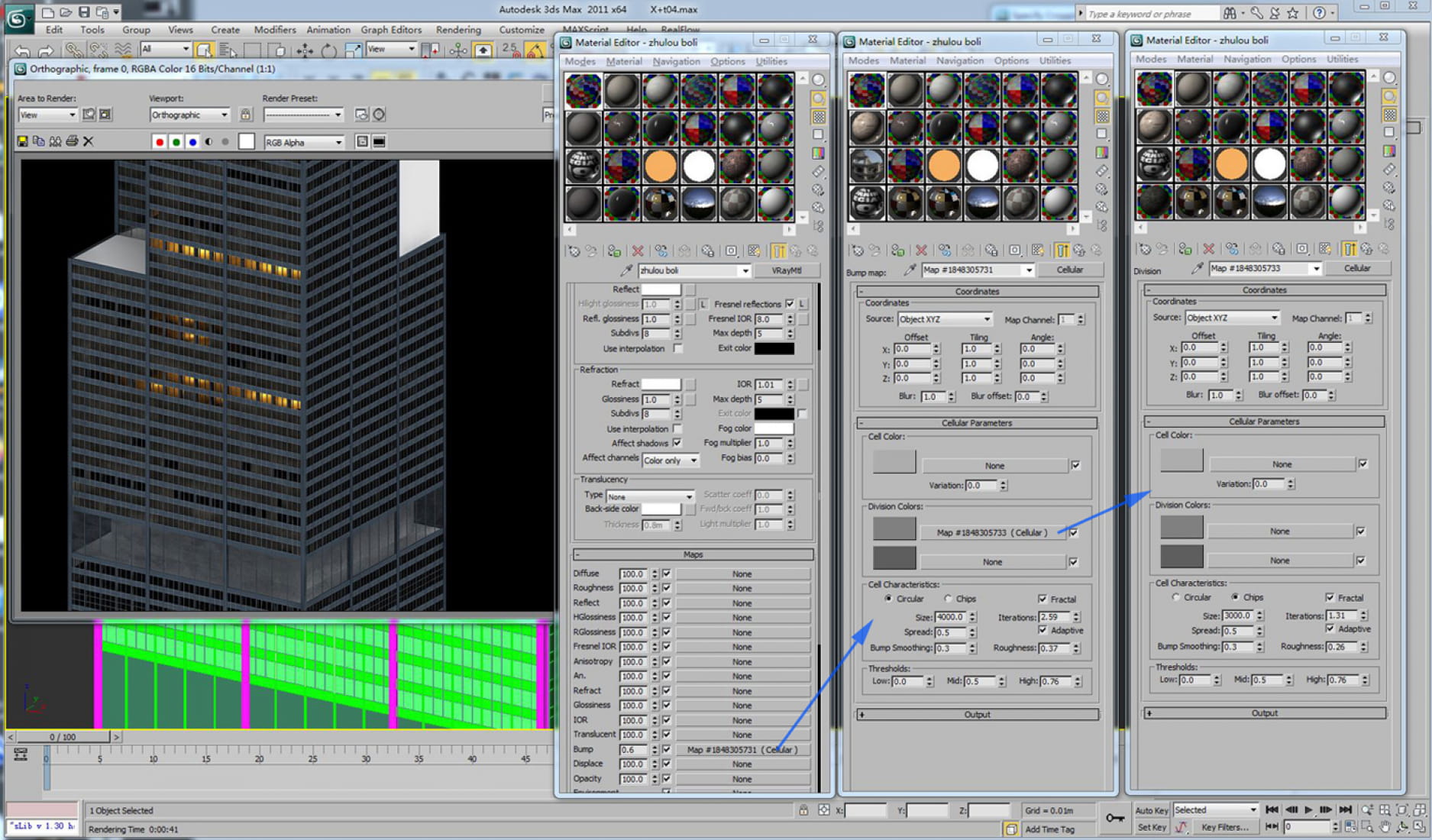
Glass for main building.
124598
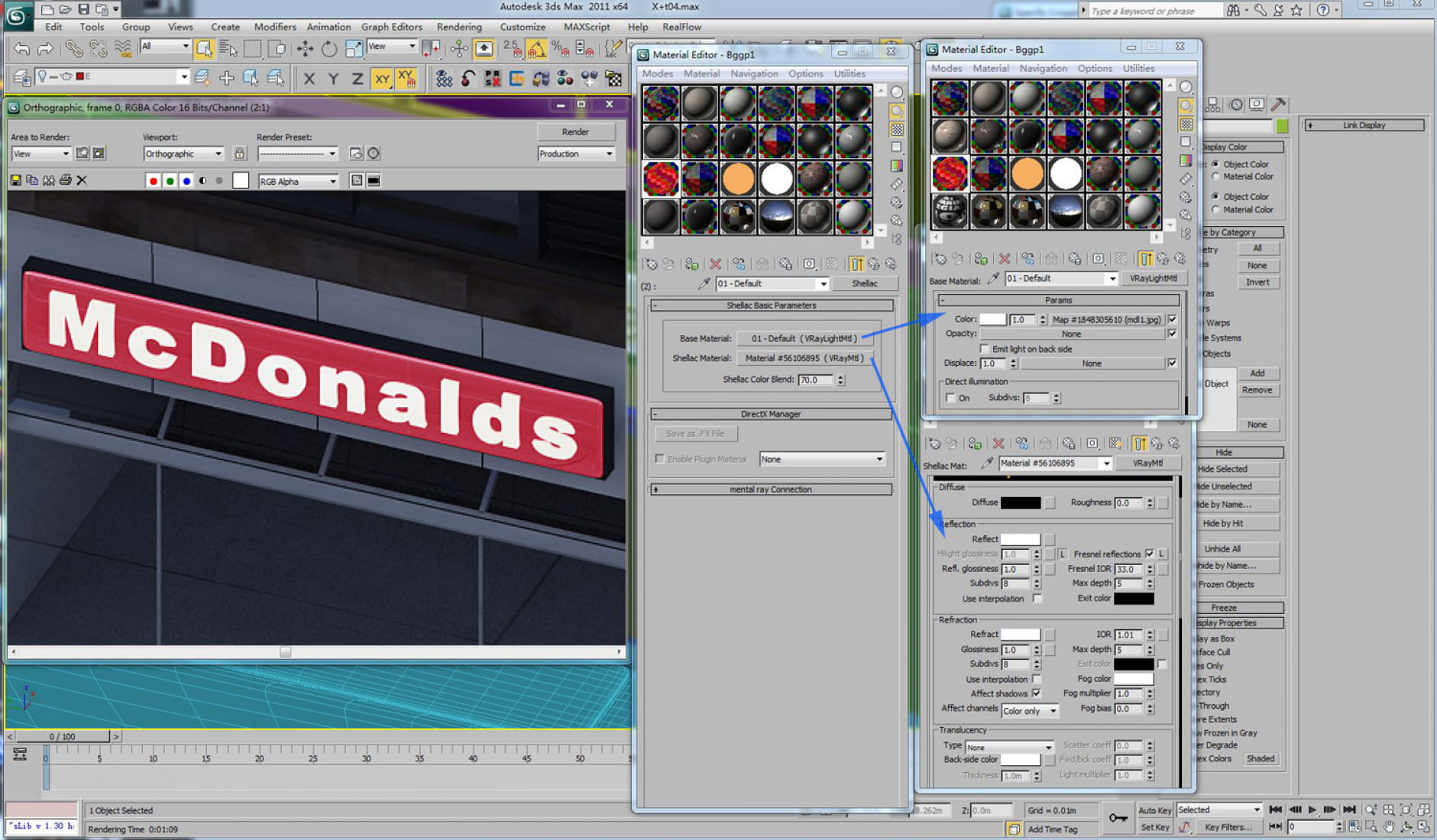
Self-illuminated light box with reflection material.
124599
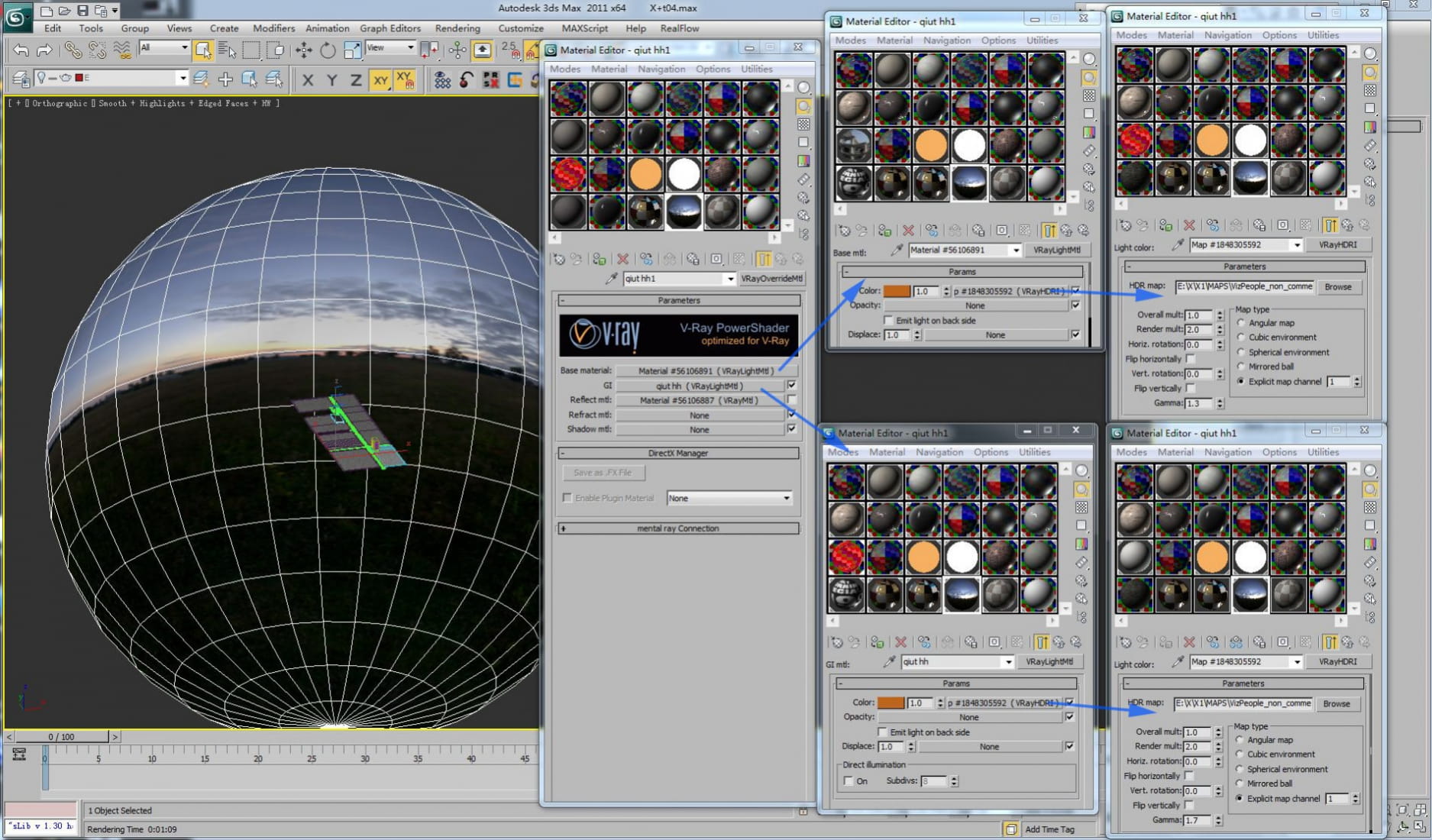
HDR sky.
124574
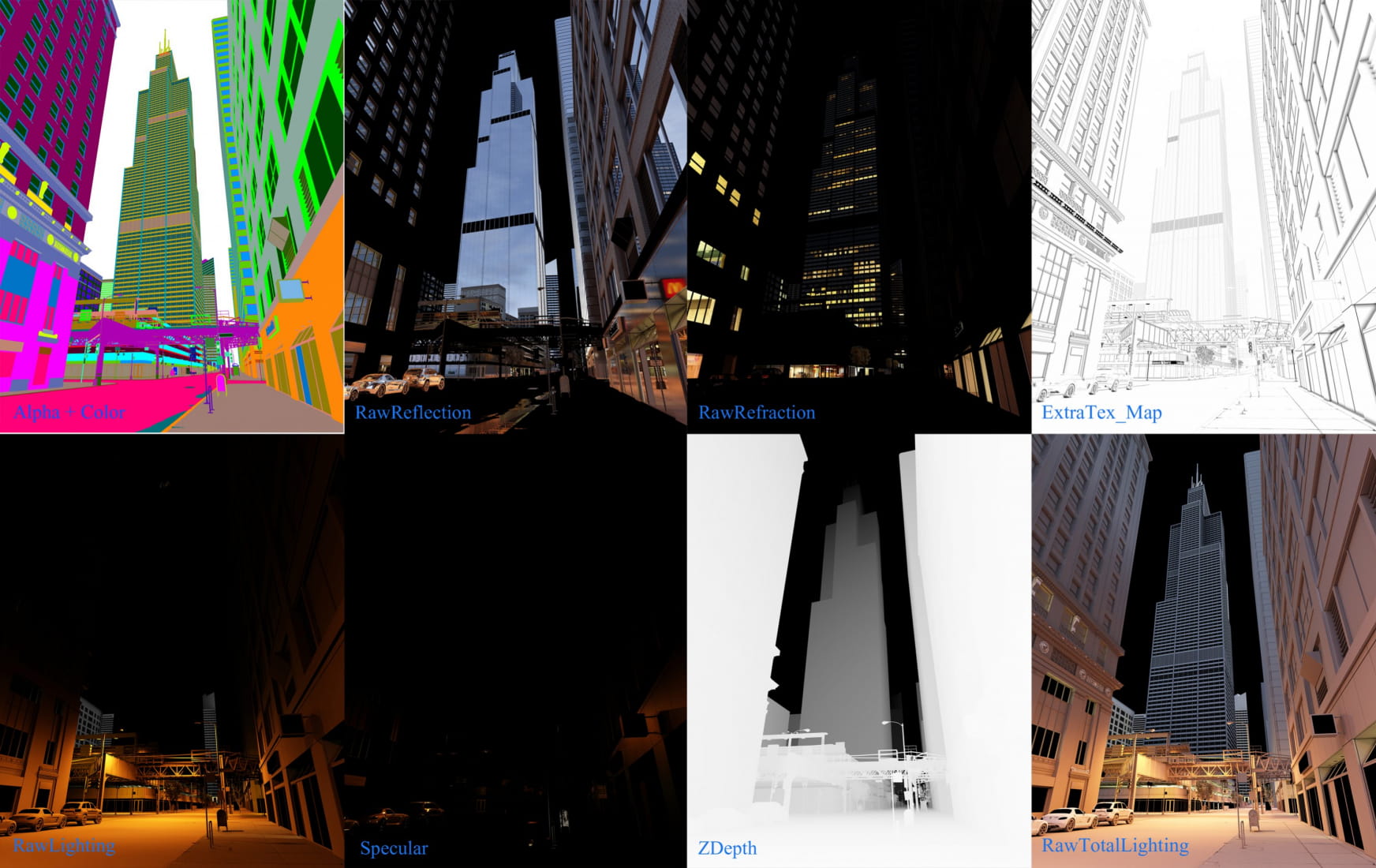
These are some channels I used.
124575
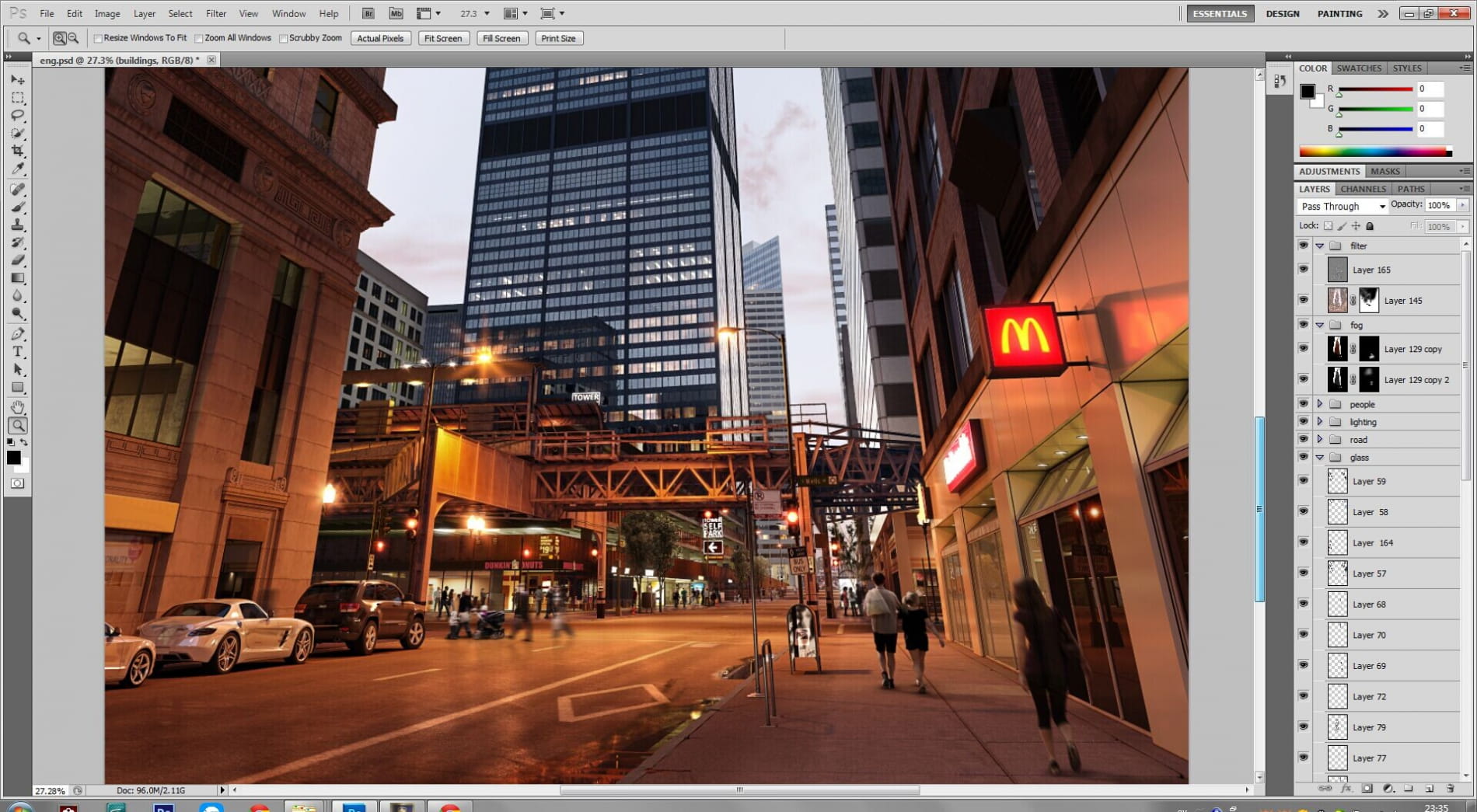
PS
124576
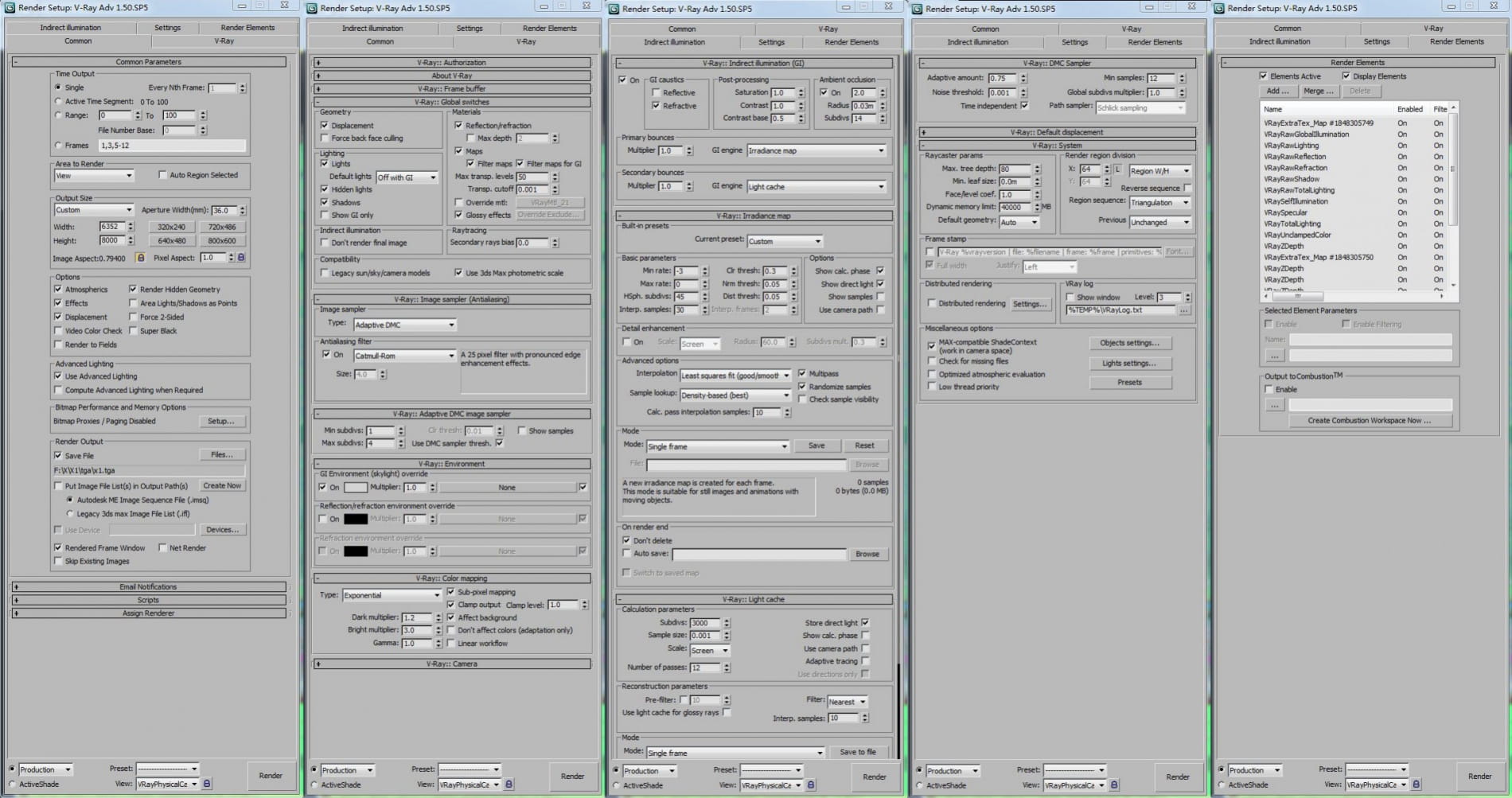
Render settings
124577
That's all.Thank you for watching!
Posted on 31.08.2014
You have to be logged in to like this project
 basen
basen
LEAVE A COMMENT






 Customer zone
 Your orders
 Edit account
 Add project
 Liked projects
 View your artist profile