Easier stitches creation with the new 3ds max plugin.
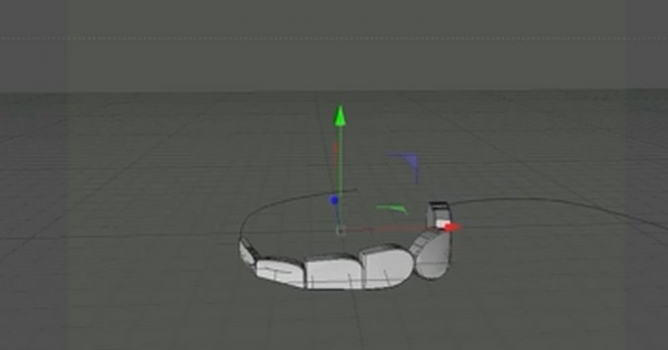
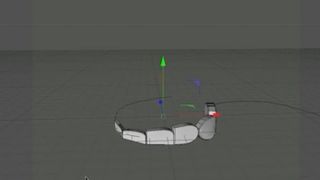
StitchGenerator is a script for 3ds max that creates stitch objects and an object to illustrate the hole between stitches on selected edges, along a spline or simply by painting them. See the YouTube video for a quick overview of the features.
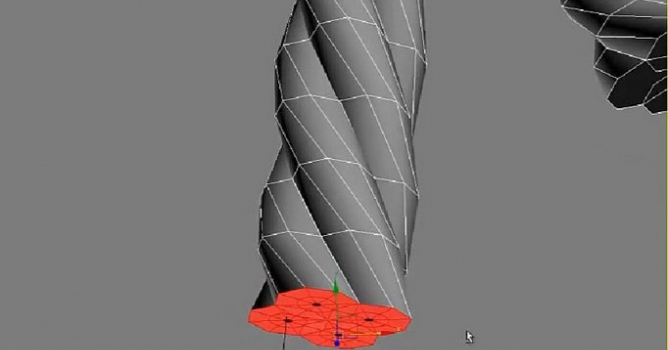
Two types of stitches is currently available, stitches with a round profile and a flat profile. They come in the most used thickness for the given type of stitch. The length of the stitches and the spacing between them can easily be adjusted as well as the rotation, these parameters can also be randomized to create an extra layer of realism.
When stitches are created materials for the stitches and holes is automatically created.
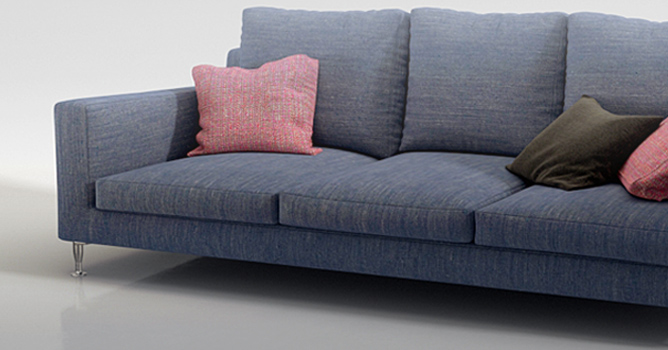
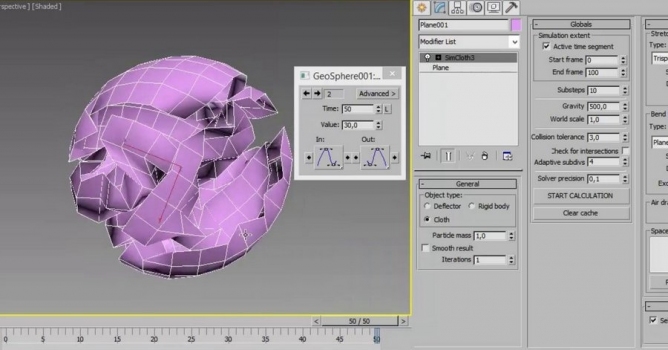
Got no time to make realistic model of couch, sofa, pillow or chair seat? Why not simulate it with cloth modifier? It is much faster than traditional modeling.
In this walkthrough, we guide you through the process of building a polished 3D interior scene inspired by the cover of Archmodels vol. 306 – Table Sets.






 Customer zone
 Your orders
 Edit account
 Add project
 Liked projects
 View your artist profile















COMMENTS