Evermotion: More Than an Asset Library
How Evermotion became a full-scale production partner for archviz, automotive and synthetic data.


Total: € 0
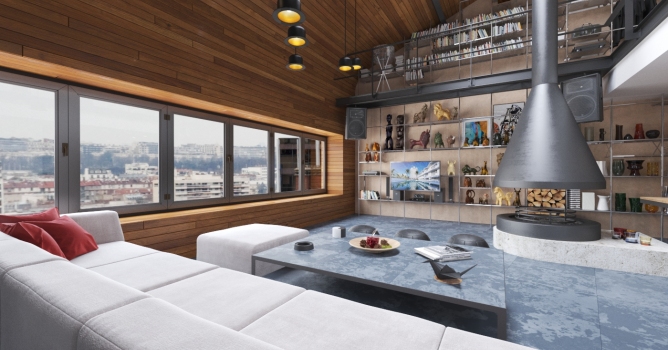

Evermotion provided Archinteriors vol. 42 for testing and it gave birth to this quick test. It did turned out easier than I expected. Here is video I’ve recorded of the process:
Interior scene is courtesy of www.evermotion.com.
Initial plan was to show how to convert scene from CPU to GPU. I thought it may need some shading rebuild but it turns out that all I really had to do was switch to V-Ray RT GPU ( CUDA ) and default settings did the job.
It took only around 3GB of GPU memory for the whole scene. Around 2GB with on demand textures switched on. Super easy workflow without a need of adjusting any settings. The GPU I used was GTX 1070 8GB, so there is still a lot of room for geometry and shaders. Also it costs less than 400 USD.
At first I tested how the settings from older V-Ray are holding up. Than I did 1 min test render with Adv CPU for reference.
Converting to V-Ray RT GPU 3.5 was as easy as switching rendering engine and using CUDA instead of CPU.
Here are rendering results ( I raised LC samples back to 1000 after recording the video for the finals rendering ):
Click on image to enlarge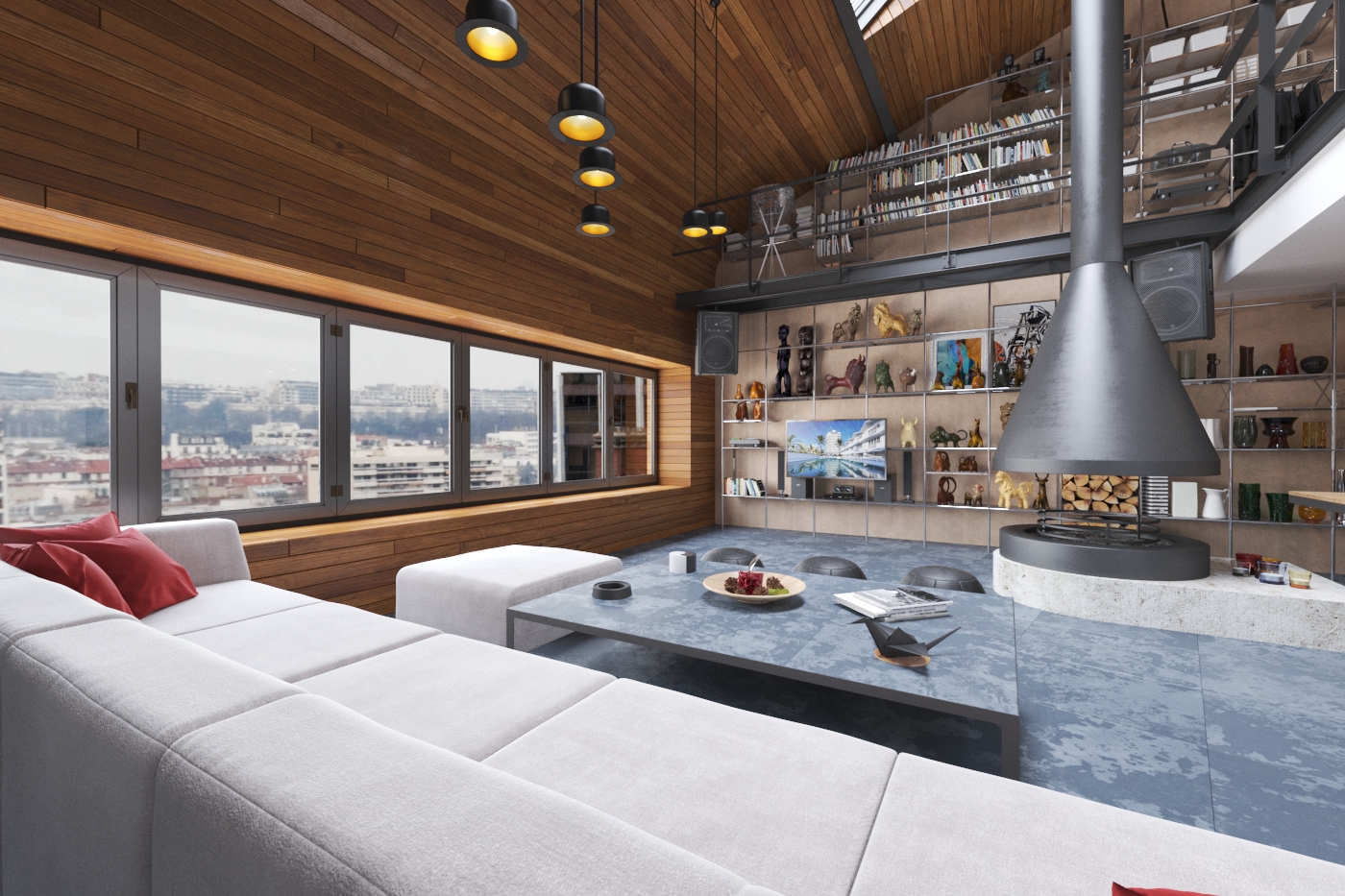
Click on image to enlarge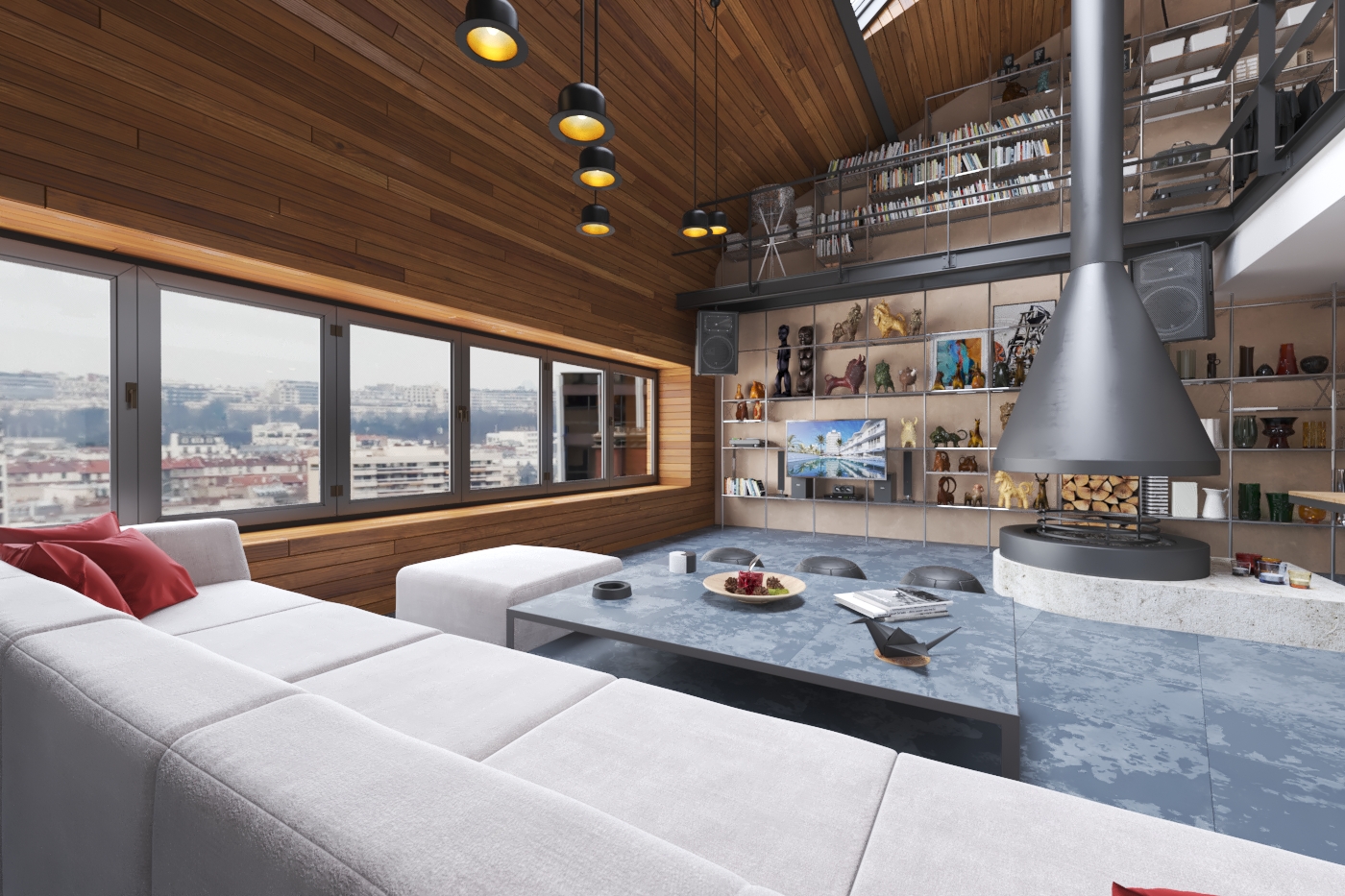
Click on image to enlarge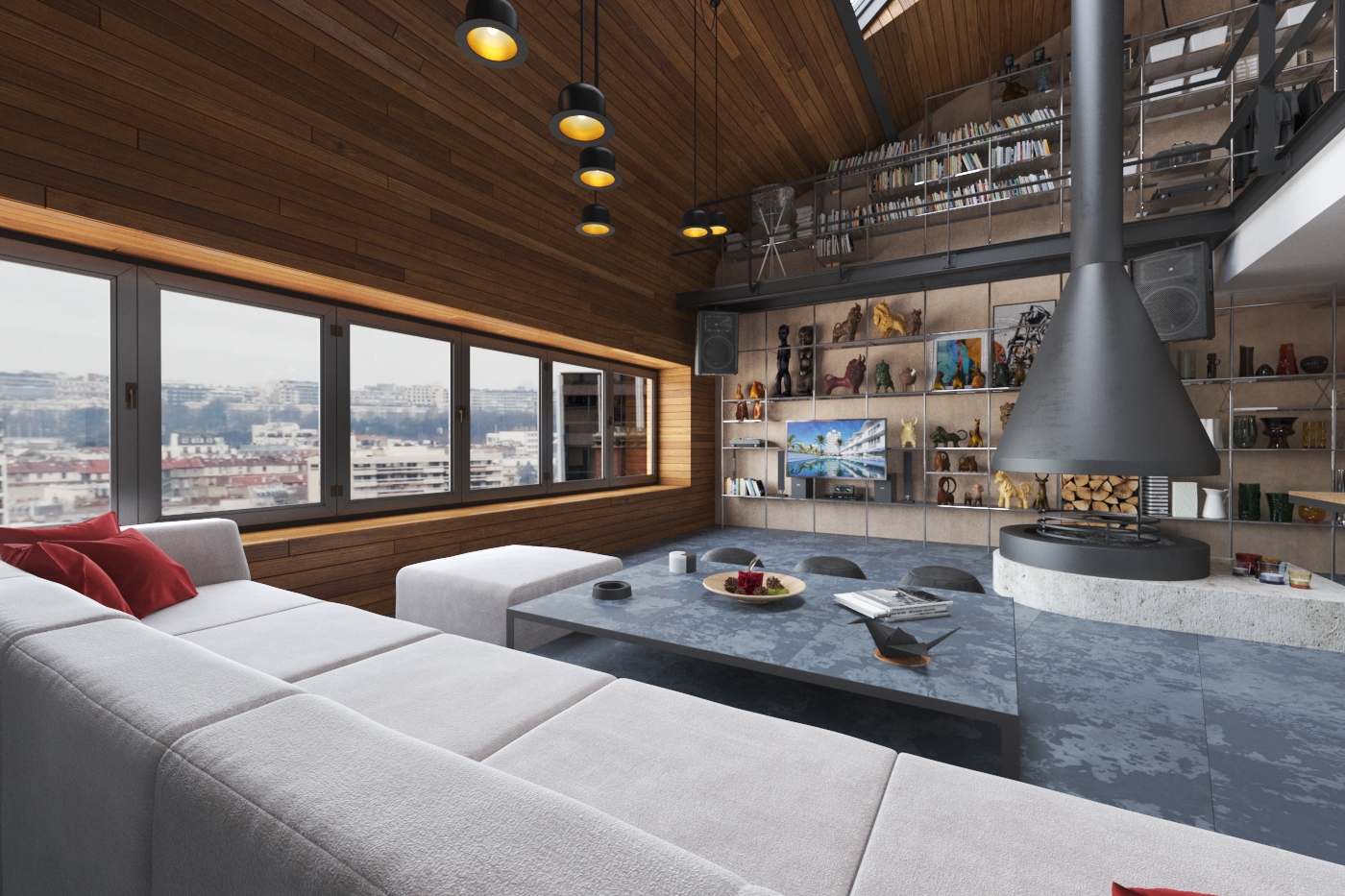
Rendered on 400USD GPU – GTX 1070 8GB. For CPU I used 4770K overclocked to 4.2Ghz. Original CPU renders and scenes are available in Evermotion Shop.
More information on Dabarti site.





LEAVE A COMMENT





|

|

|

|

|
 Customer zone
 Your orders
 Edit account
 Add project
 Liked projects
 View your artist profile
COMMENTS