Search
Cart
Sign in
  • offerCustomer zone
  • offerYour orders
  • offerEdit account

  • offerAdd project
  • offerLiked projects
  • offerView your artist profile

  • Dark mode
    ✔
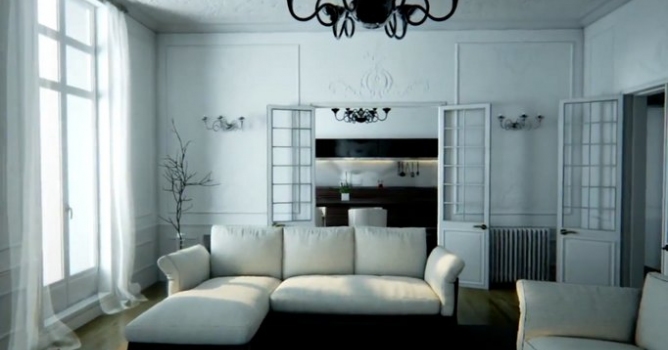
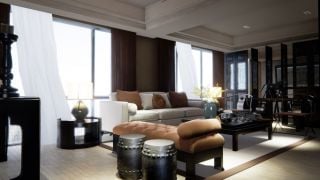
Speed 3D Interior Decorating in Unreal Engine 4

Speed 3D Interior Decorating in Unreal Engine 4

Maverick 2015-08-04 08:28 tutorial  > Unreal Engine  > misc

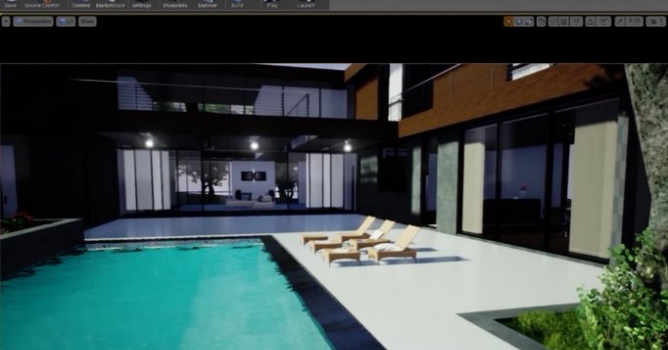
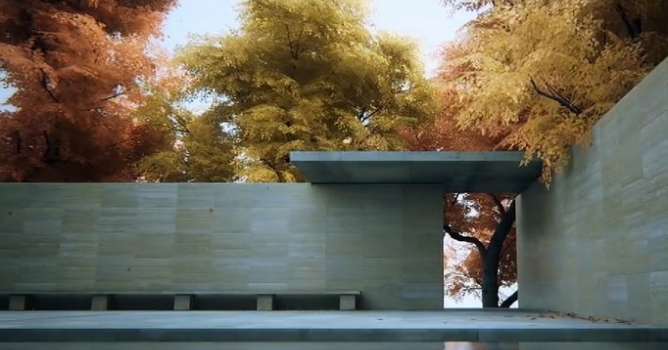
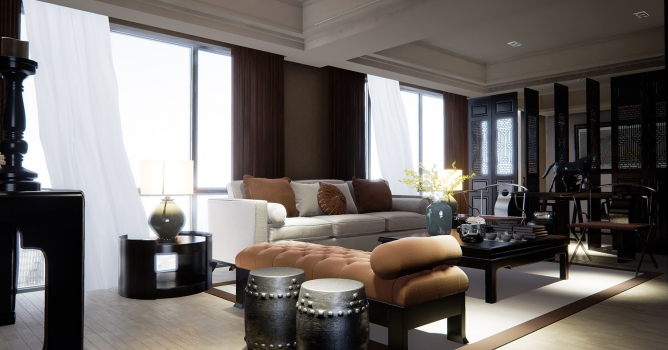
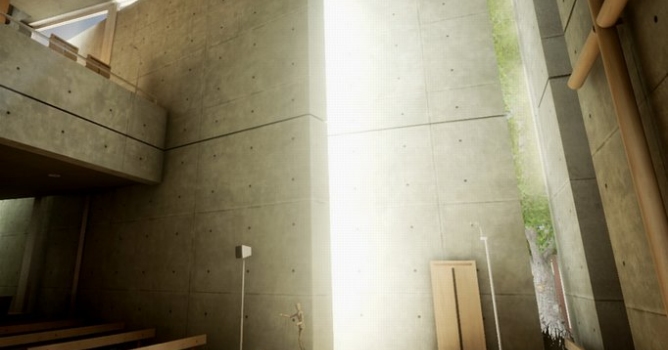
Maverick decorates interior using Evermotion Unreal Bundle.

You can download Unreal Engine Bundle from Evermotion Shop.

Author: Maverick Editor: Michał Franczak
Tags: unreal
You may also like...
Unreal Engine is free for teachers and students

Unreal Engine is free for teachers and students

Can be installed and used on all school owned computers and personal copies can be provided free of charge to students.
×

LEAVE A COMMENT

You need to be logged in to leave a comment. Don't have account? Register now.

d7man2000 15:44:46  |  04-08-2015
Looks great. I have a question about Unreal Engine 4. I did not follow 3d for some time and I am trying to catch up. Is Unreal Engine 4 free to use? (for a personal use, I am not a studio making $100,000) Can you export a scene so it can be played back in a player? Thanks, Kris.
dr_After 15:46:46  |  04-08-2015
@d7man2000 - yes, UE is free to use and you can export executable that is player. You can also add interactivity - turning on and off lamps, changing colors of walls, etc...
d7man2000 15:49:58  |  04-08-2015
Thanks dr_After, for a reply. Looks like Unreal has a great potential.
fco3d 17:10:06  |  04-08-2015
After exporting from REVIT how did you cleaned the overlapping geometry and create the light maps?