Search
Cart
Sign in
  • offerCustomer zone
  • offerYour orders
  • offerEdit account

  • offerAdd project
  • offerLiked projects
  • offerView your artist profile

  • Dark mode
    ✔
Tip: VRay Dome and HDRI

Tip: VRay Dome and HDRI

LearnVray 2014-10-06 12:44 tutorial  > 3ds MAX  > lighting

Free tutorial by Learnvray.com.

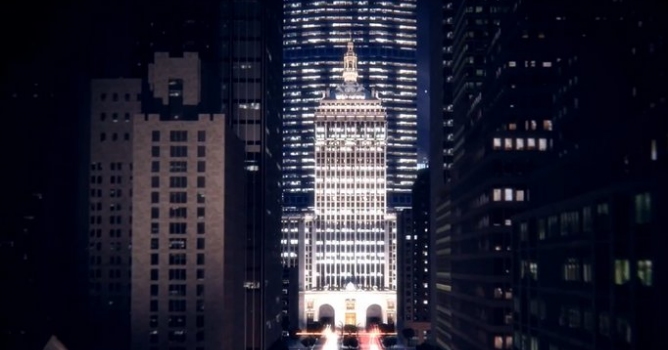
V-Ray Dome is an IBL tool, that means it has a lot of interesting features: it works with and without global illumination, it offers a lot of controls on the maps and this is not all! It is also optimized, faster and finally offer better results.


You can also:

Author: LearnVray Editor: Michał Franczak
Tags: vray
You may also like...
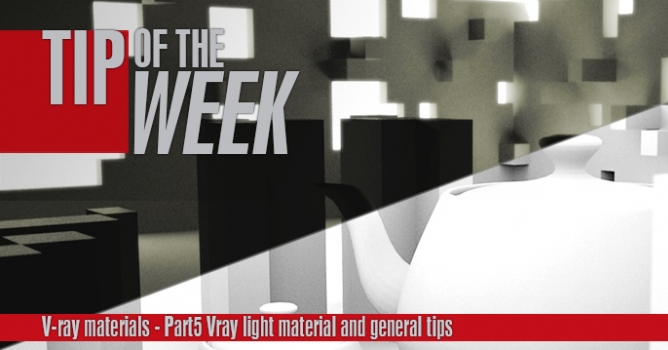
Tip of the Week. V-ray light materials and general tips

Tip of the Week. V-ray light materials and general tips

This is the last part of a V-ray materials tip of the week series. In this part I will show you how to use V-ray light materials and some general tips for baking v-ray dirt and using opacity maps.
×

LEAVE A COMMENT

You need to be logged in to leave a comment. Don't have account? Register now.

Glorybound 15:41:18  |  07-10-2014
Learned some stuff, thanks!
kokoz 00:34:39  |  21-03-2015
Hi Ciro, I was wondering if there is such a feature in V-Ray for SketchUp to move around the HDRI in real time or at least to see it in real time. I need to render the entire scene in order to see how the HDRI is positioned. Thanks in advance