Search
Cart
Sign in
  • offerCustomer zone
  • offerYour orders
  • offerEdit account

  • offerAdd project
  • offerLiked projects
  • offerView your artist profile

  • Dark mode

We care about your privacy

We use cookies to provide you with the best possible experience. They also allow us to analyze user behavior in order to constantly improve the website for you. The consent is voluntary. You can withdraw it at any time or renew it in Cookie settings on the home page. Withdrawal of your consent does not affect the lawfulness of processing performed before the withdrawal. Privacy Protection Policy
Accept all
Accept selection
Reject all

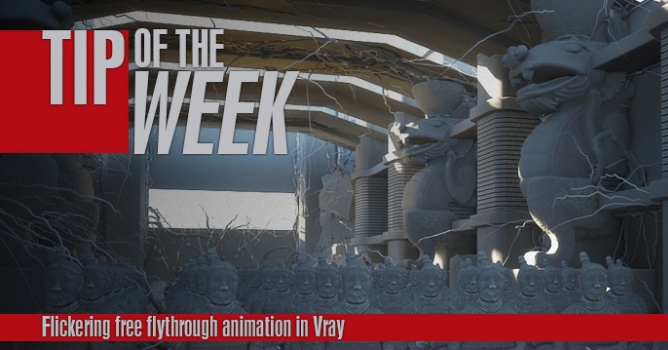
Tip: VRay Dome and HDRI

LearnVray 2014-10-06 12:44 tutorial  > 3ds MAX  > lighting

Free tutorial by Learnvray.com.

V-Ray Dome is an IBL tool, that means it has a lot of interesting features: it works with and without global illumination, it offers a lot of controls on the maps and this is not all! It is also optimized, faster and finally offer better results.


You can also:
Author: LearnVray Editor: Michał Franczak
Tags: vray
You may also like...
Top 5 Vray Workshop - the best works of last week

Top 5 Vray Workshop - the best works of last week

Vray Workshop + Evermotion present TOP 5 VRay Workshop - selection of the best works presented during the week.
×

LEAVE A COMMENT

You need to be logged in to leave a comment. Don't have account? Register now.

Glorybound 15:41:18  |  07-10-2014
Learned some stuff, thanks!
kokoz 00:34:39  |  21-03-2015
Hi Ciro, I was wondering if there is such a feature in V-Ray for SketchUp to move around the HDRI in real time or at least to see it in real time. I need to render the entire scene in order to see how the HDRI is positioned. Thanks in advance