We are more than an asset library

Watch our Showreel
Search
Cart
Sign in
  • offerCustomer zone
  • offerYour orders
  • offerEdit account

  • offerAdd project
  • offerLiked projects
  • offerView your artist profile

  • Dark mode
    ✔
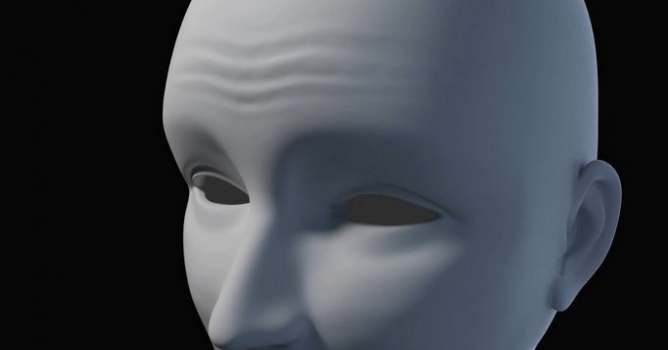
Simulating wrinkles in Blender

Simulating wrinkles in Blender

Youtube 2014-09-04 10:40 tutorial  > Blender  > modeling

Short tip to create dynamic wrinkles deformation using driven displacement map in Blender.

Author: Youtube
Tags: wrinkles
You may also like...
Blender 5.3's Project Setup: Unified Pipelines for Multi-Artist Archviz Teams

Blender 5.3's Project Setup: Unified Pipelines for Multi-Artist Archviz Teams

Blender 5.3 introduces Project Setup, an opt-in system that locks asset libraries, color pipelines and shared variables per project so every team member works from identical settings. Per-project add-ons arrive in 5.4.
×

LEAVE A COMMENT

You need to be logged in to leave a comment. Don't have account? Register now.