Search
Cart
Sign in
  • offerCustomer zone
  • offerYour orders
  • offerEdit account

  • offerAdd project
  • offerLiked projects
  • offerView your artist profile

  • Dark mode
    ✔
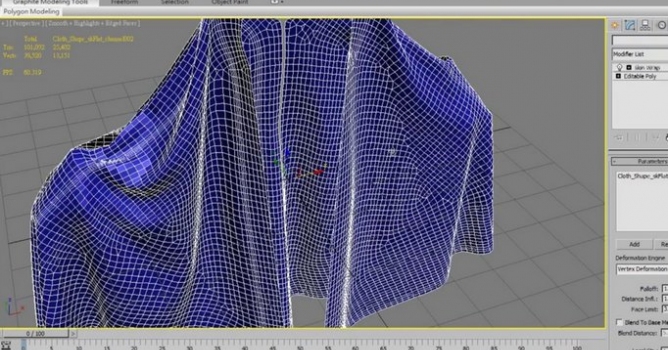
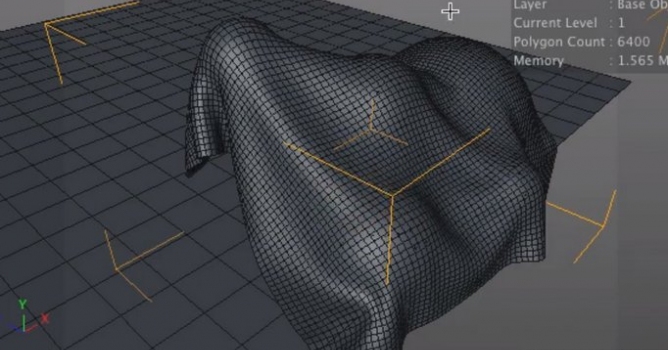
Cloth mesh to quadify mesh

Cloth mesh to quadify mesh

Vimeo 2014-02-07 10:12 tutorial  > 3ds MAX  > modeling

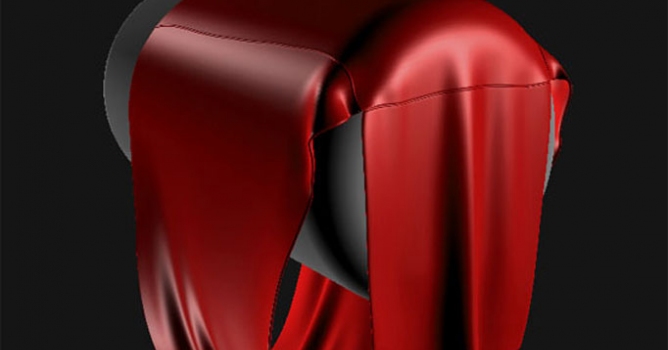
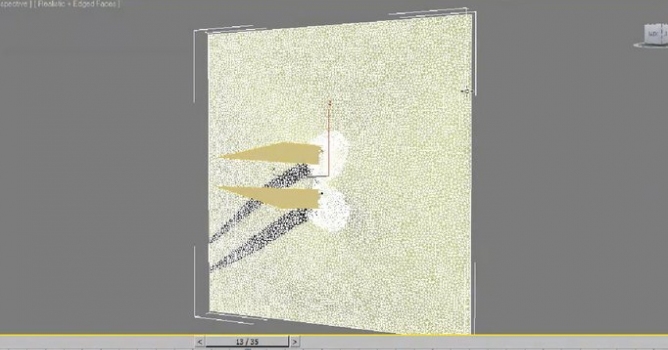
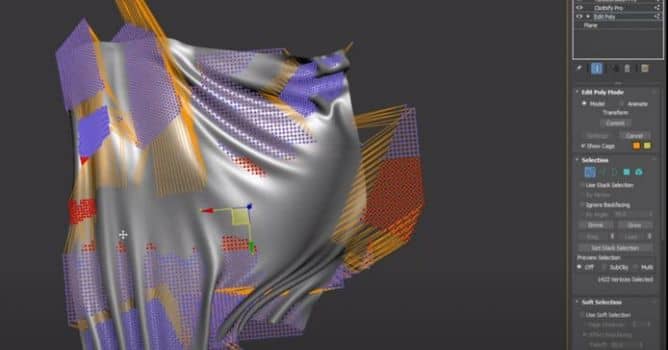
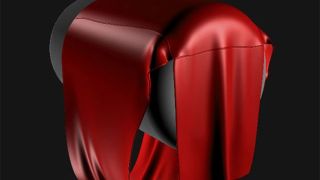
This is a simple way to conver cloth mesh to Quadify mesh .

You can download script "slideknit" from cghub.com/scripts/view/79/

Also,you can find "MarvelousTool" from scriptspot.com/3ds-max/scripts/marveloustool

Author: Vimeo Editor: Michal Franczak
Tags: cloth
You may also like...
Clothify Pro for 3ds Max

Clothify Pro for 3ds Max

Modeling and animating cloth for 3ds Max.
×

LEAVE A COMMENT

You need to be logged in to leave a comment. Don't have account? Register now.

garipodelu 13:56:47  |  07-02-2014
Can't you do this directly in Max if you use the graphite modelling tools?
djvillar 17:43:03  |  09-02-2014
How do you maintain the mapping brought in from MD?
djvillar 01:01:13  |  10-02-2014
Does this process take forever for anyone else... it just hangs, even though my processor is only using 11% and 25% of my ram.
kimm_82 11:09:52  |  19-02-2014
thank you
craz8 12:21:03  |  31-03-2014
The link for the script doesnt work anymore? Is it possible to re-upload?
Fratz3D 19:32:03  |  23-04-2014
@djvillar to maintain the mapping from MD when importing into 3dsMax, i think it does automatically. If not, close MD, open your MD file again, export again (maybe using a diffeerent file name), and import again in 3Dsmax. By doing this i fixed my mapping problem everytime (with MarvelousDesigner2).You can try this if you don't resolve your problem yet