Evermotion: More Than an Asset Library
How Evermotion became a full-scale production partner for archviz, automotive and synthetic data.


Total: € 0
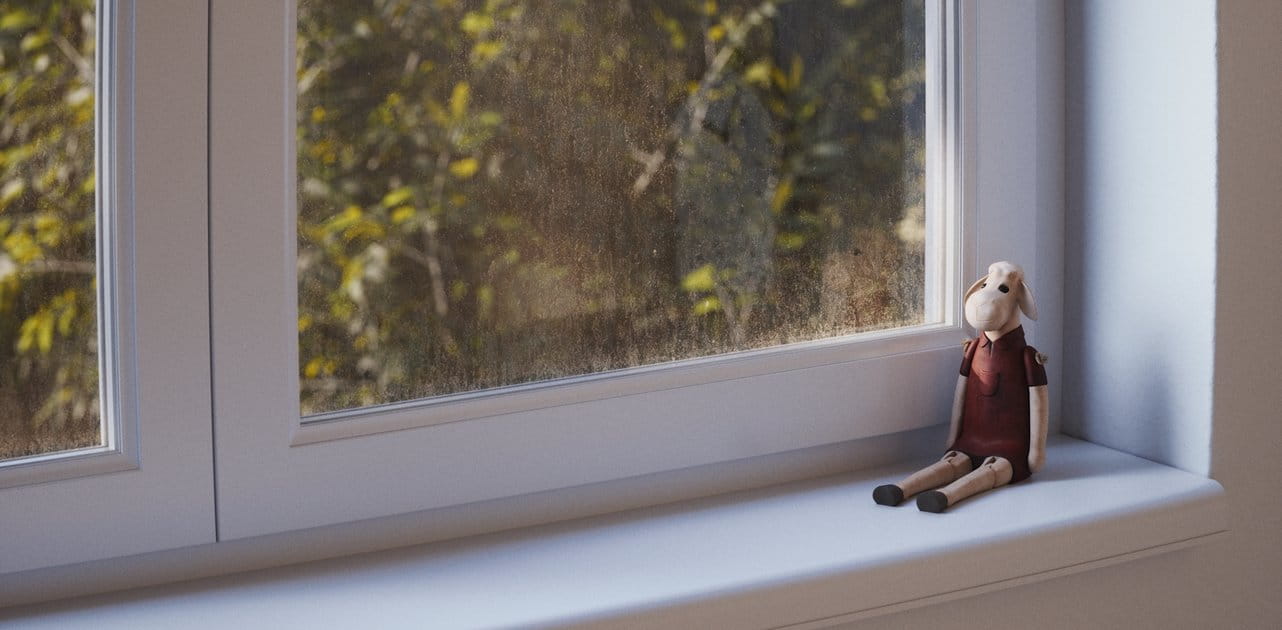

Today on RenderRam you can learn how to make dirt on window glass.
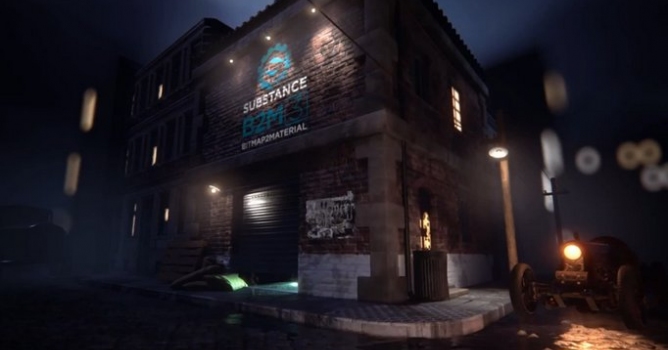
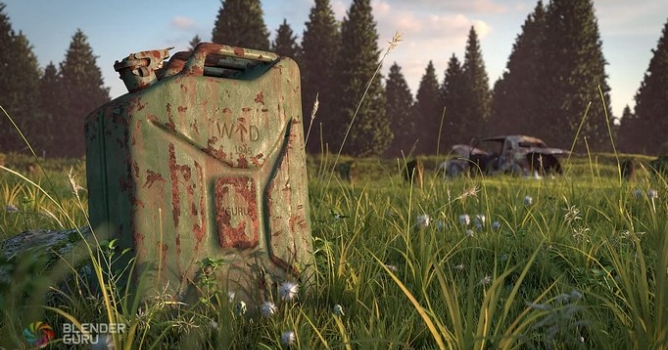
Imperfection textures play a crucial role in achieving photorealistic 3D texturing by adding subtle details that mimic the real-world wear and tear of surfaces. These textures include a variety of elements such as scratches, smudges, dirt, fingerprints, and surface irregularities, which break the uniformity of otherwise perfect textures and add realism to the 3D models. By incorporating these imperfections, textures gain a level of complexity and authenticity that makes them more convincing to the eye.
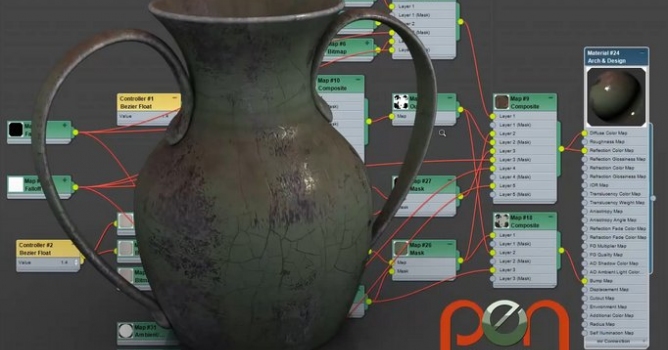
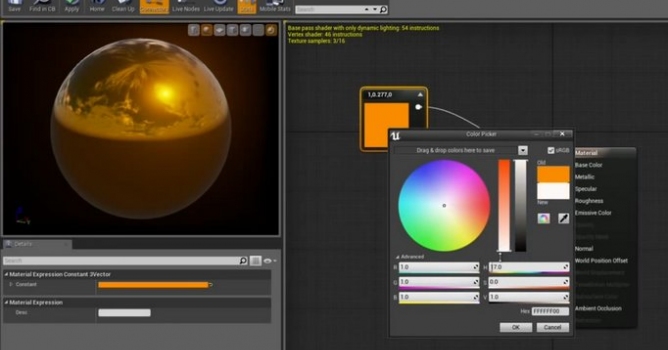
Technically, these imperfections can be implemented using various maps, such as normal maps, roughness maps, and ambient occlusion maps, which interact with lighting to produce realistic shading and reflections. For instance, a roughness map can define areas of a surface that are more or less reflective, creating a nuanced and varied interaction with light. Additionally, imperfections can be layered using shader techniques to dynamically adjust the visibility and intensity of these details based on environmental factors, such as weather conditions or user interactions. This layered approach ensures that the imperfections contribute to the overall visual narrative of the scene, enhancing the immersive quality of the 3D environment.

LEAVE A COMMENT





|

|

|

|

|
 Customer zone
 Your orders
 Edit account
 Add project
 Liked projects
 View your artist profile
COMMENTS