Search
Cart
Sign in
  • offerCustomer zone
  • offerYour orders
  • offerEdit account

  • offerAdd project
  • offerLiked projects
  • offerView your artist profile

  • Dark mode
    ✔
Setup Material Editor in 3ds Max

Setup Material Editor in 3ds Max

RenderRam 2023-07-16 16:52 tutorial  > 3ds MAX  > modeling

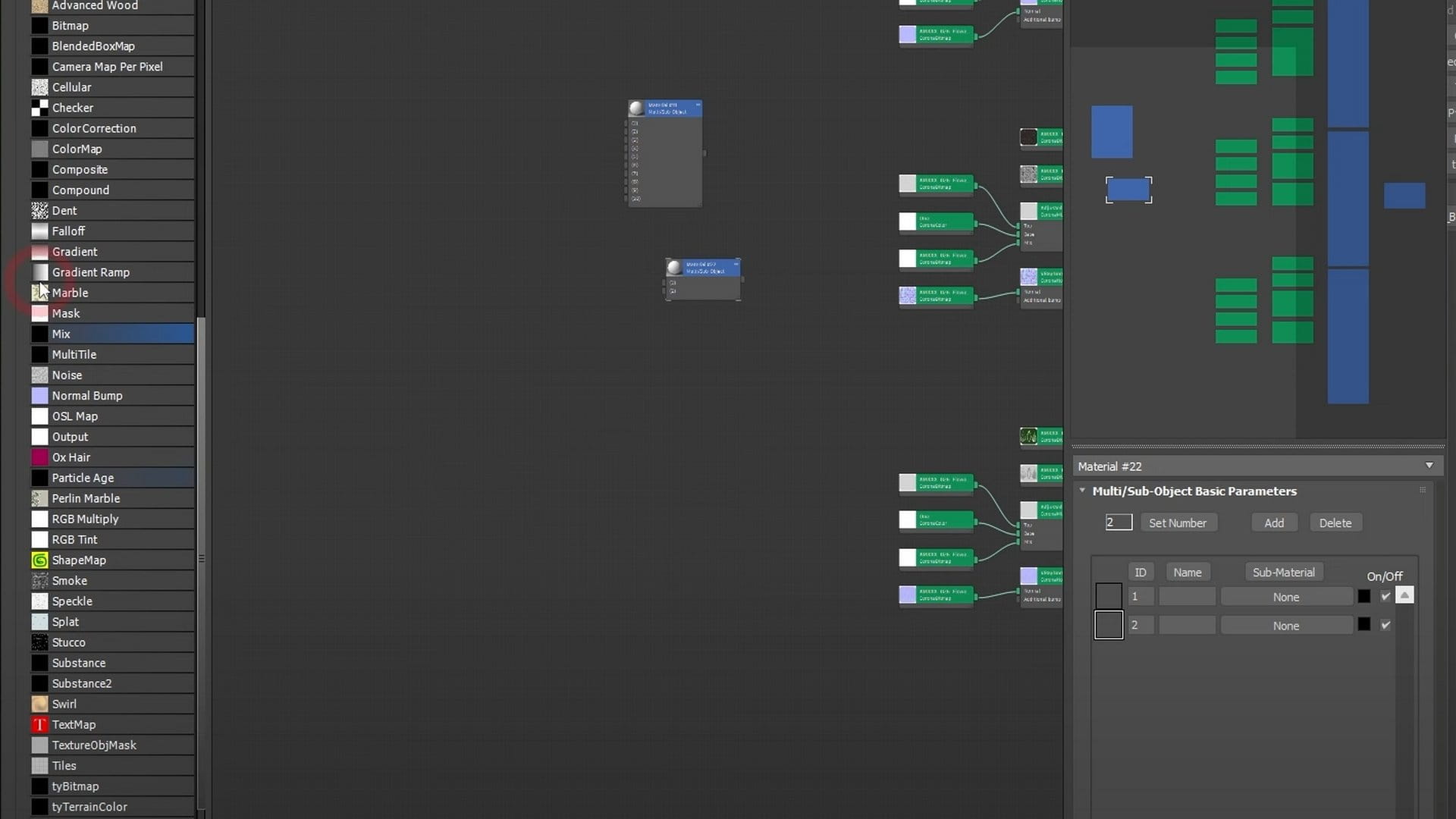
RenderRam shows how he setups his Material editor in 3ds Max whenever he installs a fresh new Max.

Useful tips for better worfklow in 3ds Max and Material Editor.

Material Editor in 3ds Max is a powerful tool that allows artists to create and manipulate materials for their 3D models and scenes. It provides a visually intuitive interface where users can control various aspects of a material, such as its color, texture, transparency, reflectivity, and more. The editor offers a wide range of procedural textures and shaders, as well as the ability to import custom texture files. Artists can also create complex material networks by connecting nodes together, enabling them to create advanced material effects and achieve desired visual results. 

Author: RenderRam Editor: Michał Franczak
Tags:
You may also like...
Evermotion: More Than an Asset Library

Evermotion: More Than an Asset Library

How Evermotion became a full-scale production partner for archviz, automotive and synthetic data.
×

LEAVE A COMMENT

You need to be logged in to leave a comment. Don't have account? Register now.