We are more than an asset library

Watch our Showreel
Search
Cart
Sign in
  • offerCustomer zone
  • offerYour orders
  • offerEdit account

  • offerAdd project
  • offerLiked projects
  • offerView your artist profile

  • Dark mode
    ✔
Use Corona Pattern and create realistic fabrics

Use Corona Pattern and create realistic fabrics

Ciro Sannino 2022-10-21 11:08 tutorial  > Corona  > modeling

Tutorial for Corona 9 for 3ds Max

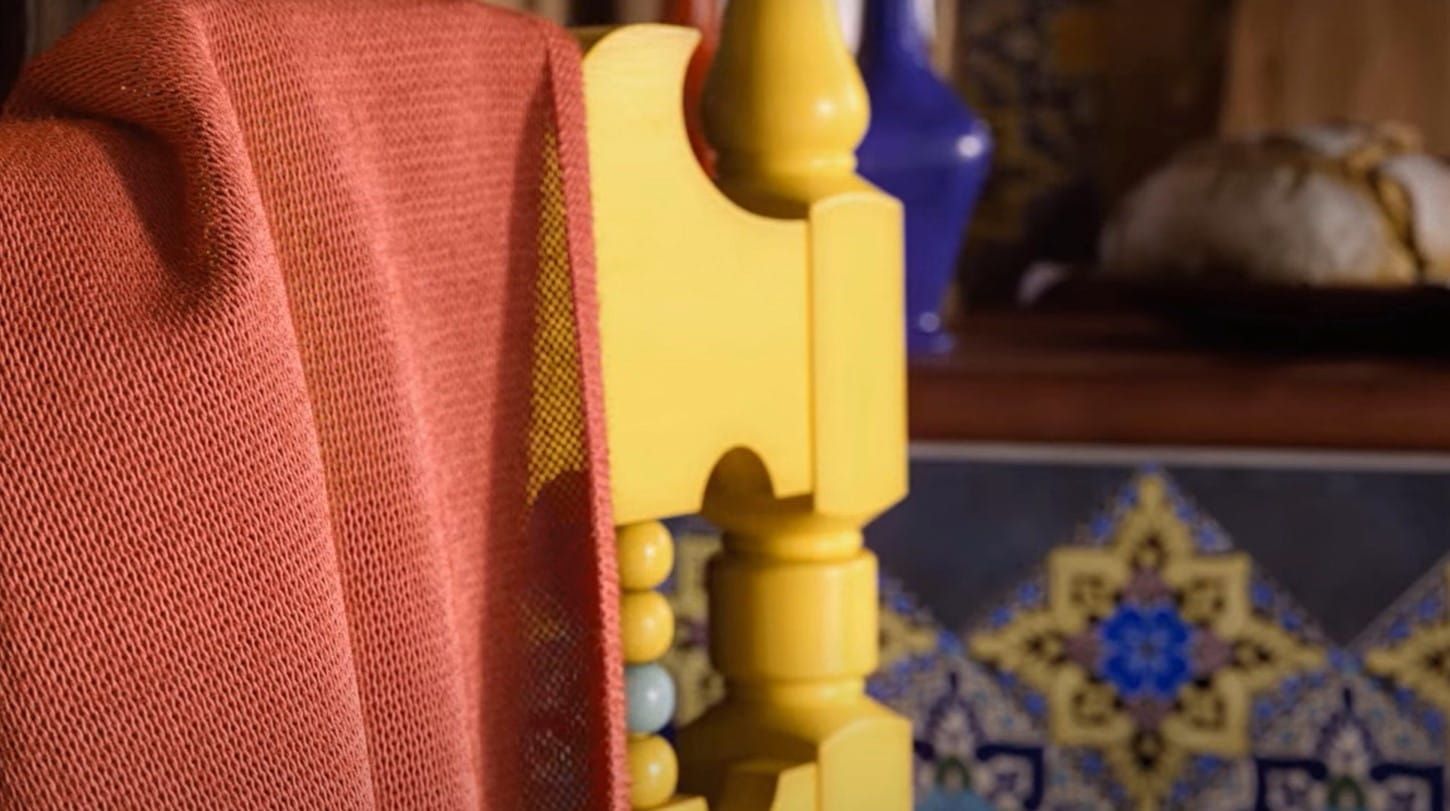
CoronaRenderer has now a new modifier, called "Pattern", that allows us to recreate tridimensional textures. Doyou want to create this fabric with a little touch of fur? It amazing for close-ups!


Here is the process, step by step:

  • Start from a blanket -you can easily simulate in 3ds Max with Mass FX 
  • Model a single piece of fabric, then clone it to create a tridimensional texture
  • Model a very small splines to use as a fur
  • Apply the splines to the 3d fabric by using Chaos Scatter
  • Add a Corona Pattern modifier
  • Click on “Pattern node” to pick the 3d model to use as a pattern
  • Crop it in order to have a tileable texture

Ciro Annino is currently offering Lessons + Licenses + Certifications in one package "Realistic Interiors with Corona".
 

Author: Ciro Sannino
Tags:
You may also like...
Redshift 2027.0: 15% faster renders, Archicad support, and ray-traced glass

Redshift 2027.0: 15% faster renders, Archicad support, and ray-traced glass

Maxon's Redshift 2027.0 cuts render times by up to 15% through memory optimization and adds official Archicad integration alongside improved materials and live feedback tools.
×

LEAVE A COMMENT

You need to be logged in to leave a comment. Don't have account? Register now.