We are more than an asset library

Watch our Showreel
Search
Cart
Sign in
  • offerCustomer zone
  • offerYour orders
  • offerEdit account

  • offerAdd project
  • offerLiked projects
  • offerView your artist profile

  • Dark mode
    ✔
Creating High Quality Water For Blender

Creating High Quality Water For Blender

Hayden Gray 2021-09-24 08:20 tutorial  > Blender  > modeling

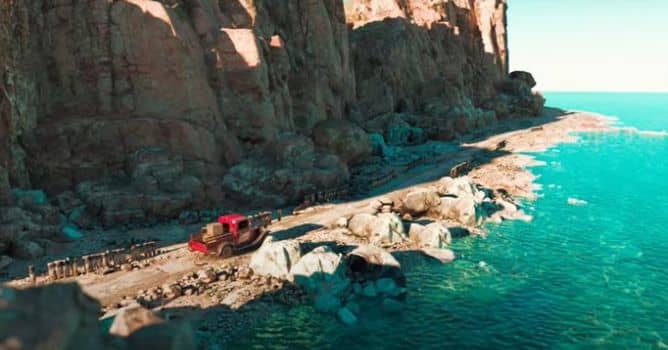
In this video, you will learn to create a high quality water shader for Blender complete with fake caustics.

The water shader is an interesting challenge as it was all done within a shader on a single plane. As Hayden Gray writes:

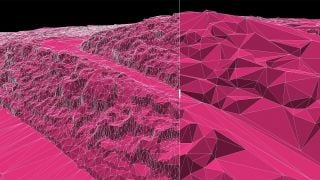
 I was able to use adaptive subdivision and displacement to give a bit of depth but the real highlight was the fake caustics using some Voronoi textures, some fancy ray mixing, and some vector transforms to give the appearance of motion. 



Author: Hayden Gray
Tags:
You may also like...
Claude Opus 5.5 cuts AI-assisted Blender workflows 40% cheaper and 30% faster

Claude Opus 5.5 cuts AI-assisted Blender workflows 40% cheaper and 30% faster

Claude Opus 5.5, released September 22, cuts API costs by 40% and speeds output by 30%, making AI-driven scene assembly in Blender more practical for solo artists. The model excels at staging, lighting and rig fixes but not production mesh generation.
×

LEAVE A COMMENT

You need to be logged in to leave a comment. Don't have account? Register now.