Evermotion: More Than an Asset Library
How Evermotion became a full-scale production partner for archviz, automotive and synthetic data.


Total: € 0


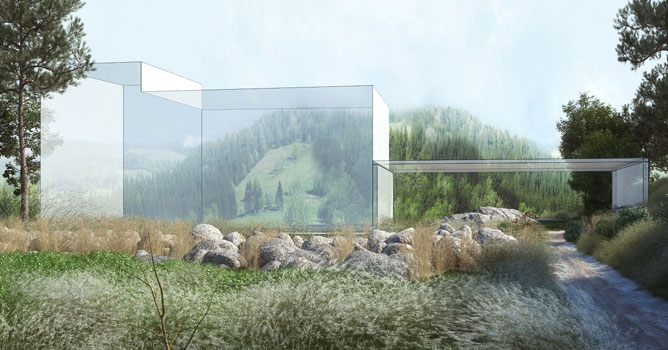
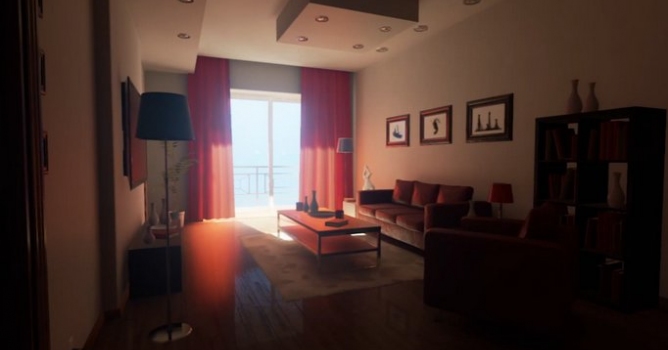
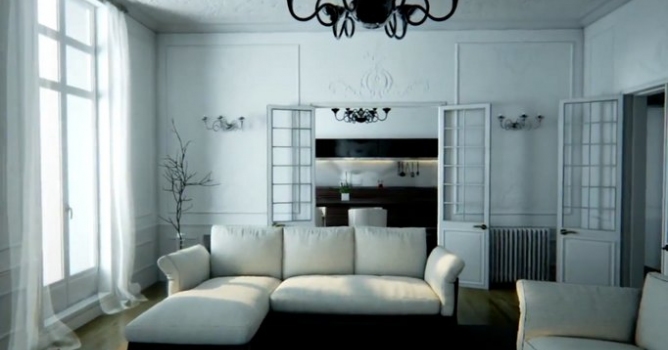
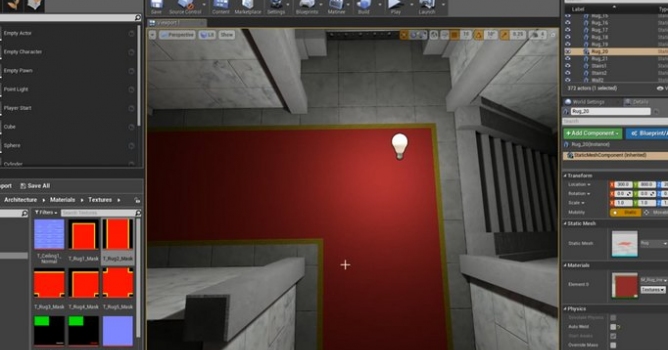
Cinematic. That look we all want. That look that is prized and hard to get. But is it really? William Faucher will show you a few things that can really give your shots a more filmic feel. It's a lot easier than you might think! You don't necessarily need any fancy #raytracing effects, or the latest RTX Graphics Cards from Nvidia to get a nice, cinematic look. Much of what is achieved in film/movies is all in the post-production par of the process. This tutorial covers rendering with Movie Render Queue in Unreal Engine 4.26, color grading done in Davinci Resolve. Everything here can be done in both UE4, and Unreal Engine 5.





LEAVE A COMMENT





|

|

|

|

|
 Customer zone
 Your orders
 Edit account
 Add project
 Liked projects
 View your artist profile
COMMENTS