Evermotion: More Than an Asset Library
How Evermotion became a full-scale production partner for archviz, automotive and synthetic data.


Total: € 0
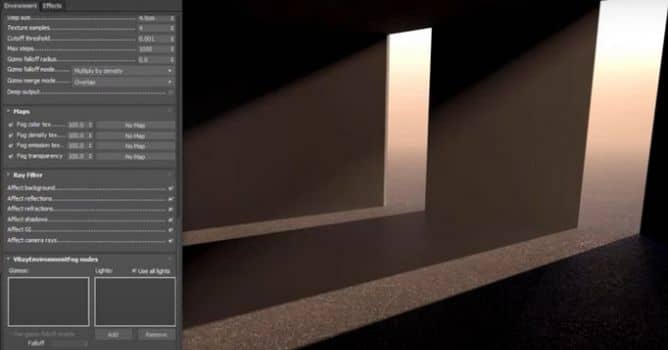

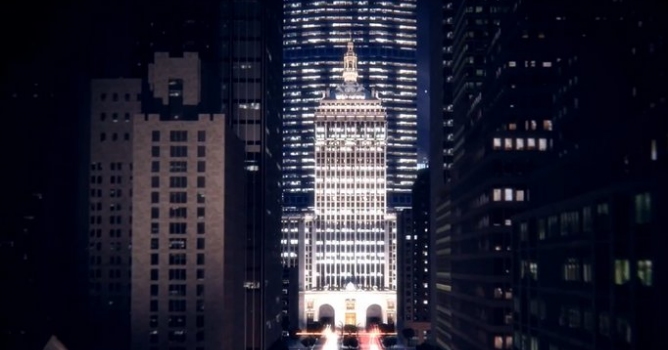
In real-world, rays of light are the most visible when they bounce off the surface, like dust or mist. When rendering this fx can be simulated with volumetric lighting. This is useful for creating atmosphere effects and add a bit of realism to your scenes.
VRayEnvironmentFog is an atmospheric effect that allows the simulation of participating media like fog, atmospheric dust and so. Volumetric properties can be determined by 3D texture maps. The atmospheric effect can also be confined with atmospheric gizmo helper objects.
LEAVE A COMMENT





|

|

|

|

|
 Customer zone
 Your orders
 Edit account
 Add project
 Liked projects
 View your artist profile
COMMENTS