We are more than an asset library

Watch our Showreel
Search
Cart
Sign in
  • offerCustomer zone
  • offerYour orders
  • offerEdit account

  • offerAdd project
  • offerLiked projects
  • offerView your artist profile

  • Dark mode
    ✔
How To Relight without re-rendering in Arnold for Cinema 4d

How To Relight without re-rendering in Arnold for Cinema 4d

YT 2021-02-17 10:42 tutorial  > 3ds MAX  > rendering

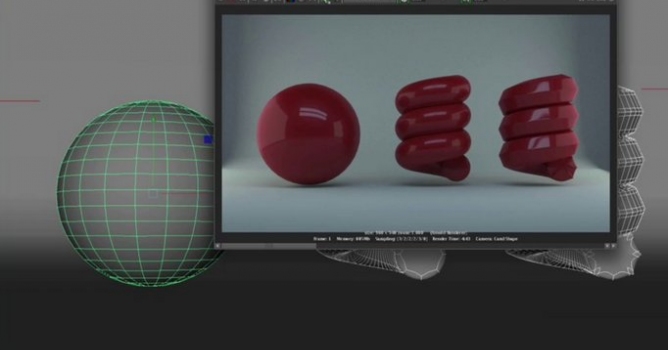
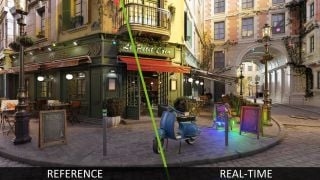
Video tutorial about Light Mixer Imager in Arnold for Cinema 4d.

Light mixing is a process where multiple light render passes are rendered separately. Each pass has all of the paths that end at the camera and begin at the given lights. In a post-process, the balance or mix of those lights can be adjusted using a set of sliders, or color sliders.


Author: YT Editor: Michał Franczak
Tags: arnold render
You may also like...
Post-production of 3d scene in Adobe Photoshop - Tip of the Week

Post-production of 3d scene in Adobe Photoshop - Tip of the Week

In this tutorial Michal Horba from Evermotion will guide you through post-production process in Adobe Photoshop.
×

LEAVE A COMMENT

You need to be logged in to leave a comment. Don't have account? Register now.