Search
Cart
Sign in
  • offerCustomer zone
  • offerYour orders
  • offerEdit account

  • offerAdd project
  • offerLiked projects
  • offerView your artist profile

  • Dark mode

We care about your privacy

We use cookies to provide you with the best possible experience. They also allow us to analyze user behavior in order to constantly improve the website for you. The consent is voluntary. You can withdraw it at any time or renew it in Cookie settings on the home page. Withdrawal of your consent does not affect the lawfulness of processing performed before the withdrawal. Privacy Protection Policy
Accept all
Accept selection
Reject all

White Kitchen Interior in 3ds Max - Tip of the Week

Michal Franczak 2020-10-05 09:07 tutorial  > 3ds MAX  > lighting

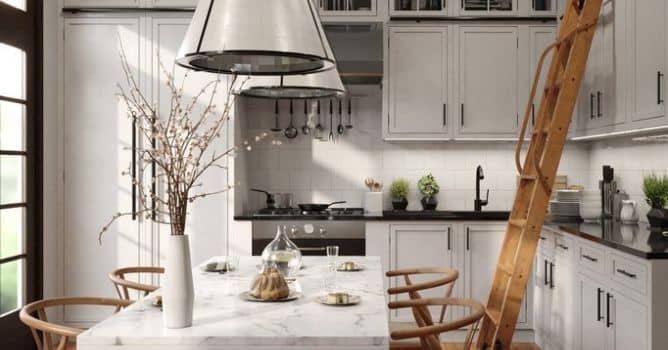
We are breaking down the modern kitchen scene created by Evermotion.

AI56_001_1

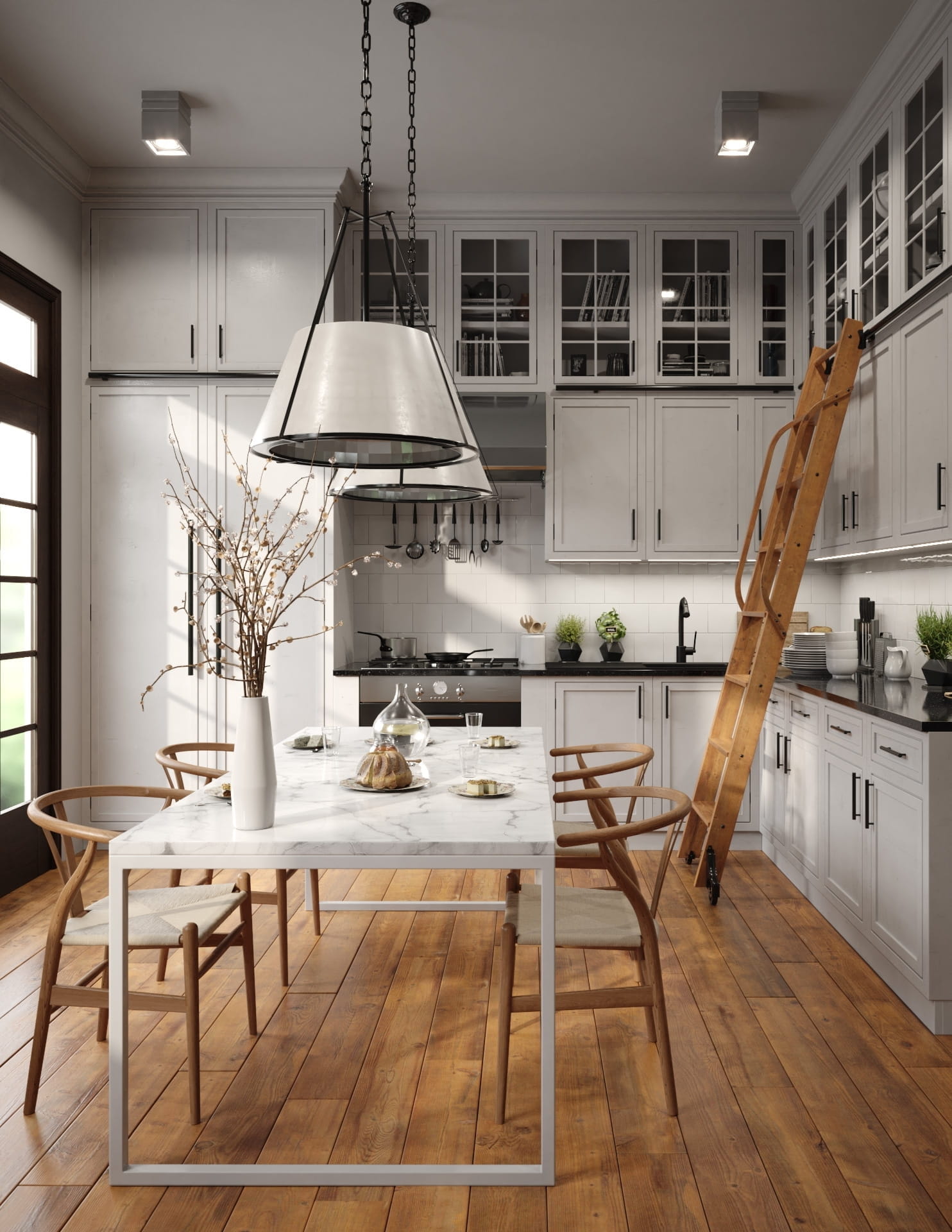
Final image after post-production


slice19_16

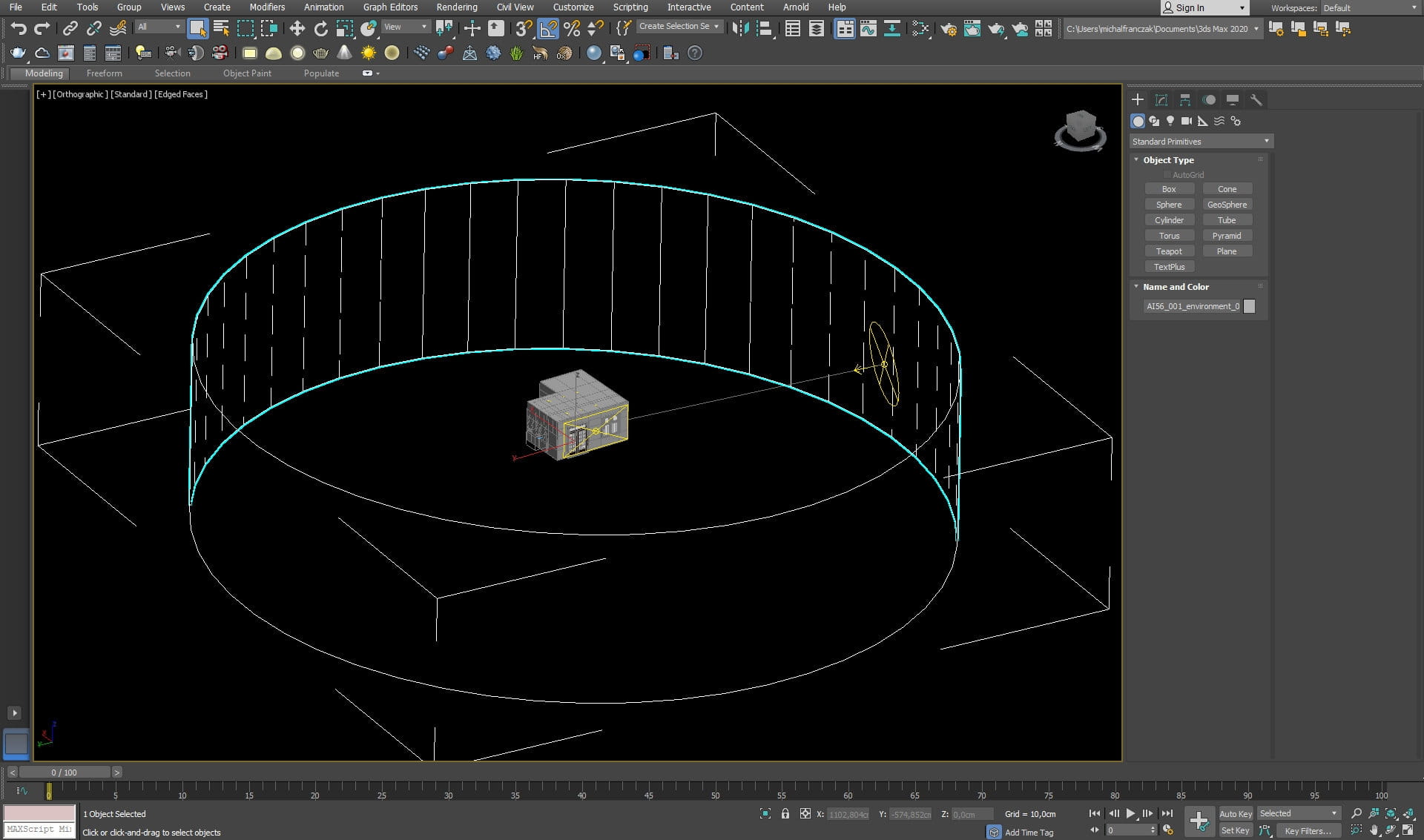
Scene overview


slice15_20

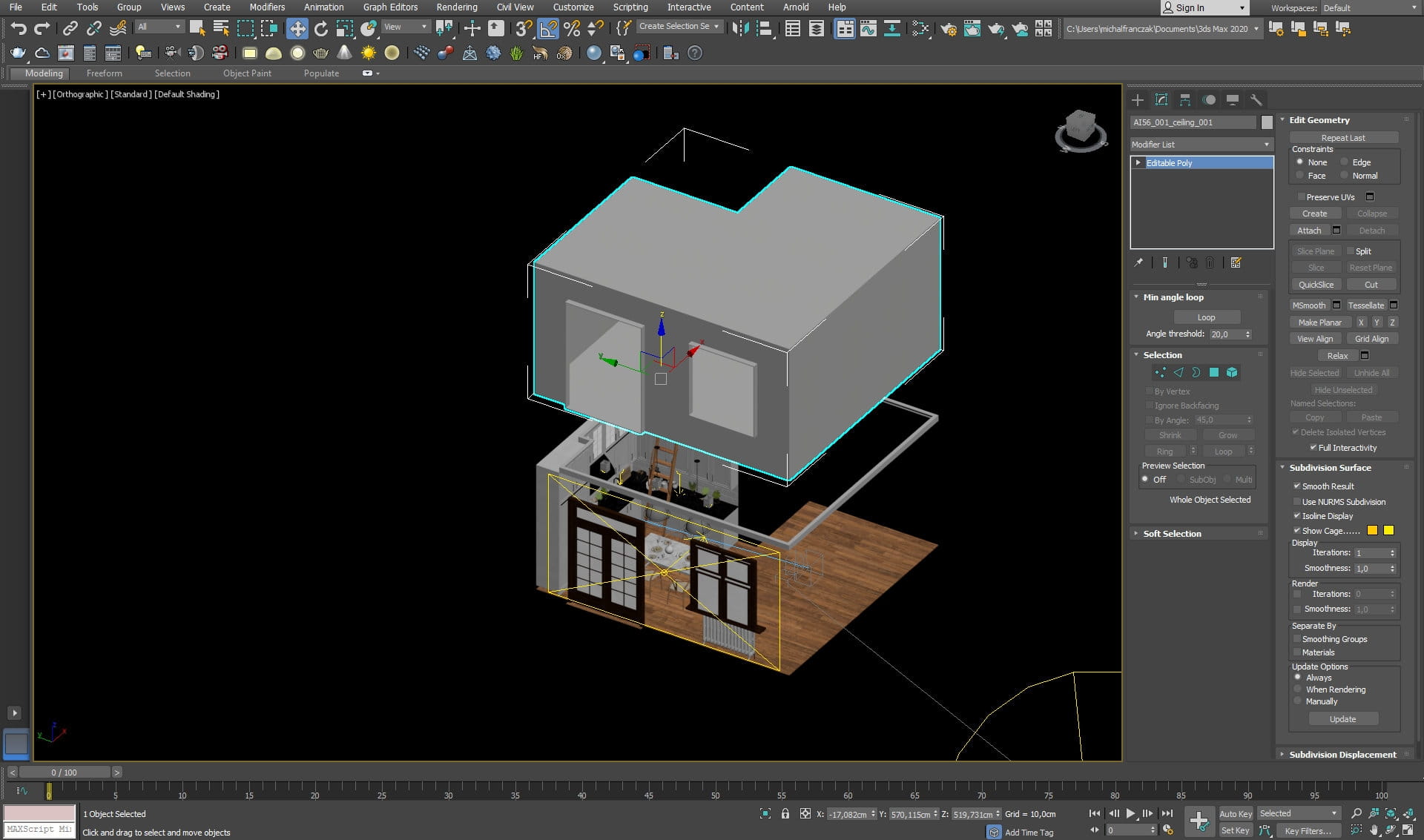
Building mesh


slice14_22

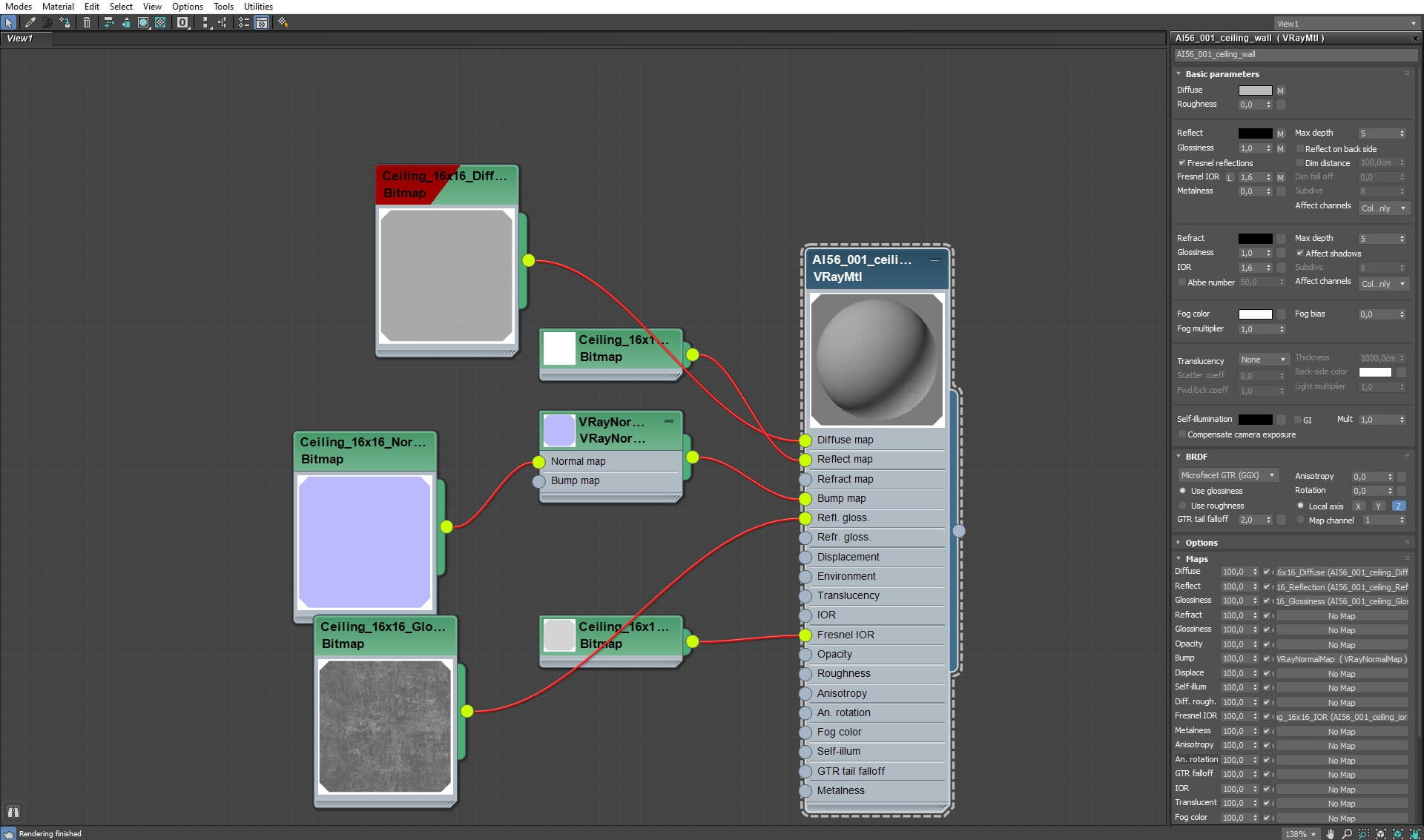
Building mesh material


slice5_28

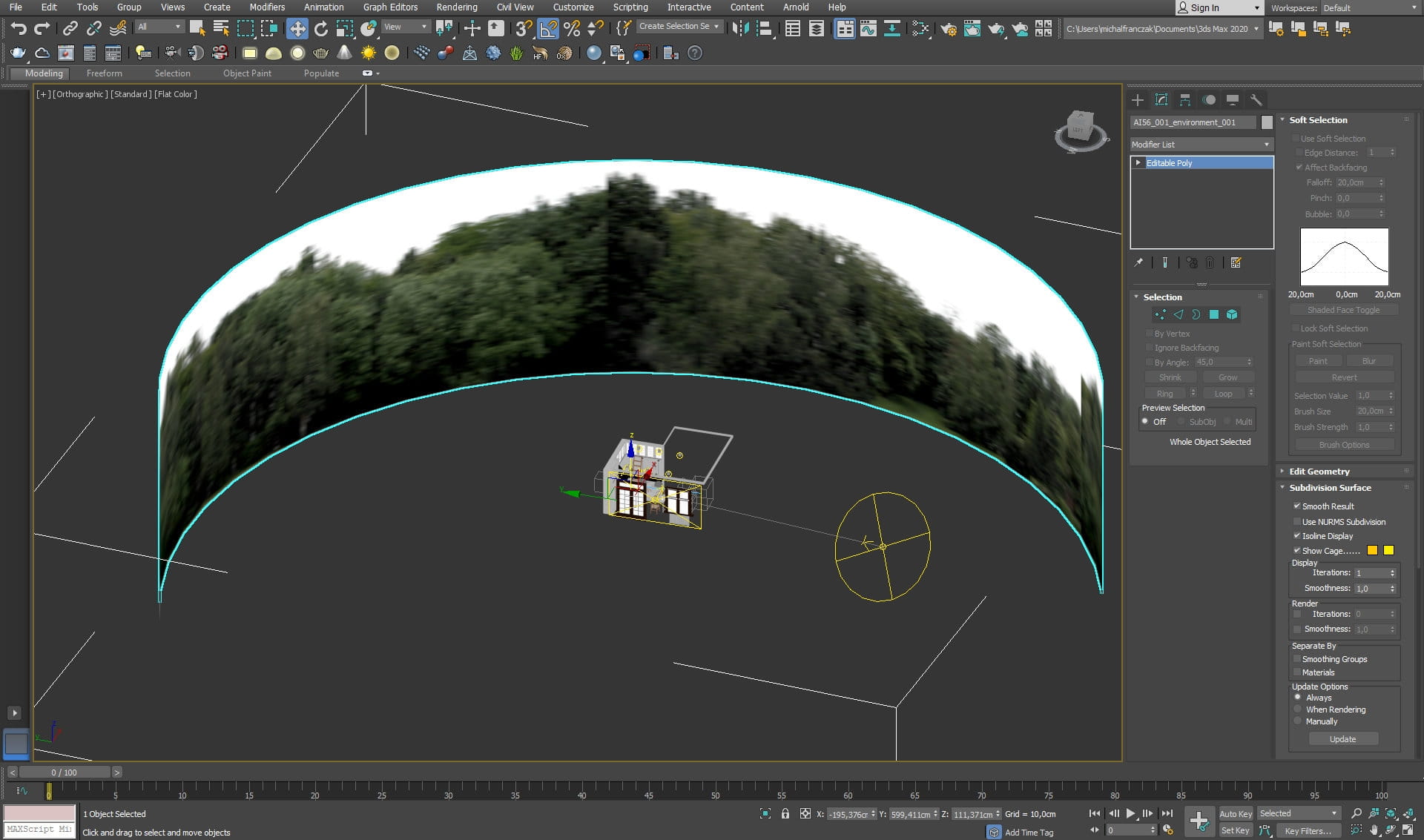
Background plane


slice3_28

Background plane settings


slice4_28

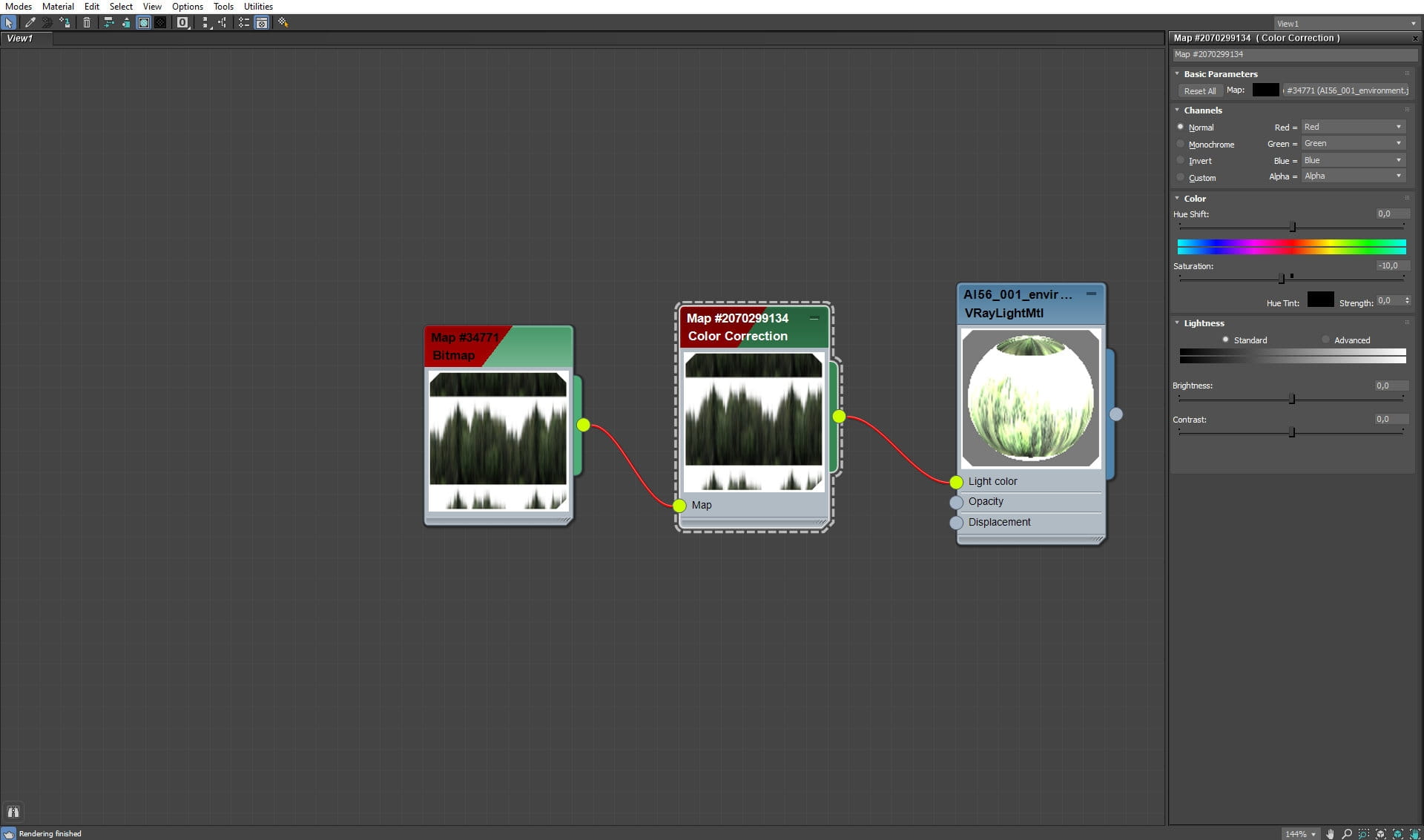
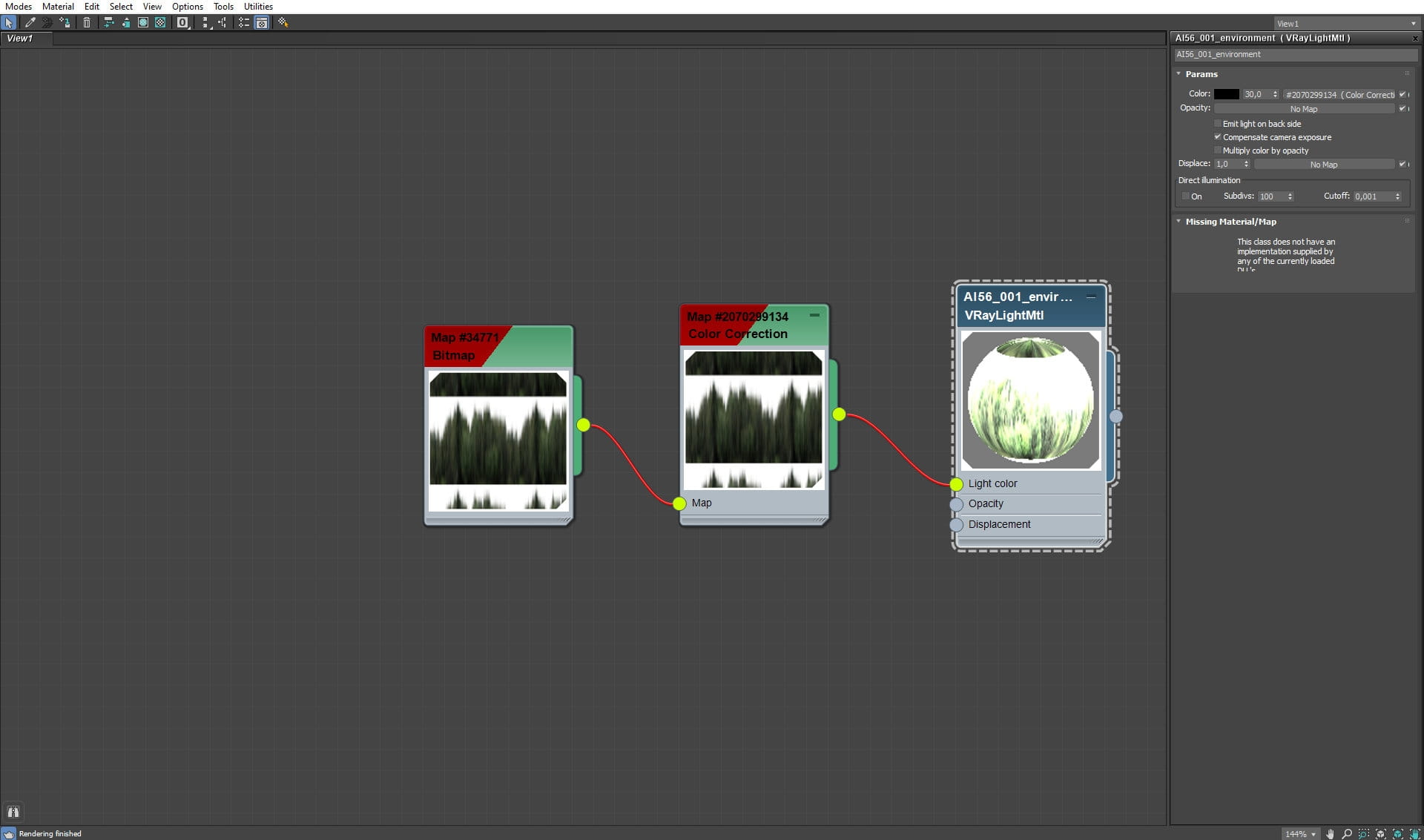
Background plane - Vray Light Material settings


slice2_29

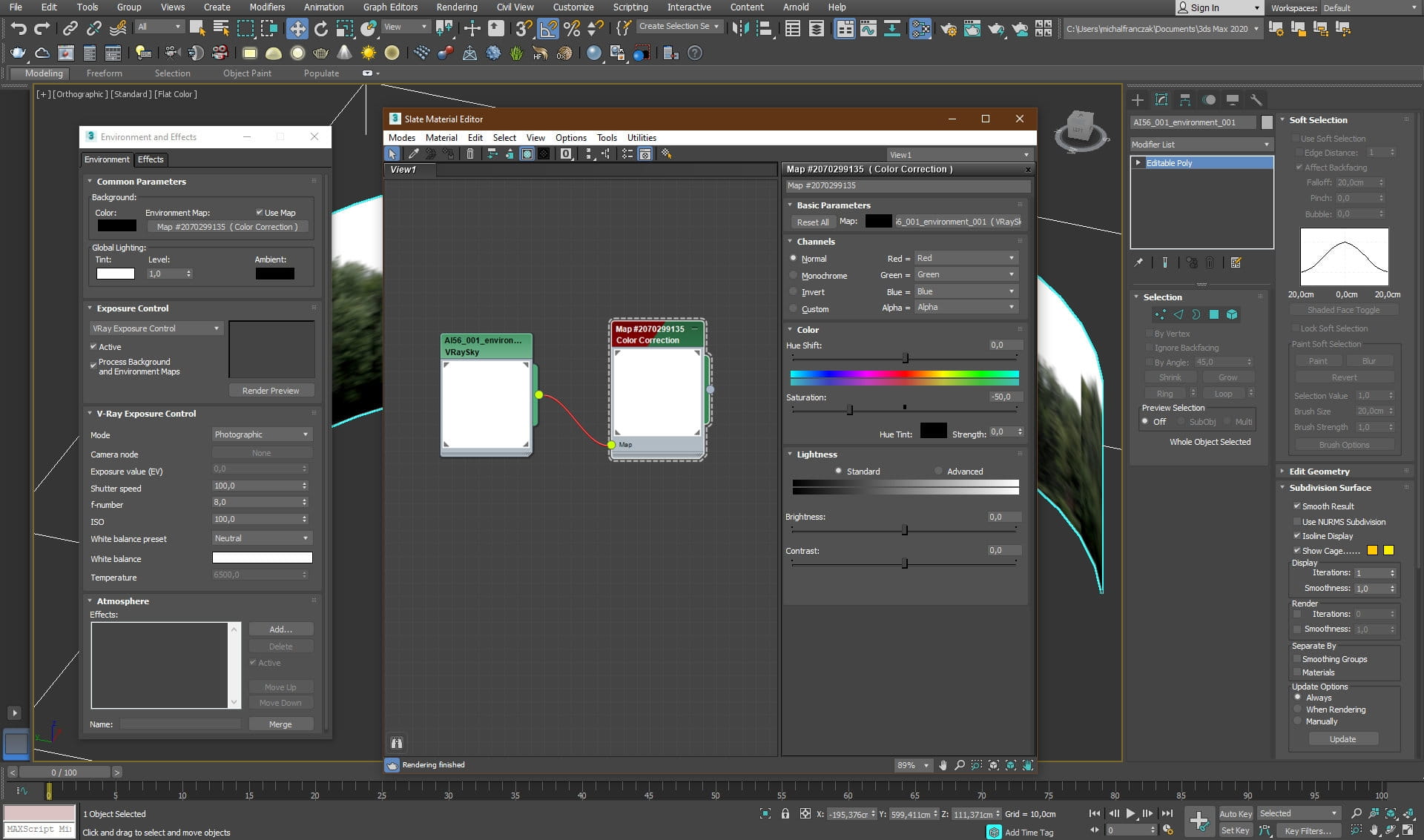
Vray Sky settings


slice1_28

VRay Sky color correction settings


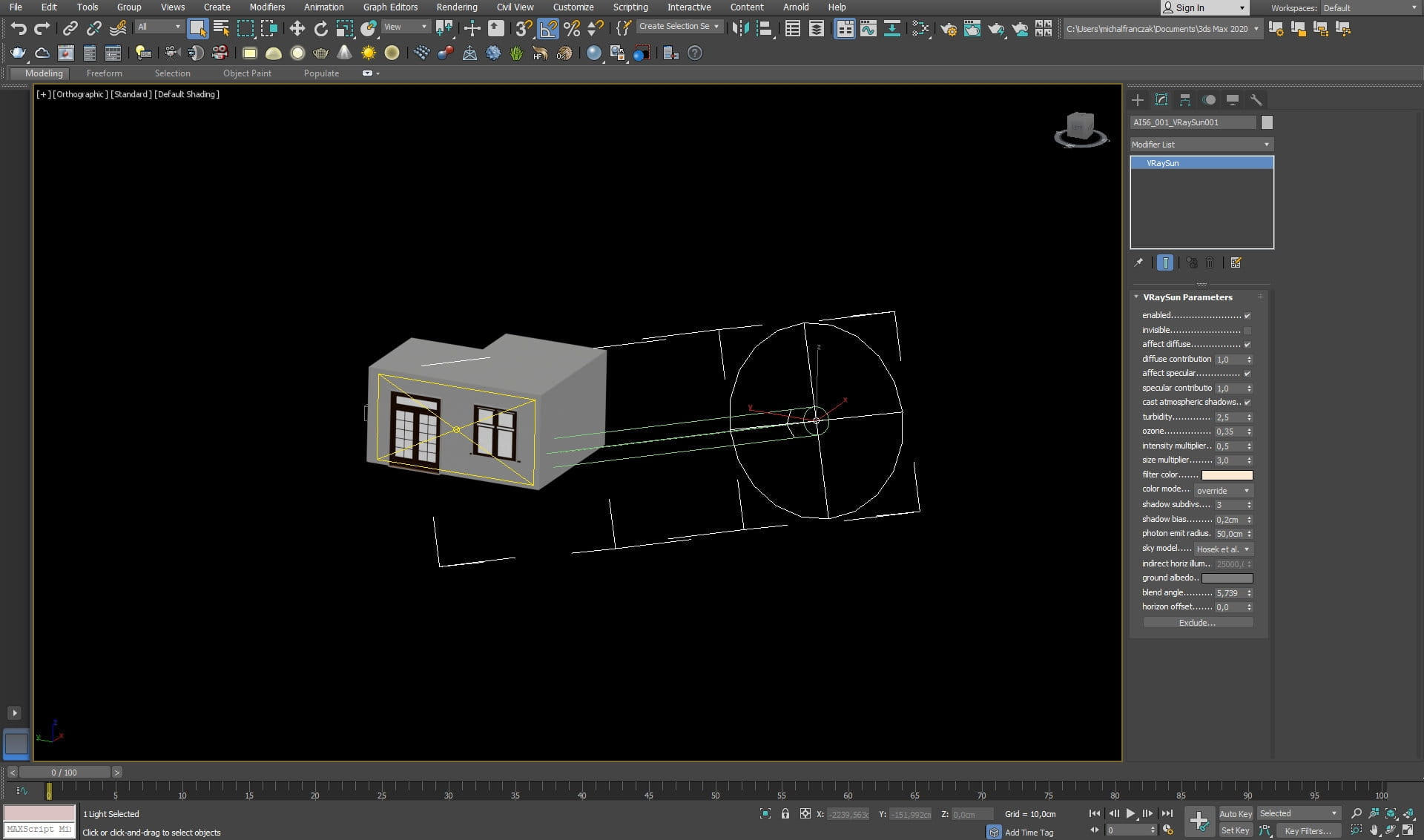
slice16_20

Vray Sun settings


slice13_22

Room interior and camera settings


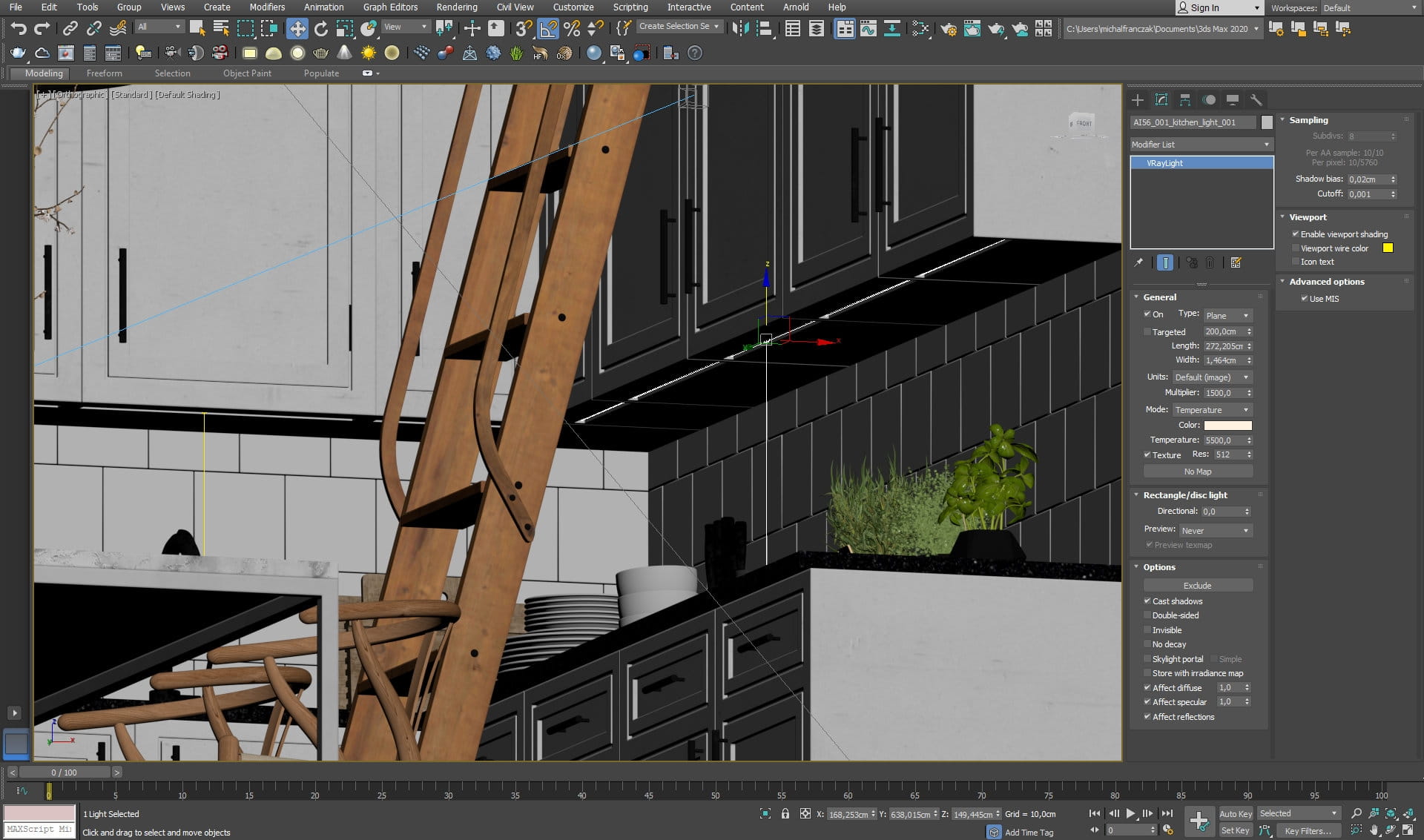
slice6_27

Interior light settings


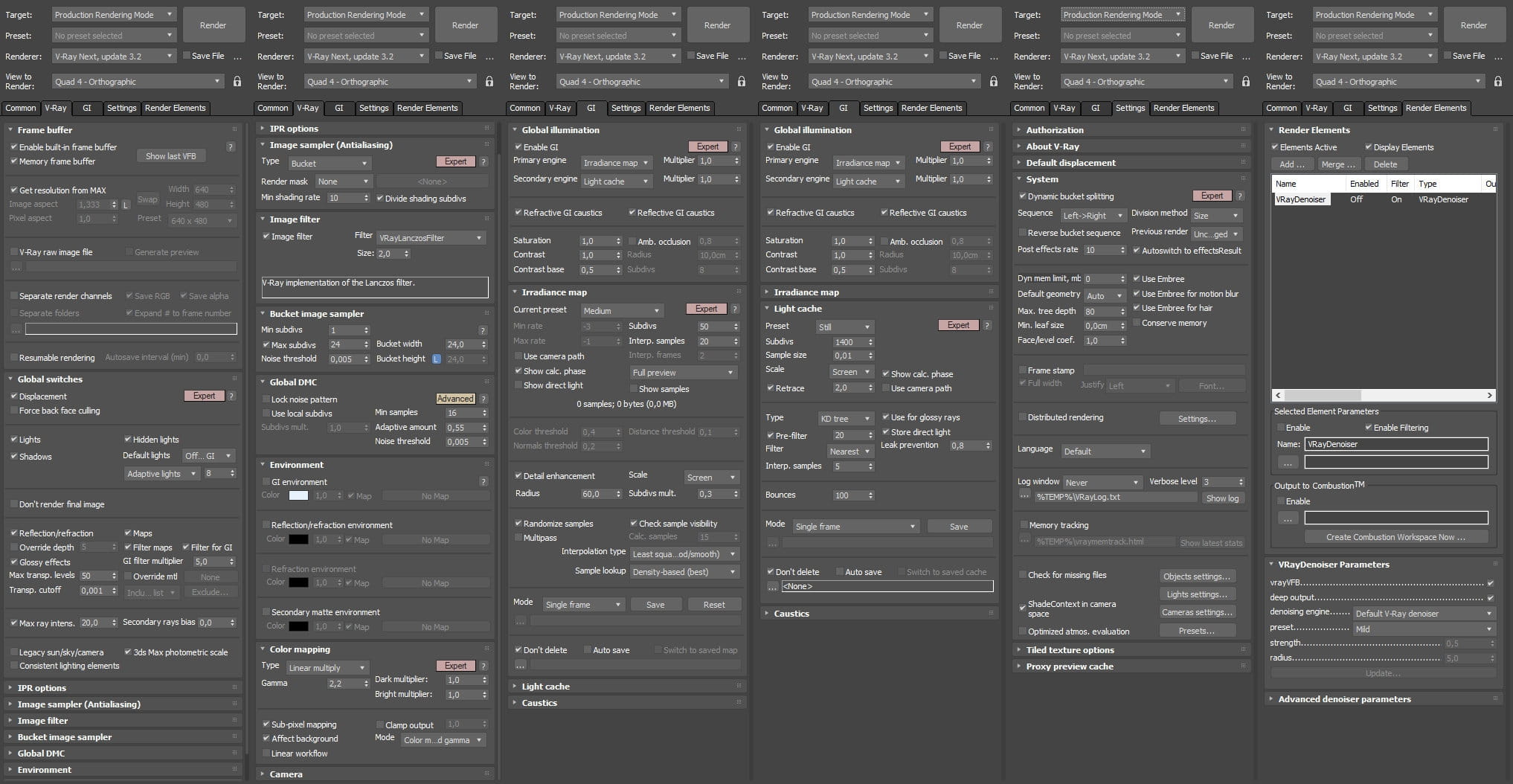
vray_render_settings_1

Render settings


Author: Michal Franczak Editor: Michał Franczak
Tags: 3dsmax vray interior kitchern
You may also like...
Flickering free flythrough animation in Vray

Flickering free flythrough animation in Vray

TipOfTheWeek: particleflow pt. 2: Make cool effects using 3ds max curve editor
×

LEAVE A COMMENT

You need to be logged in to leave a comment. Don't have account? Register now.