We are more than an asset library

Watch our Showreel
Search
Cart
Sign in
  • offerCustomer zone
  • offerYour orders
  • offerEdit account

  • offerAdd project
  • offerLiked projects
  • offerView your artist profile

  • Dark mode
    ✔
3ds Max: How to cut Roads into a Terrain

3ds Max: How to cut Roads into a Terrain

XOIO 2019-10-03 13:14 tutorial  > 3ds MAX  > modeling

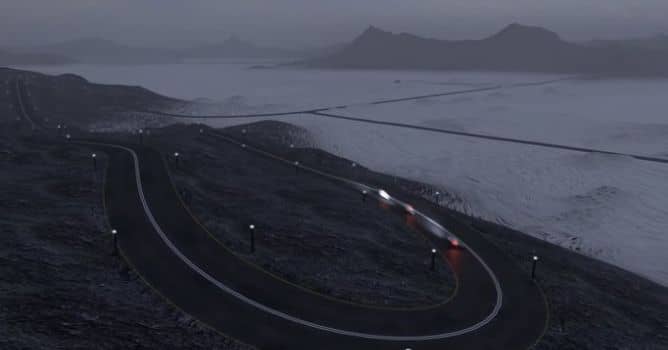
This video is showing how we can create a continuous terrain that features realistic roads.

In that workflow we can even cut roads into steep terrains and create serpentines and mountain streets. In the second part we then make use of the hybrid topology to texture the terrain, animate objects, place fencing and further refine the model.


Author: XOIO
Tags: vray 3dsmax road vray road
You may also like...
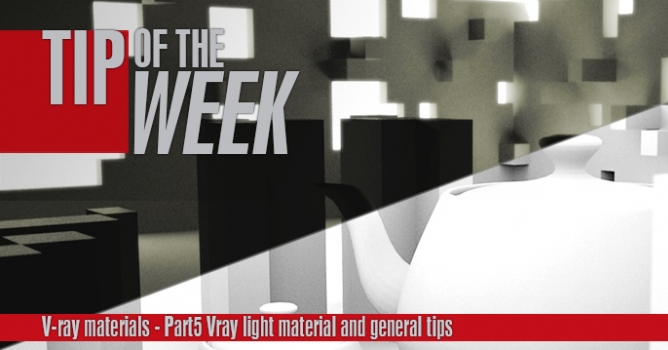
Tip of the Week. V-ray light materials and general tips

Tip of the Week. V-ray light materials and general tips

This is the last part of a V-ray materials tip of the week series. In this part I will show you how to use V-ray light materials and some general tips for baking v-ray dirt and using opacity maps.
×

LEAVE A COMMENT

You need to be logged in to leave a comment. Don't have account? Register now.