Search
Cart
Sign in
  • offerCustomer zone
  • offerYour orders
  • offerEdit account

  • offerAdd project
  • offerLiked projects
  • offerView your artist profile

  • Dark mode
    ✔
Blender 2.8 studio rendering Setup | Eevee Render | Product rendering

Blender 2.8 studio rendering Setup | Eevee Render | Product rendering

thecgacademy 2019-09-22 08:04 tutorial  > Blender  > modeling

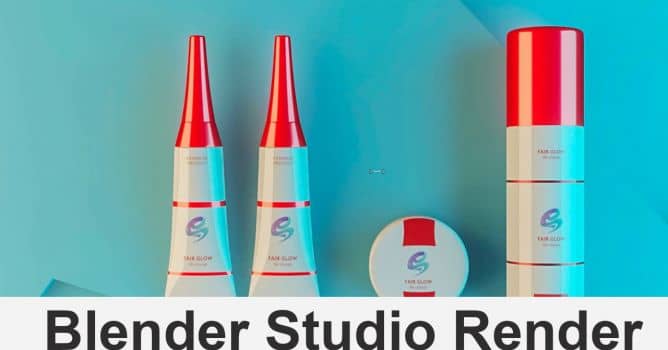
Blender tutorial for beginners! In this tutorial i will discuss about blender 2.8 studio rendering setup for product rendering.

I will use Evee render engine. Eevee is a new physically based real-time renderer. It works both as a renderer for final frames, and as the engine driving Blender’s realtime viewport for creating assets. It has advanced features such as volumetrics, screen-space reflections and refractions, subsurface scattering, soft and contact shadows, depth of field, camera motion blur and bloom.


Download Blend Project File.

Blender is a free open source 3D program. You can download it here.
https://www.blender.org/

Author: thecgacademy
Tags:
You may also like...
How to Speed Up Archviz Rendering Without Upgrading Your Hardware

How to Speed Up Archviz Rendering Without Upgrading Your Hardware

Save time, reduce stress, and focus more on the creative side of your projects.
×

LEAVE A COMMENT

You need to be logged in to leave a comment. Don't have account? Register now.