Standard License
License for individual creators or small teams with up to €1 million in revenue or funding (last 12 months).
Professional License
For studios or organizations with over €1 million in revenue or funding (last 12 months).
Revenue Threshold
You are required to purchase a Professional License only if your company exceeds the revenue threshold at the time of purchase. Licenses bought before exceeding the threshold remain valid and do not require an upgrade.
This product can be used only for compability testing purposes and familiarization with product line. It cannot be used in any commercial or non-commercial work.
Thank you for your interest in our services! Please briefly describe your project or order and we will respond as quickly as possible. Our services are paid separately, so please, determine your estimated budget in message.
Virtual cash
Virtual Cash is our partner program. You can earn Virtual Cash by buying certain products in Evermotion Shop. Then, in the next transactions you can spend Virtual Cash to lower your prices. If you have enough of Virtual Cash, you can get our products completely for free.
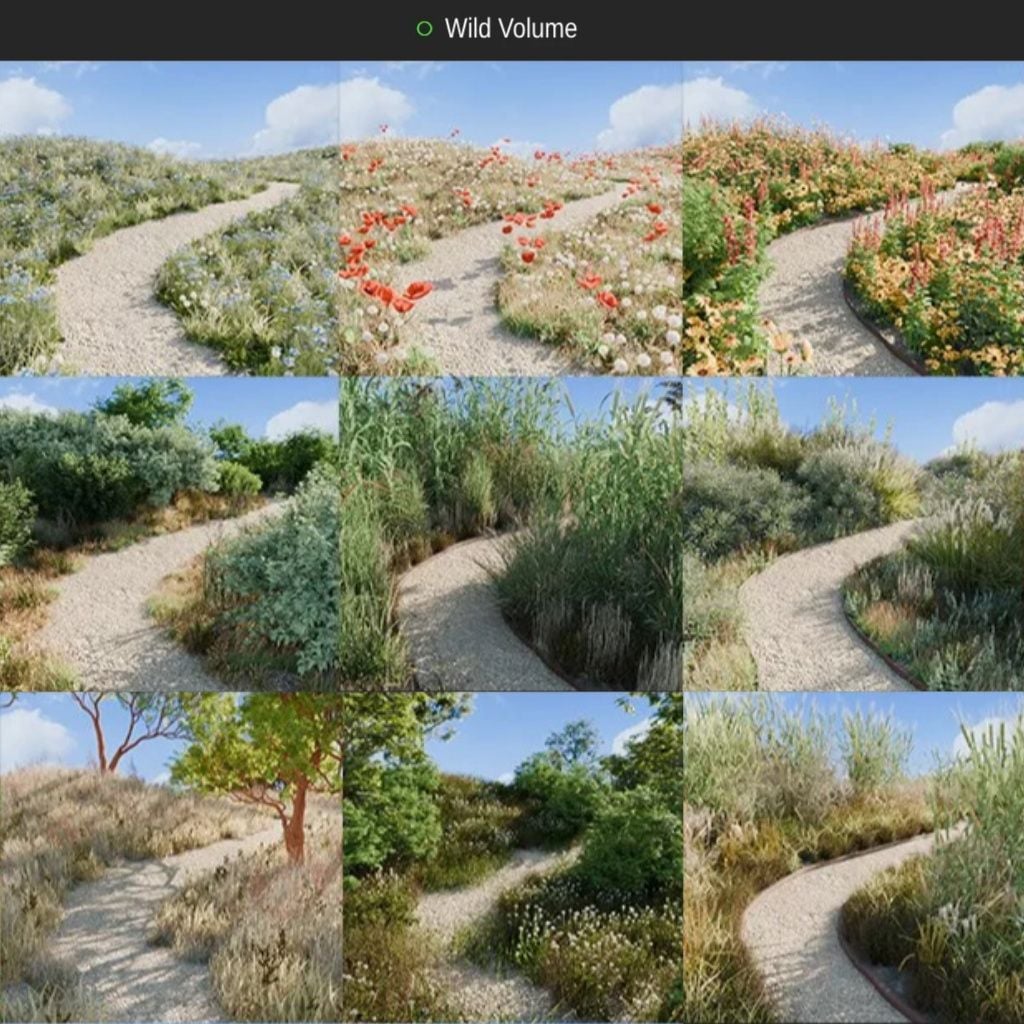
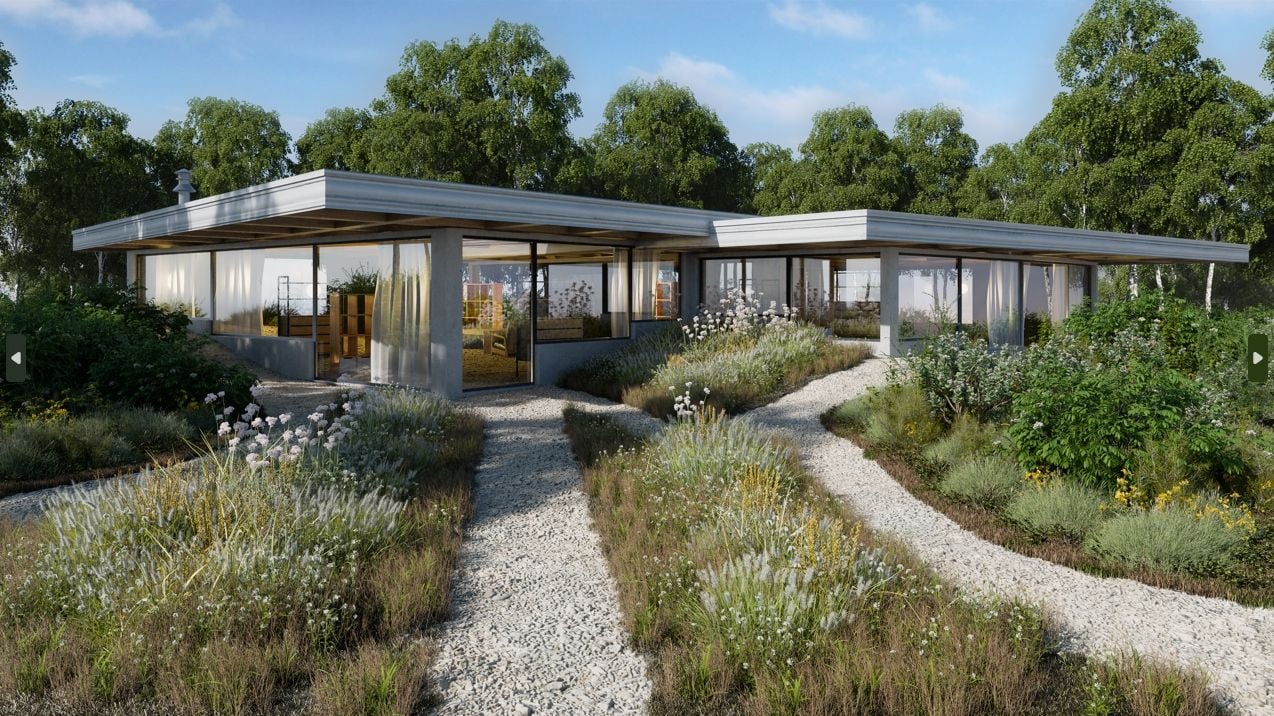
This artist friendly GeoPack offers a refreshing twist on traditional scattering techniques. Simply draw where you desire assets to be placed, no complex setup required.
REALISTIC COMPOSITION - asset auto layering
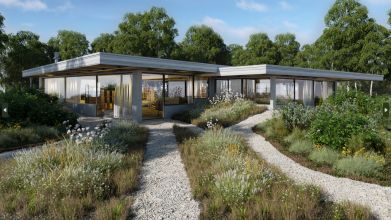
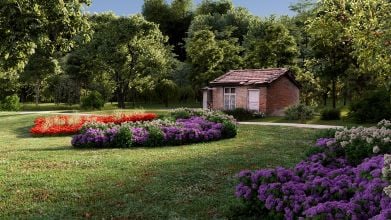
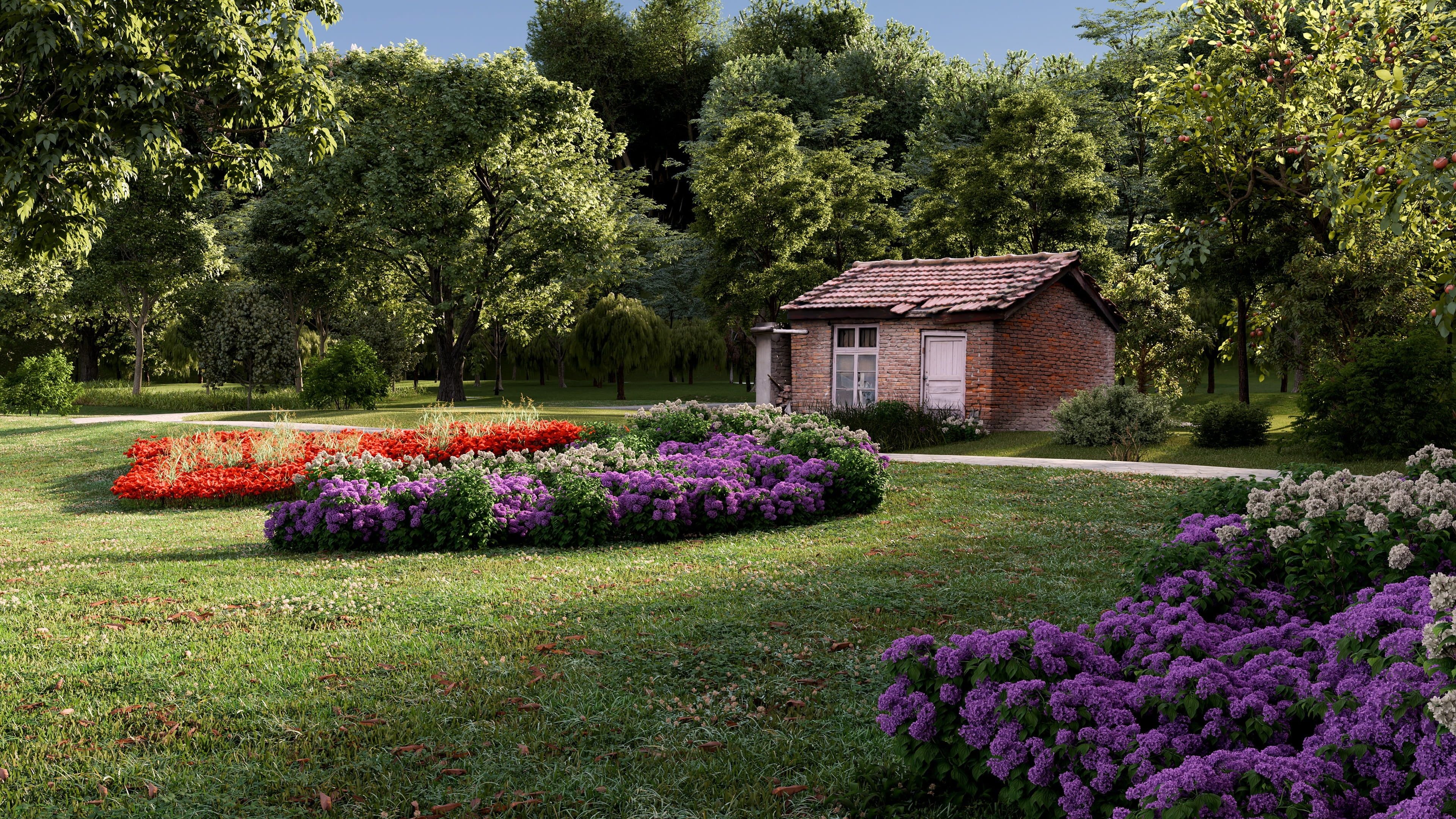
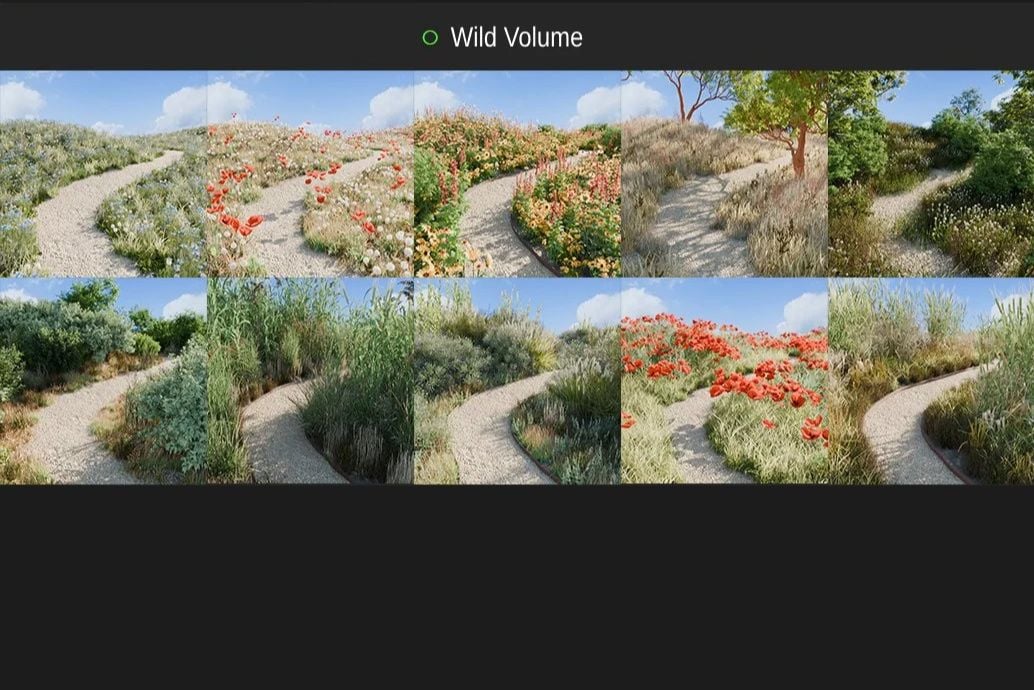
Assets automatically arrange themselves to produce realistic groves, with smaller assets naturally situating at the edges and larger ones in the center.
Additionally, you have the ability to create and save your own Groves using the BagaPie GeoPack system.
Assets are automaticaly arranged, small assets go to grove border and big one stay in the center.
This way, it generate realistic composition vegetales.
YES, You can use your own assets.
BagaPie Scatter - fully integrated with BagaPie scattering
Select assets from the Asset Browser or in the 3D view, then on your surfaces, press J > Scatter (or Scatter from Asset Browser).
Camera Culling: Improves performance by not rendering objects outside the camera's view.
Proxy: Uses simplified models for complex objects to speed up workflow.
Display only % of particles: Allows for smoother viewport navigation by displaying a reduced percentage of instances.
GOOD TO KNOW
Avoid using this for extensive scattering; it's designed for foreground detail.
Understanding GeoPack is essential for creating groves.
For installation, first install BagaPie (FREE and included with BagaGrove). Once installed, go to BagaPie preferences > GeoPack and set the asset storage location on your computer, if not already done. Click on "install pack," select a BagaGrove volume, and upon completion, a library named after the pack will be available. You can then use BagaGrove by pressing V > BagaGrove and choosing a grove.
Note that you must select at least one surface to add a grove, but you can draw on any surface.





 Customer zone
 Your orders
 Edit account
 Add project
 Liked projects
 View your artist profile