Results
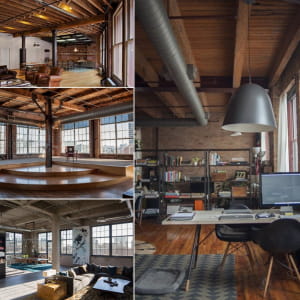
Deadline is around the corner, it's time to show you the whole process.
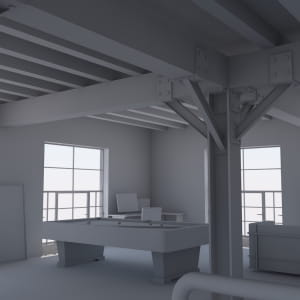
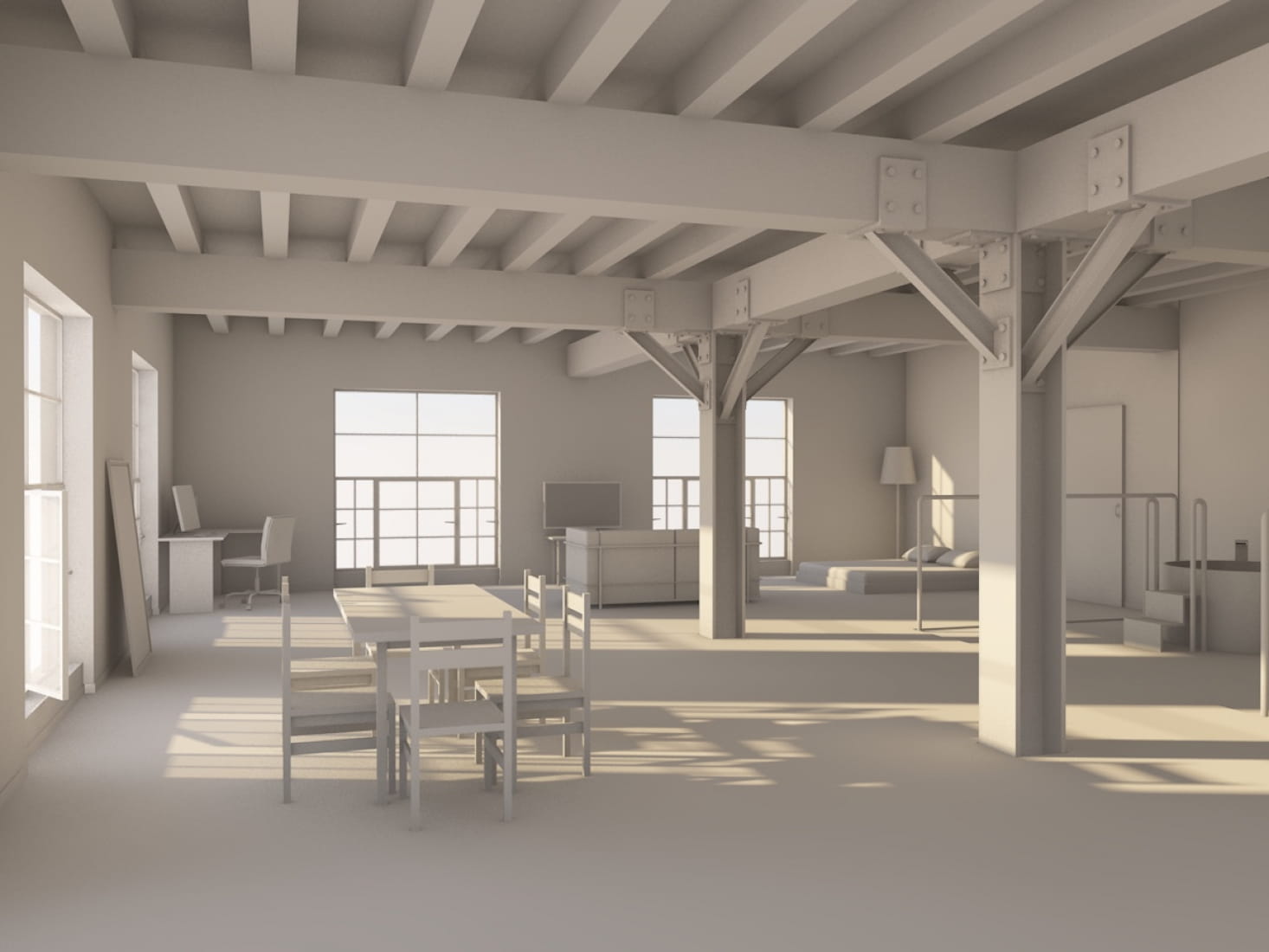
1 - 3D model in ArchiCAD.
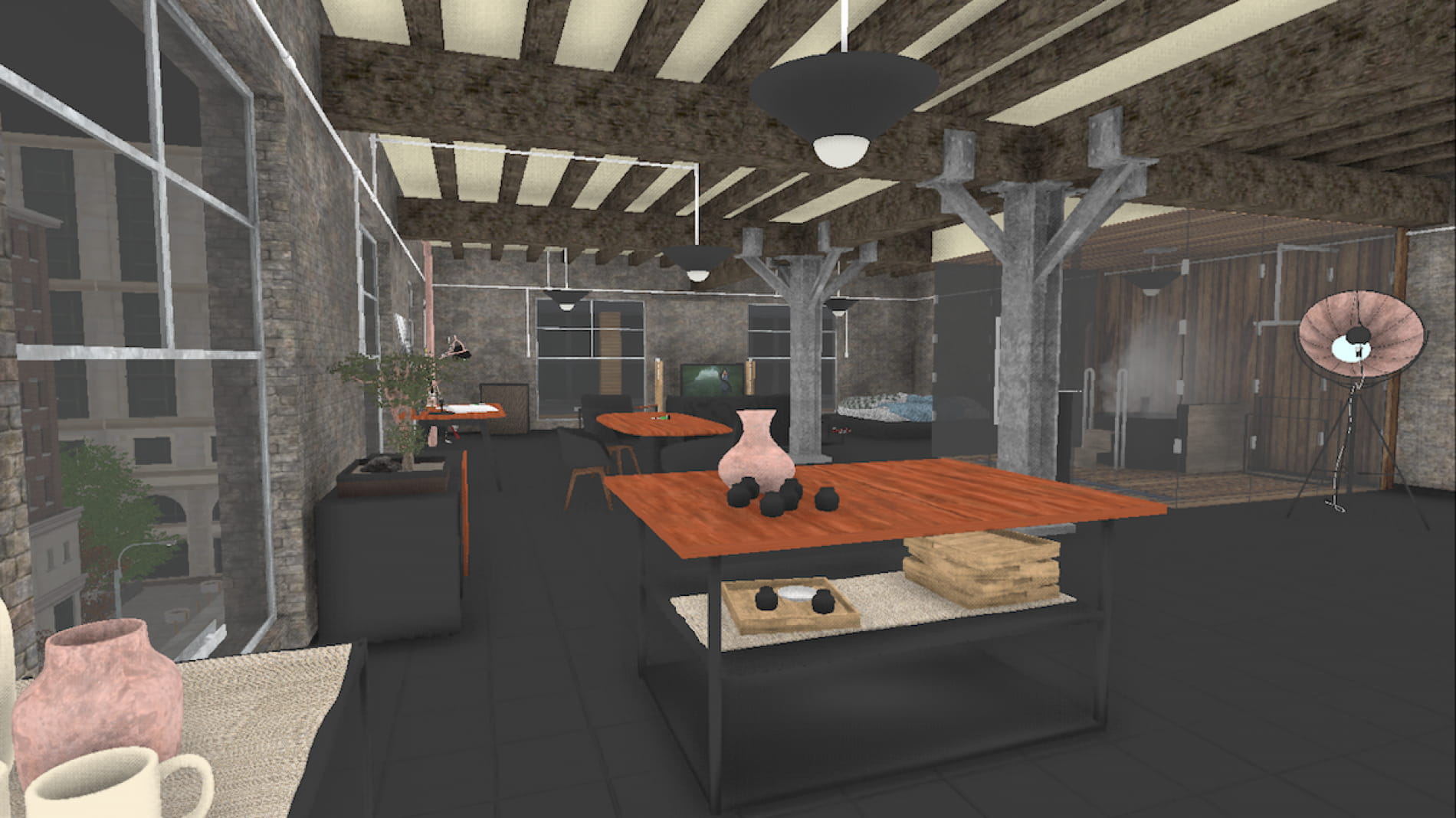
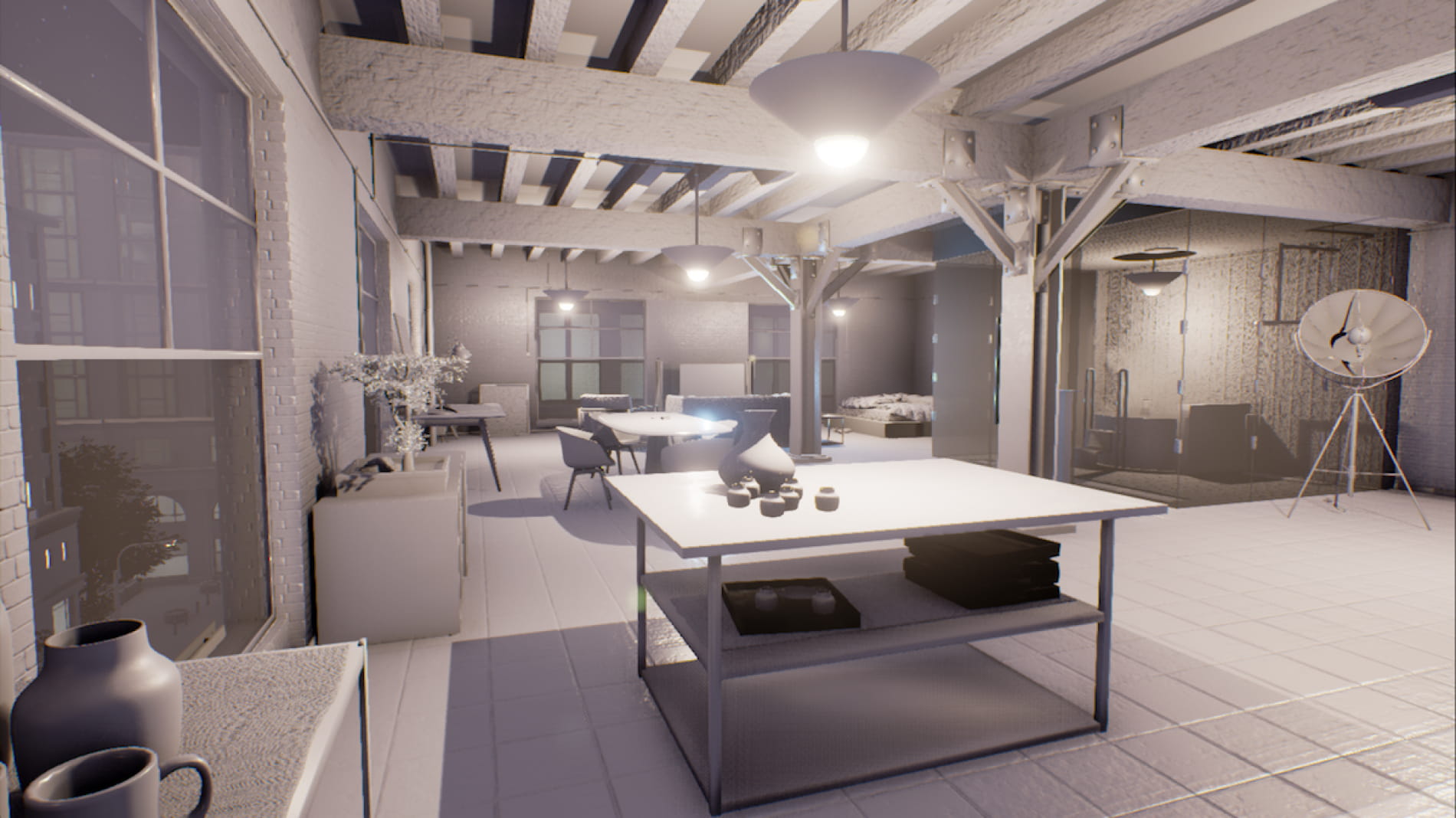
2 - Export the model in Unreal Engine 4 and set up the interior.
3 - Study the lights and the shadows in the scene.
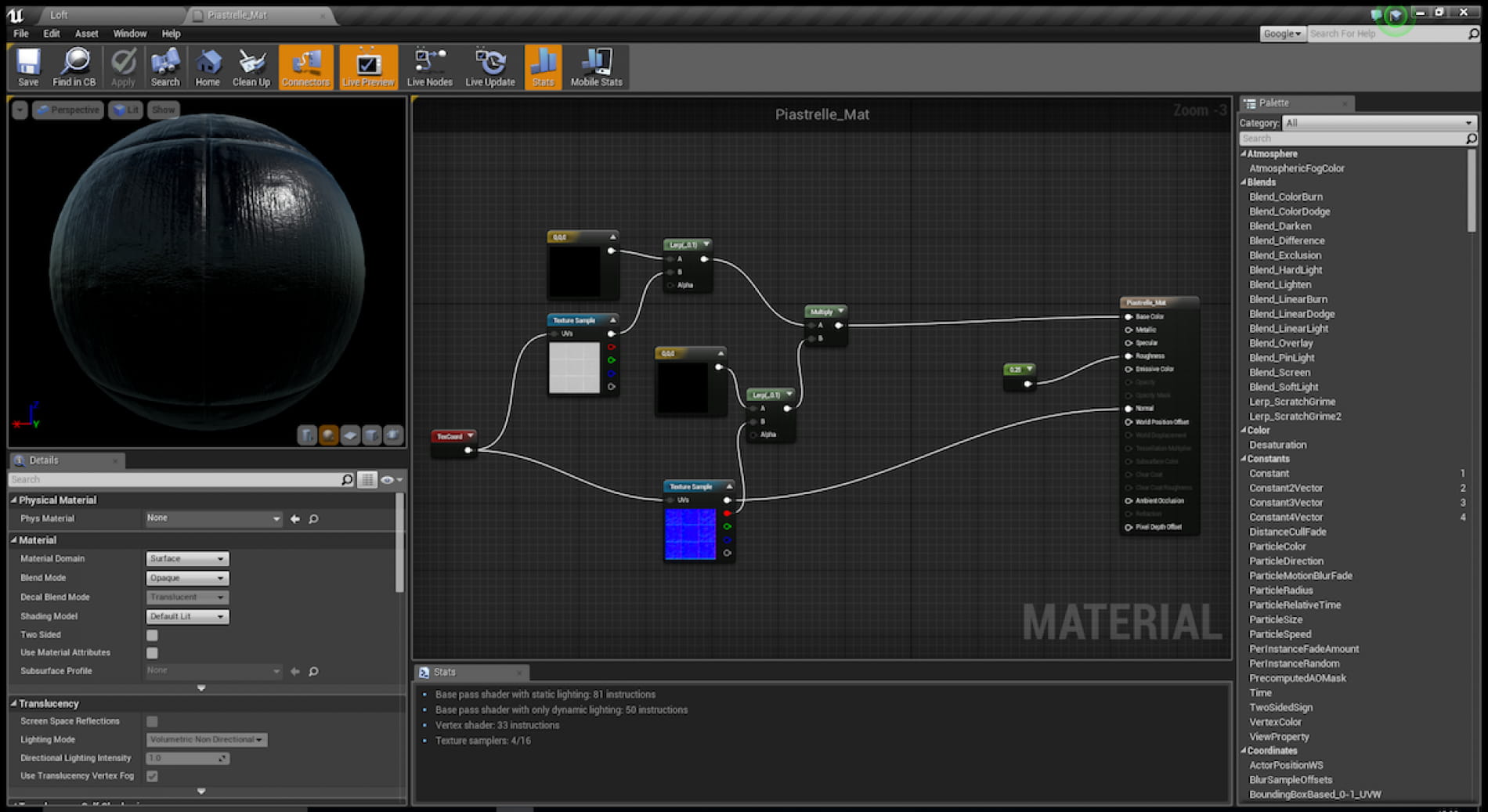
4 - Develop all the materials and their behavior in the scene.
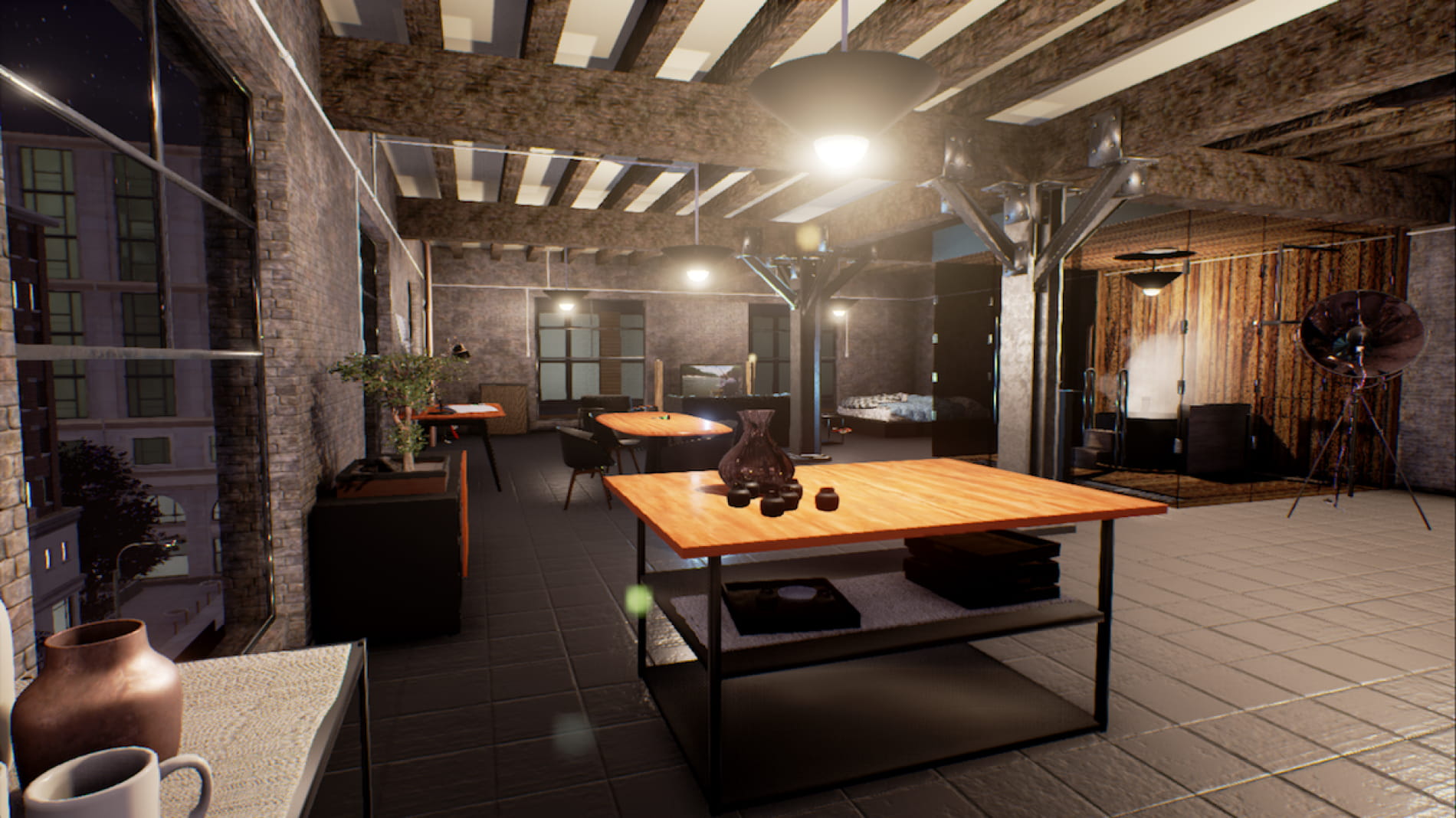
5 - Build the final image.
My only purpose is to test the potential of realtime rendering and evaluate if it can achieve results as good as other common engines. No post process, no photoshop. All the images (except the white model made with Cinerender within ArchiCAD 19) are simple screenshots, taken inside the UE4 Editor.
I have used some free 3D models downloaded from dimensiva.com and bimobject.com as well as some assets from Unreal Engine Marketplace.
Thanks.
E
Posted on 25.01.2016
You have to be logged in to like this project
 efiglia
LEAVE A COMMENT





 Customer zone
 Your orders
 Edit account
 Add project
 Liked projects
 View your artist profile