Evermotion: More Than an Asset Library
How Evermotion became a full-scale production partner for archviz, automotive and synthetic data.


Total: € 0
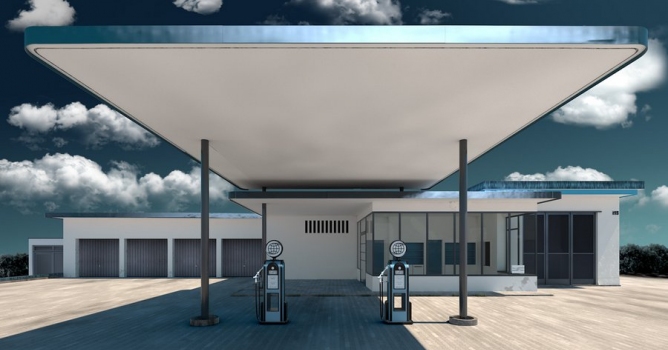

Cinema 4D is one of the awards in Evermotion Challenge 2013. Join now to win this software.
New Team Render
Team Render is an all-new network rendering concept that uses peer-to-peer communication to distribute render tasks. Because there's no bottleneck at a central server, the assets required to render your scene get to each client quicker. This means clients spend time rendering instead of waiting for assets.
With CINEMA 4D R15 Team Render you can easily exploit all the excess processing power in your local network to quickly preview scenes and render high-resolution stills or final animations.
Team Render is a groundbreaking new approach to network rendering that minimizes setup time and maximizes performance using a peer-to-peer architecture and automatic discovery of render clients via Bonjour. Click to add computers to your team, and quickly distribute complex render tasks across your entire network.
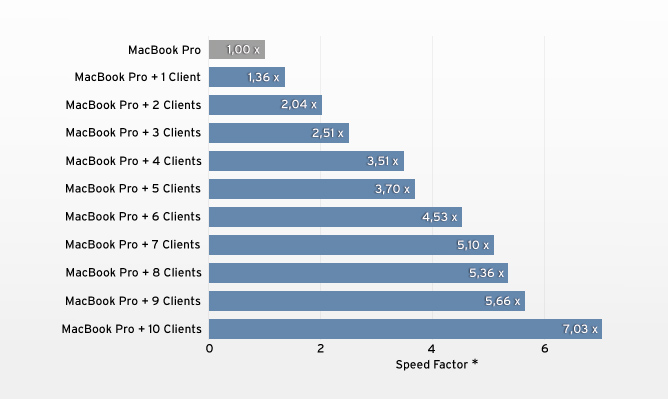
Quickly preview scenes by sending the results of the Team Render directly to the Picture Viewer, or batch multiple jobs with the Render Queue. Either way, Team Render can be managed completely within the CINEMA 4D interface.
Utilize the power of your team to easily render the frames of an animation or to distribute the buckets of a still frame. Machines share the workload to calculate caches for Global Illumination, Ambient Occlusion and Subsurface Scattering so you can utilize advanced rendering features and still meet the deadline.
Download FAQ Team Render in PDF format
Rendering improvements
New GI and AO options make it easy to achieve the desired look. CINEMA 4D has long offered irradiance caching as faster alternative to the render-intensive but extremely precise QMC method for Global Illumination (GI). A newly developed Irradiance Cache algorithm now delivers much better results in even less time! Caches are calculated per frame, which eliminates pre-calculation of the entire animation and delivers much faster feedback. And peer-to-peer distribution of animations to clients across a network has been made easier with Team Render.
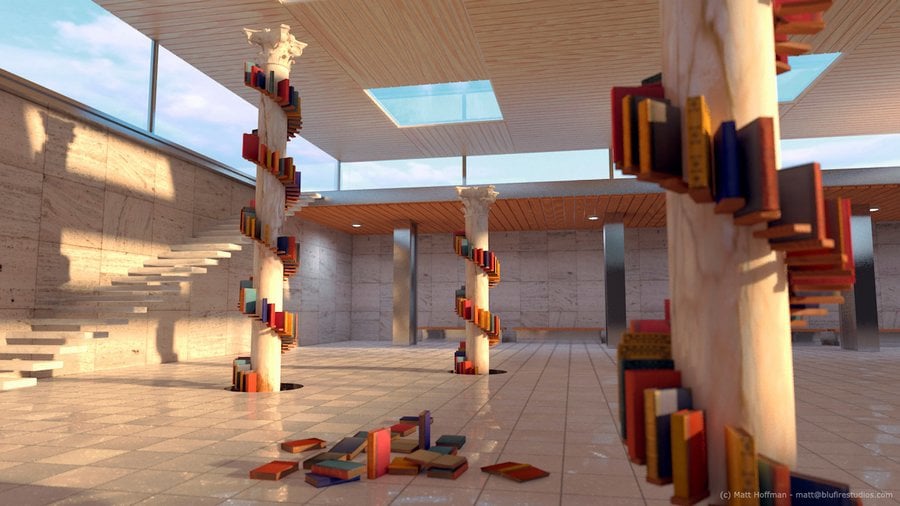
Global Illumination offers powerful presets and greater flexibility than ever, with the option to mix and match the method used to calculate primary and secondary illumination. Use Light Mapping to quickly calculate extreme diffuse depths. Ambient Occlusion can now be calculated more quickly based on the new Irradiance Cache method.
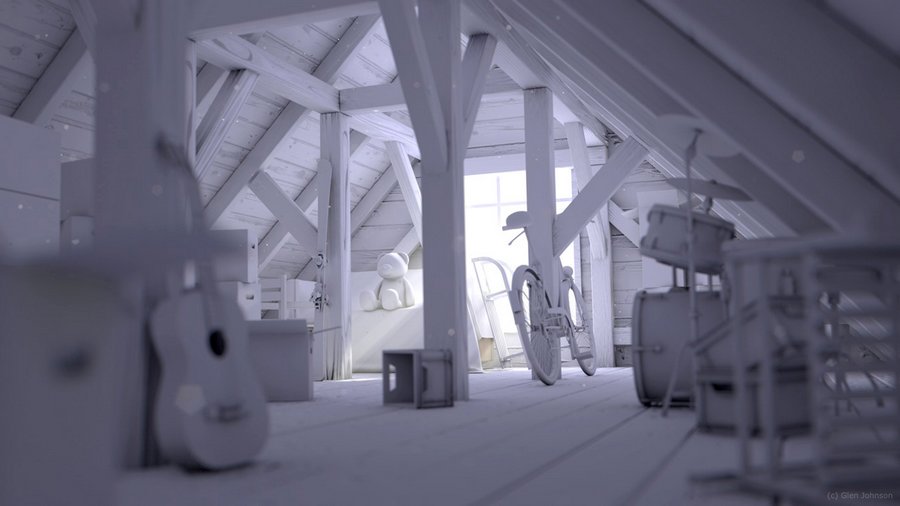
The Physical Renderer in CINEMA 4D R15 uses Intel’s Embree raytracing engine whose highly optimized algorithms increase render power by up to 300% - without any reduction in image quality. The more complex a scene is, the more you get out of this increased power, regardless of which processor you’re using.
Modeling improvements
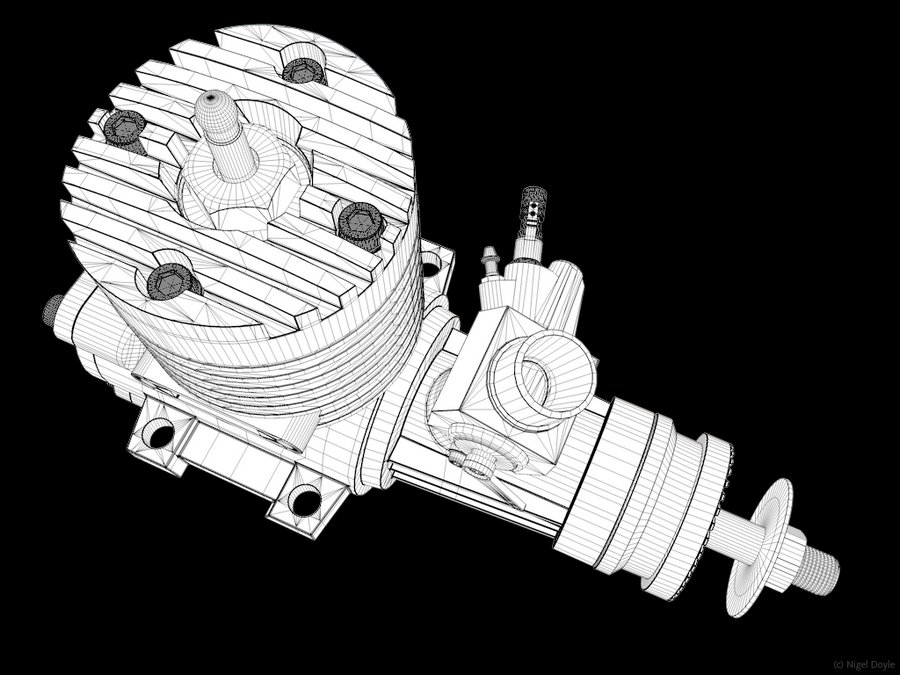
Create clean and controllable bevels in CINEMA 4D R15. Bevels catch the light and make your 3D models appear more realistic, but in the past they've made a mess of a mesh. The all-new Bevel tool in CINEMA 4D R15 offers an extreme level of control so you can achieve the look and mesh flow you desire. Interactively bevel points, edges and polygons directly in the view using new tool handles, or enter exact values and access additional options in the Attribute Manager. Create a rounded bevel with adjustable tension or use splines drawn in the Attribute Manager or in the view to control the edge profile. Limit the bevel amount to prevent edges from overlapping, and customize the mitering and ending options. Use the Solid mode in conjunction with a Subdivision Surface to easily add sharp bevels to hard surfaces while maintaining the basic shape of the model.
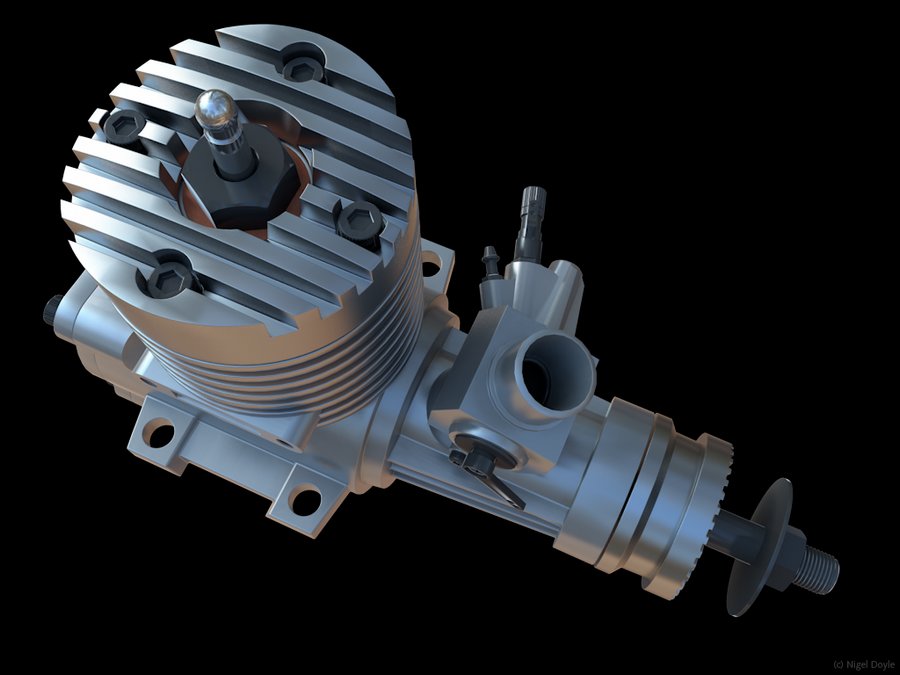
With the Slide tool in CINEMA 4D R15 you can adjust multiple edges, and complete edge loops, with a single drag. Adjust the slide with interactive viewport handles or specify a slide distance based on a fixed value or a proportional offset from the surrounding loops. Duplicate loops to get more detail by simply control-dragging, and optionally preserve the curvature of the existing mesh. The new Slide tool offers fast and flexible control, whether you're a character animator optimizing the edge flow of a model for rigging or a technical modeler dialing in a surface of your object.
There is more...
Gain advanced typographic control over MoText and Text Splines, interactively kerning individual characters in the 3D view. Adjust kerning, tracking, baseline shift and scale with full 3D text that's always editable and animated via MoGraph Effectors. Workflow tweaks throughout CINEMA 4D R15 make your production pipeline more efficient. Fit deformers automatically to objects, grow grass with a single click, manage textures with ease and animate camera jib shots with all the precision of a seasoned Hollywood grip. CINEMA 4D R15 makes every click count, adding up to a fast and easy workflow where your creativity can explode.
Visit Cinema 4D product page for more information
Cinema 4D is one of the awards in Evermotion Challenge 2013. Join now to win this software.








LEAVE A COMMENT





|

|

|

|

|
 Customer zone
 Your orders
 Edit account
 Add project
 Liked projects
 View your artist profile
COMMENTS