Search
Cart
Sign in
  • offerCustomer zone
  • offerYour orders
  • offerEdit account

  • offerAdd project
  • offerLiked projects
  • offerView your artist profile

  • Dark mode

We care about your privacy

We use cookies to provide you with the best possible experience. They also allow us to analyze user behavior in order to constantly improve the website for you. The consent is voluntary. You can withdraw it at any time or renew it in Cookie settings on the home page. Withdrawal of your consent does not affect the lawfulness of processing performed before the withdrawal. Privacy Protection Policy
Accept all
Accept selection
Reject all

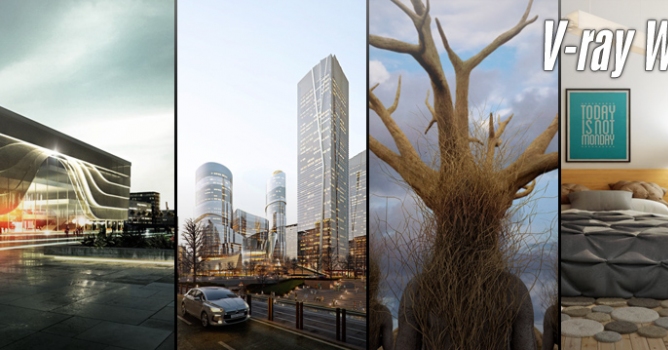
V-Ray 5 for 3ds Max is now ready for beta testing

Press release 2020-04-30 09:24 article  > Software

Be among the first to try the new tools for light mixing and compositing in the redesigned V-Ray Frame Buffer.

Also, explore new material presets and the V-Ray Material Library & Browser for faster look development.


Features:

  • LIGHT MIX - Explore multiple lighting scenarios from a single render. By adding the new VRayLightMix render element, you can adjust lights interactively without rerendering.
  • LAYERED COMPOSITING - The new Layer compositor lets you fine-tune and finish your images directly in the V-Ray Frame Buffer — without the need for a separate post-processing app.
  • MATERIAL LIBRARY & BROWSER - Choose from a library of over 500 render-ready materials including metals, glass, wood and more.


Sign up today, V-Ray 5 is here.

Author: Press release Editor: Michał Franczak
Tags: vray 3dsmax chaosgroup
You may also like...
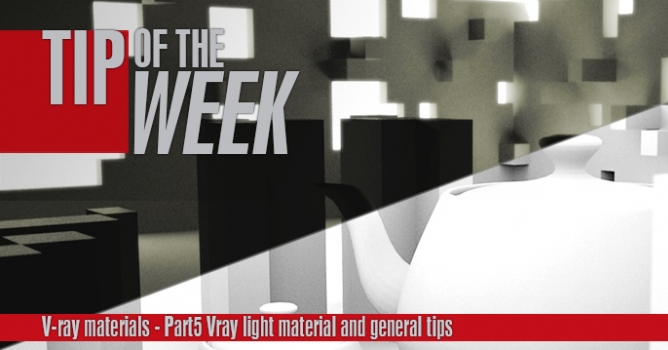
Tip of the Week. V-ray light materials and general tips

Tip of the Week. V-ray light materials and general tips

This is the last part of a V-ray materials tip of the week series. In this part I will show you how to use V-ray light materials and some general tips for baking v-ray dirt and using opacity maps.
×

LEAVE A COMMENT

You need to be logged in to leave a comment. Don't have account? Register now.