If you have "auto populate" option checked, you can select one texture and Quixel Mixer will import the rest of textures to their respective slots. After importing, your new surface will be added to your library. You can generate normals with experimental function in Quixel Mixer.
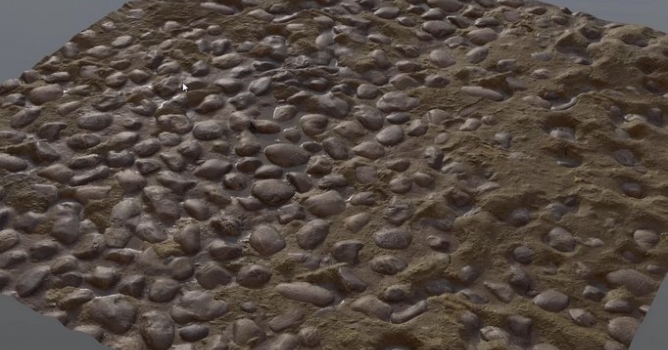
If you notice stretching of displaced texture, you can duplicate the layer and soften it by dragging "High frequency" and "Low Frequency" sliders. Next, you can use hand painted mask to reveal smoothed layer only in problematic areas.
The next step is using smooth brush for edges of the texture. After those preparations you can export layers to library, so they can be re-imported as a single layer. After re-import, you can duplicate the layer several times and offset copies, so you can have texture on the whole surface.





 Customer zone
 Your orders
 Edit account
 Add project
 Liked projects
 View your artist profile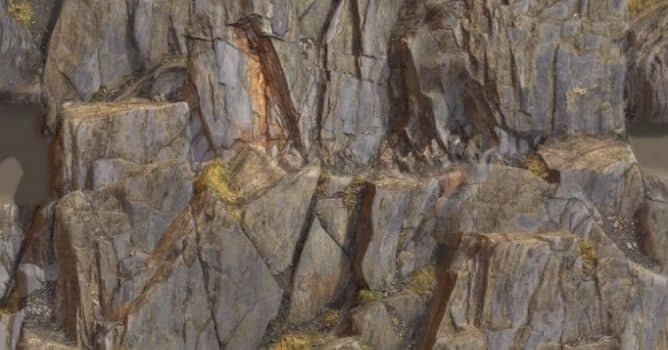













COMMENTS