Search
Cart
Sign in
  • offerCustomer zone
  • offerYour orders
  • offerEdit account

  • offerAdd project
  • offerLiked projects
  • offerView your artist profile

  • Dark mode

We care about your privacy

We use cookies to provide you with the best possible experience. They also allow us to analyze user behavior in order to constantly improve the website for you. The consent is voluntary. You can withdraw it at any time or renew it in Cookie settings on the home page. Withdrawal of your consent does not affect the lawfulness of processing performed before the withdrawal. Privacy Protection Policy
Accept all
Accept selection
Reject all

Adaptive Lights in V-Ray RT GPU

Chaos Group 2017-02-17 09:01 article  > Software

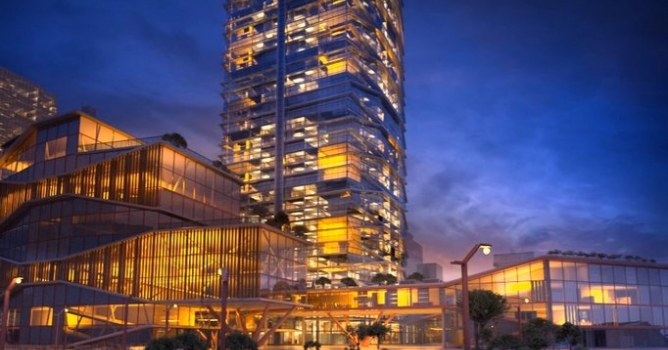
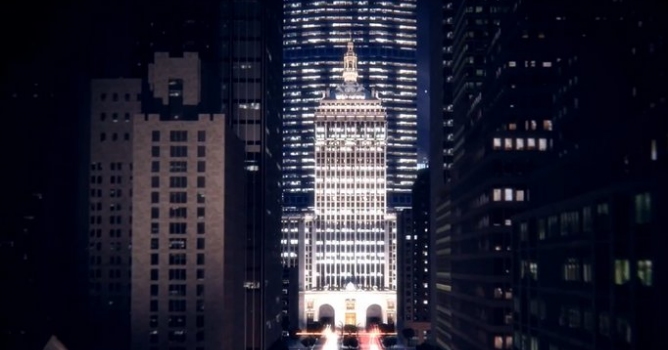
Adaptive Lights is a new unbiased lighting algorithm by Chaos Group.

This video shows how the feature can significantly speed up rendering on the V-Ray RT GPU. Initially the Adaptive Lights algorithm was designed to alleviate an issue that could cause more complex scenes to render not as efficiently on GPU, but it turns out that this innovative approach works great for the CPU as well.

In the CPU the adaptive lights algorithm works when using BF/LC, where in V-Ray GPU it works both in BF/BF and BF/LC setups and provides even higher performanceimprovements. 

This feature is part of the latest V-Ray 3.5 for 3ds Max release. Check out full feature list here: https://www.chaosgroup.com/vray/3ds-max

You can purchase V-Ray for 3ds Max from Evermotion Shop.
Author: Chaos Group Editor: Michał Franczak
Tags: vray
You may also like...
Top 5 Vray Workshop - the best works of last week

Top 5 Vray Workshop - the best works of last week

Vray Workshop + Evermotion present TOP 5 VRay Workshop - selection of the best works presented during the week.
×

LEAVE A COMMENT

You need to be logged in to leave a comment. Don't have account? Register now.

Sketchrender 10:53:17  |  17-02-2017
Looks great. I have a question. What cards are they running to handle that much geometry? I have model that have the building 40mb, then referenced in are 400mb Landscaping files and cars and street lights etc. When I hit an interior issue with Vray and I am nearing deadline, I run to Corona. So What is the answer to getting the right result for Vray? Thank you if anybody has time to comment. Phil