Evermotion: More Than an Asset Library
How Evermotion became a full-scale production partner for archviz, automotive and synthetic data.


Total: € 0
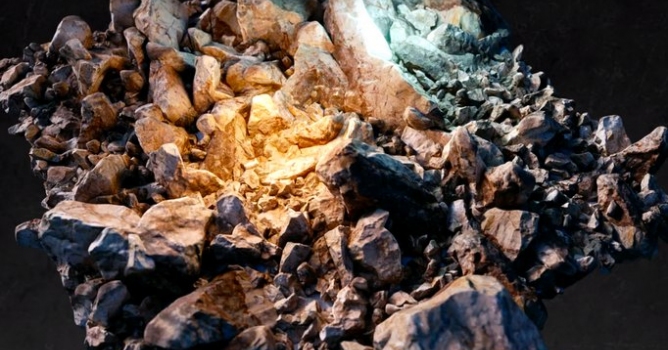

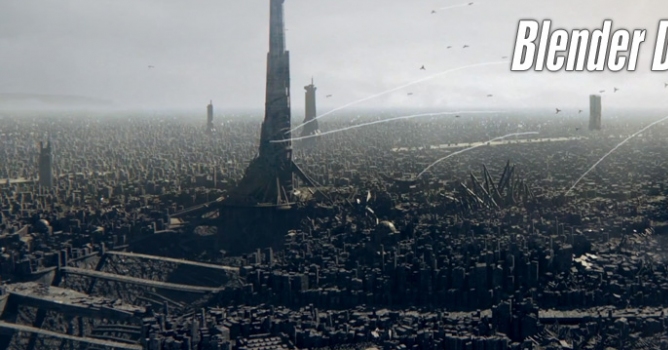
This is a simple and quick process, but very effective. You can use many different objects as a group and work on the materials a bit more. The purpose of this tutorial was not creating a beautiful render but showing a workflow for environment creation.
Giveaway! Seamless Pebble Texture 2400x2400 and 1200x1200 (Diffuse, Normal, Displacement, Specular, Ambient Occlusion)
Feel free to use it any way you like! It's nice if you credit Soady but it's not obligatory.
Follow Soady's page for future giveaways: fb.com/soady3D

LEAVE A COMMENT





|

|

|

|

|
 Customer zone
 Your orders
 Edit account
 Add project
 Liked projects
 View your artist profile
COMMENTS