Search
Cart
Your cart - 0 items
Total: € 0
Total: € 0
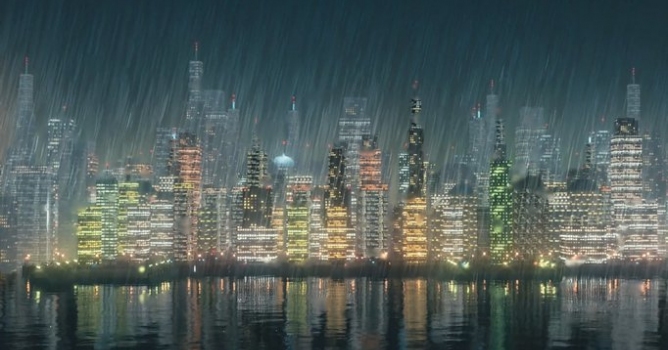

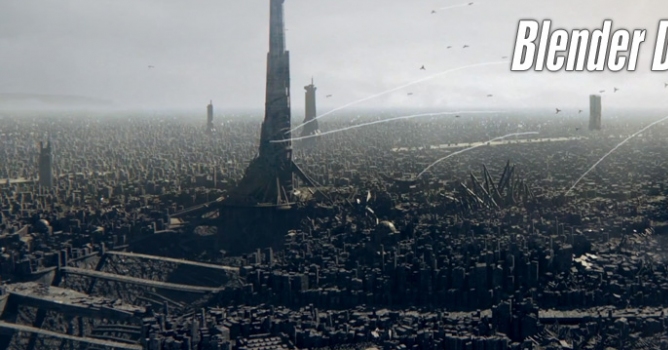
Discover the entire process from start to finish, starting with basic geometry, then setting up a unique randomizing building material, scattering them realistically, then finishing with some fun compositing and adding rain.

LEAVE A COMMENT








|

|

|

|

|
 Customer zone
 Your orders
 Edit account
 Add project
 Liked projects
 View your artist profile
COMMENTS