Search
Cart
Sign in
  • offerCustomer zone
  • offerYour orders
  • offerEdit account

  • offerAdd project
  • offerLiked projects
  • offerView your artist profile

  • Dark mode
    ✔
Animated Cartoon Roto Shapes

Animated Cartoon Roto Shapes

Vimeo 2014-09-30 08:52 tutorial  > After Effects  > compositing

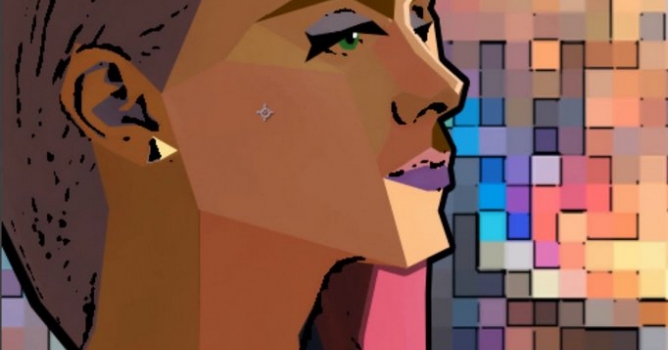
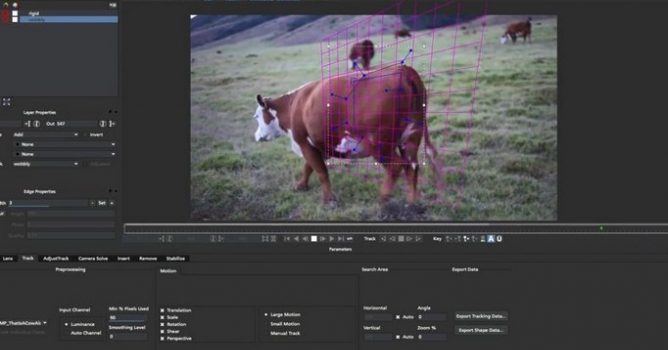
Tutorial for mocha and After Effects users.

In this short tutorial, Imagineer Systems Product Specialist, Mary Poplin, uses mocha to create animated roto-shapes to create a simplified and stylized animated look in After Effects. This workflow is basic, and uses simple mocha masks with After Effects filters and solids. Mary also shows you how to convert one selected layer with many mocha masks to separate layers, each with it's own named mocha mask using an easily available free script from crgreen.com.

Author: Vimeo Editor: Michal Franczak
Tags: mocha
You may also like...
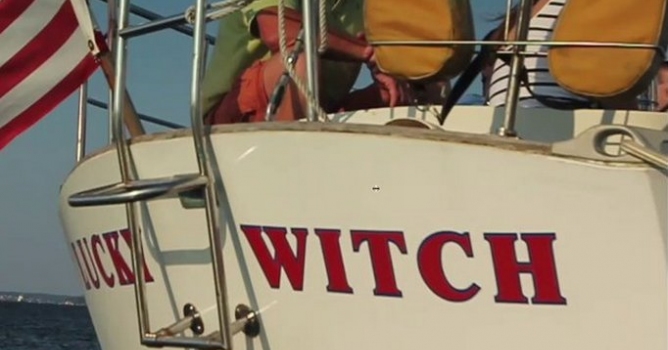
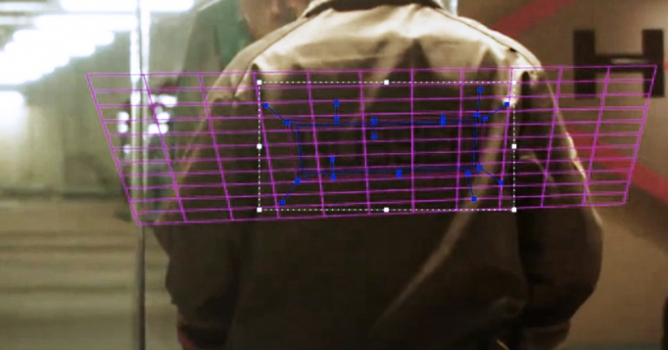
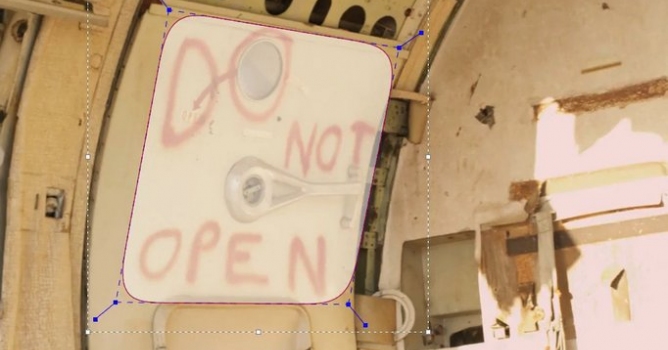
Replace a logo with mocha Pro

Replace a logo with mocha Pro

In this in depth tutorial, Mary Poplin of imagineer systems shows you how to use mocha Pro's Remove Module and Insert Module for logo replacement.
×

LEAVE A COMMENT

You need to be logged in to leave a comment. Don't have account? Register now.