Search
Cart
Sign in
  • offerCustomer zone
  • offerYour orders
  • offerEdit account

  • offerAdd project
  • offerLiked projects
  • offerView your artist profile

  • Dark mode
    ✔
From ZBrush to Maya

From ZBrush to Maya

Youtube 2014-07-03 09:58 tutorial  > Zbrush  > modeling

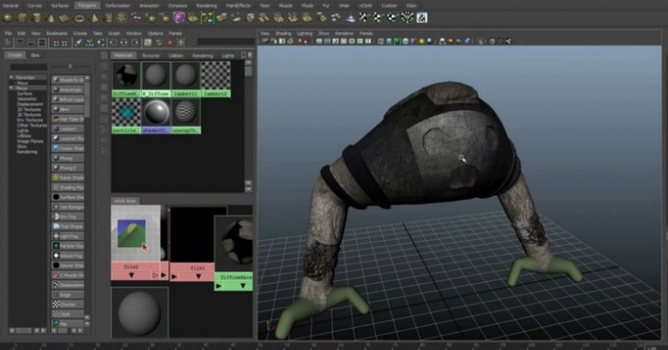
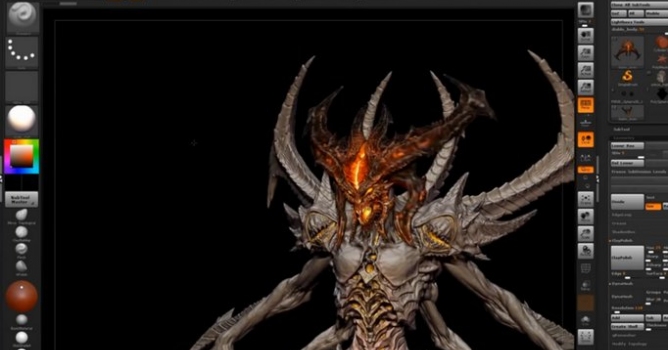
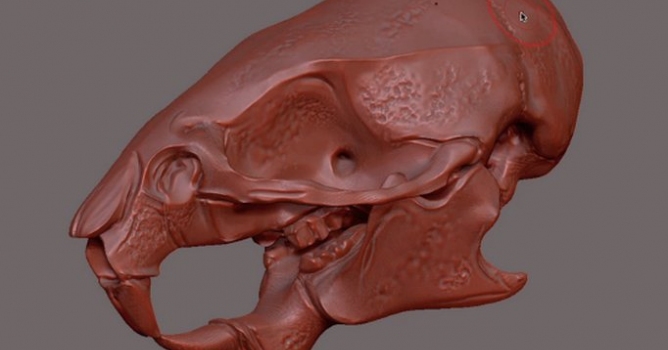
Create a model in Zbrush and export it to Maya.

In this tutorial Ashley Lyndhurst illustrates how to:

  • Make a model in ZBrush
  • Export that model in Maya 2015
  • Modify that model to suit purposes
  • Use Maya Bonus Tools to create a UV map
  • Texture the model in PS.
  • Apply the texture and bump map.

https://area.autodesk.com/bonus_tools -- Go here to get bonus tools.
https://www.facebook.com/ToxicShockUK
https://www.facebook.com/intodawnband

Author: Youtube Editor: Michal Franczak
Tags: zbrush
You may also like...
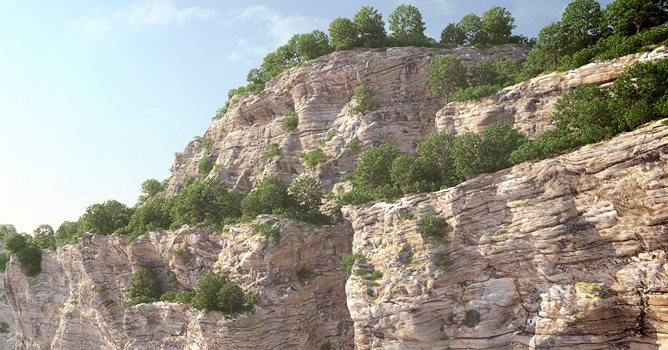
Zbrush - create Your own brushes and paint cliffs

Zbrush - create Your own brushes and paint cliffs

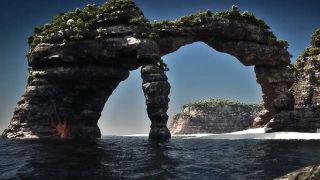
After watching this tutorial You will be able to create your own brushes in Zbrush software. I focus on sculpting that can be used to painting cliffs.
×

LEAVE A COMMENT

You need to be logged in to leave a comment. Don't have account? Register now.