Search
Cart
Sign in
  • offerCustomer zone
  • offerYour orders
  • offerEdit account

  • offerAdd project
  • offerLiked projects
  • offerView your artist profile

  • Dark mode
    ✔
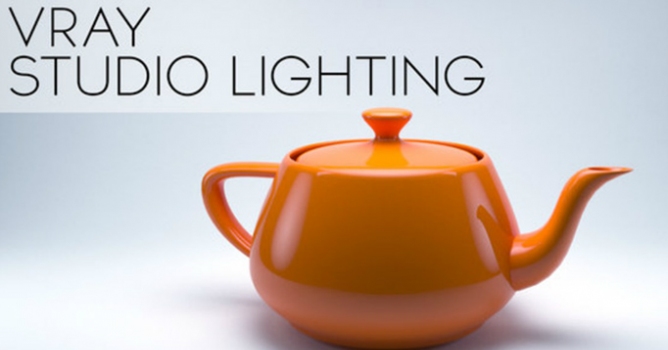
Studio Lighting in V-Ray - 3DS Max 2014

Studio Lighting in V-Ray - 3DS Max 2014

Johannes Tiner 2013-10-14 20:53 tutorial  > 3ds MAX  > lighting

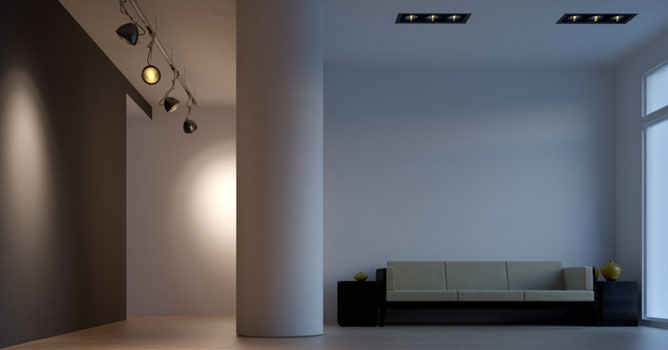
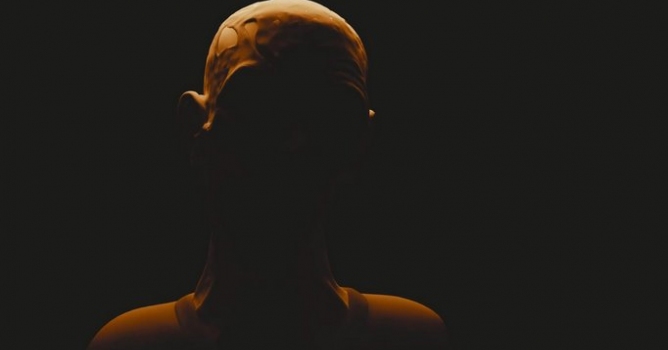
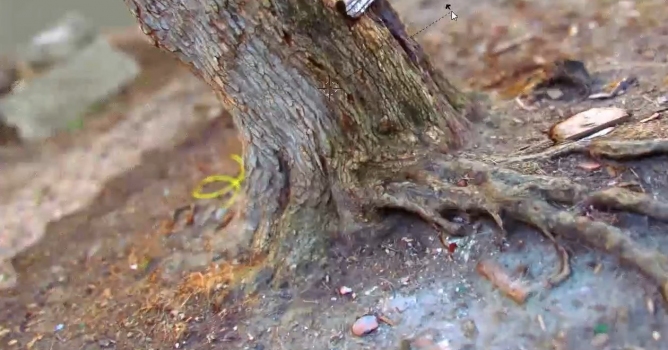
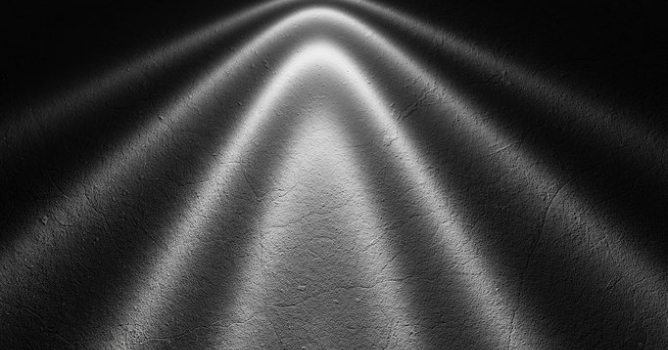
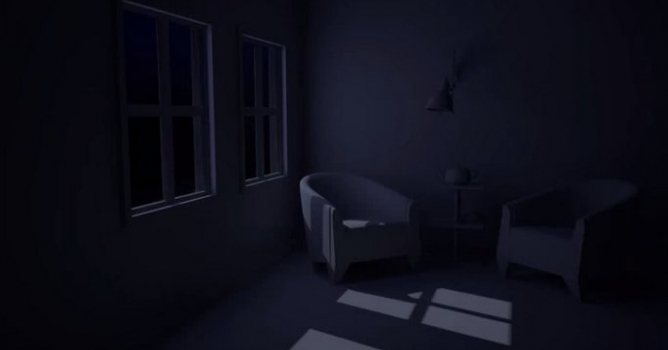
A short tutorial on how to setup a basic lighting scene with Vray inside of 3DS Max 2014.

Author: Johannes Tiner Editor: Michal Franczak
Tags: lighting
You may also like...
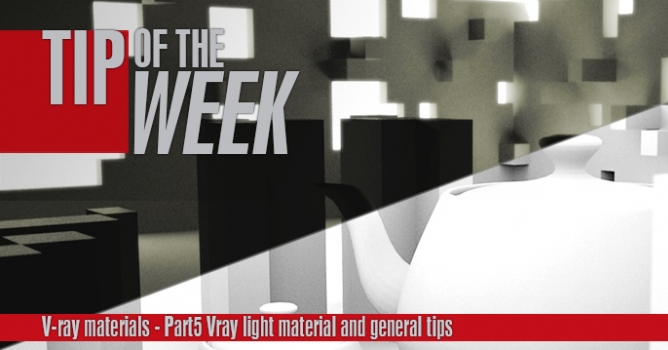
Tip of the Week. V-ray light materials and general tips

Tip of the Week. V-ray light materials and general tips

This is the last part of a V-ray materials tip of the week series. In this part I will show you how to use V-ray light materials and some general tips for baking v-ray dirt and using opacity maps.
×

LEAVE A COMMENT

You need to be logged in to leave a comment. Don't have account? Register now.

Marc Lopes 22:52:09  |  14-10-2013
Awesomw simple! Thanks!
BMWZ08 12:49:52  |  15-10-2013
thank you for your great tutorial, but you forgot to add the plug-in link (for Backdrop)?!
hulme 19:13:26  |  15-10-2013
Great tutorials for watching, thanks!
abbylan 09:38:03  |  25-10-2013
怎么显示不了网页呢
Vizcatz 08:03:37  |  03-12-2014
Hi Johannes, I have a Google+ group "3D Max for beginners", and I will share this fine tutorial with my followers. Thanks for sharing with us. Best regards Michael