We got a simple ground texture here - 320x320 big.
As you can see when we try to make a horizontal pattern an ugly seam is visible. We'll try to fix that.

Go to the filter menu and choose filter/other/offset.. Our texture is 320 wide so +130 value for horizontal -that will move our image 130 pixels to the right. After that we can notice seam -place where ends of image meet.

What we have to do know is make seam unvisible by overpainting cloning parts of image and so forth. I covered seam mostly with 1px brush picking colors with eyedropper tool

When done, we have to move image to its base position by moving it 130px to the left -choose filters/other/offset.. and write "-130" value

Now we can see how it works. Repeating texture gives us nice pattern without seams. We can of course do the same thing vertically when needed.

Ok, hope it's good enough for doing some textures...
Best Regards,
Damian 'Mime' Bajowski






 Customer zone
 Your orders
 Edit account
 Add project
 Liked projects
 View your artist profile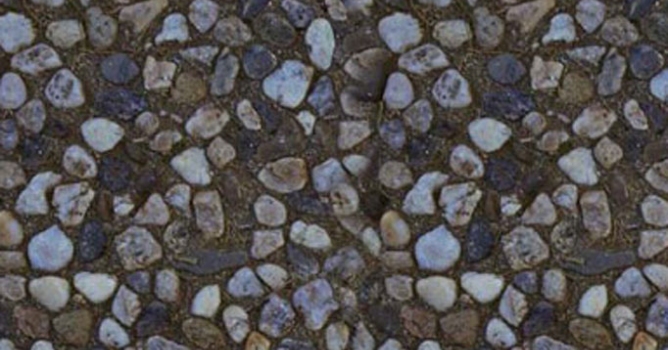













COMMENTS