Evermotion: More Than an Asset Library
How Evermotion became a full-scale production partner for archviz, automotive and synthetic data.


Total: € 0
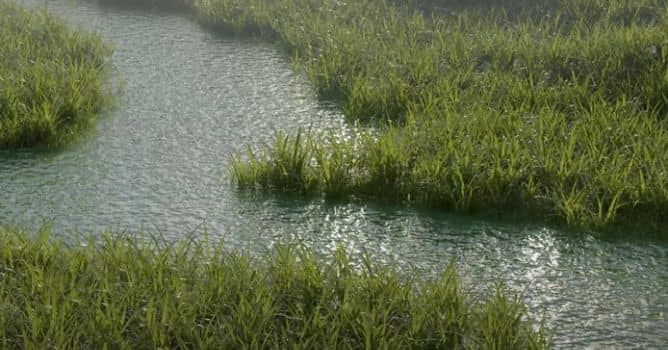

In this tutorial, you will see how to use the latest addition to Blender - Geometry Nodes. We will make a grass field. This system, which is a new feature of Blender 2.92, is part of a larger project called Everything Nodes, which aims to be able to control different parts of the Blender using nodes. This project is going to have more parts of the blender in the future, such as the particle system or Node-based simulation of blender physics.
Watch the timelapse of creating the scene with Geomtry Nodes.





LEAVE A COMMENT





|

|

|

|

|
 Customer zone
 Your orders
 Edit account
 Add project
 Liked projects
 View your artist profile
COMMENTS