We are more than an asset library

Watch our Showreel
Search
Cart
Sign in
  • offerCustomer zone
  • offerYour orders
  • offerEdit account

  • offerAdd project
  • offerLiked projects
  • offerView your artist profile

  • Dark mode
    ✔
6 tips to enhance your renders

6 tips to enhance your renders

CG Boost 2020-10-05 08:21 tutorial  > Blender  > lighting

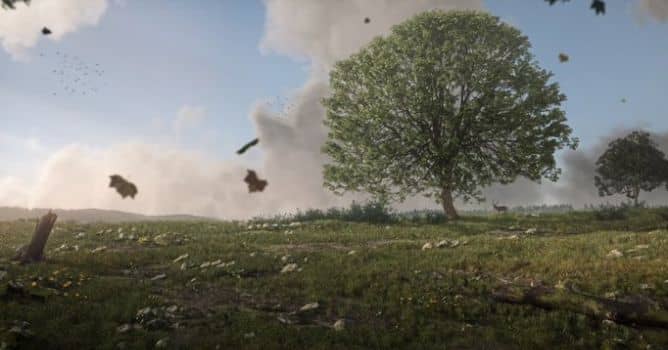
In this video Martin Klekner shares 6 tips to breathe life into your 3D renders and make them instantly cooler.

From light rays, to atmosphere, adding birds and falling leaves, these will help you bring your artwork to the final result. Demonstrated on an environment scene in eevee.


a

Author: CG Boost
Tags: blender eevee
You may also like...
TipOfTheWeek: create Christmas scene in Blender

TipOfTheWeek: create Christmas scene in Blender

Find out how to create glass ball using vary modeling techniques. Discover power of Cycles and Blender's internal post production system!
×

LEAVE A COMMENT

You need to be logged in to leave a comment. Don't have account? Register now.