How to show 3ds Max thumbnails
https://youtu.be/FPt49mH4G7c
Issue:
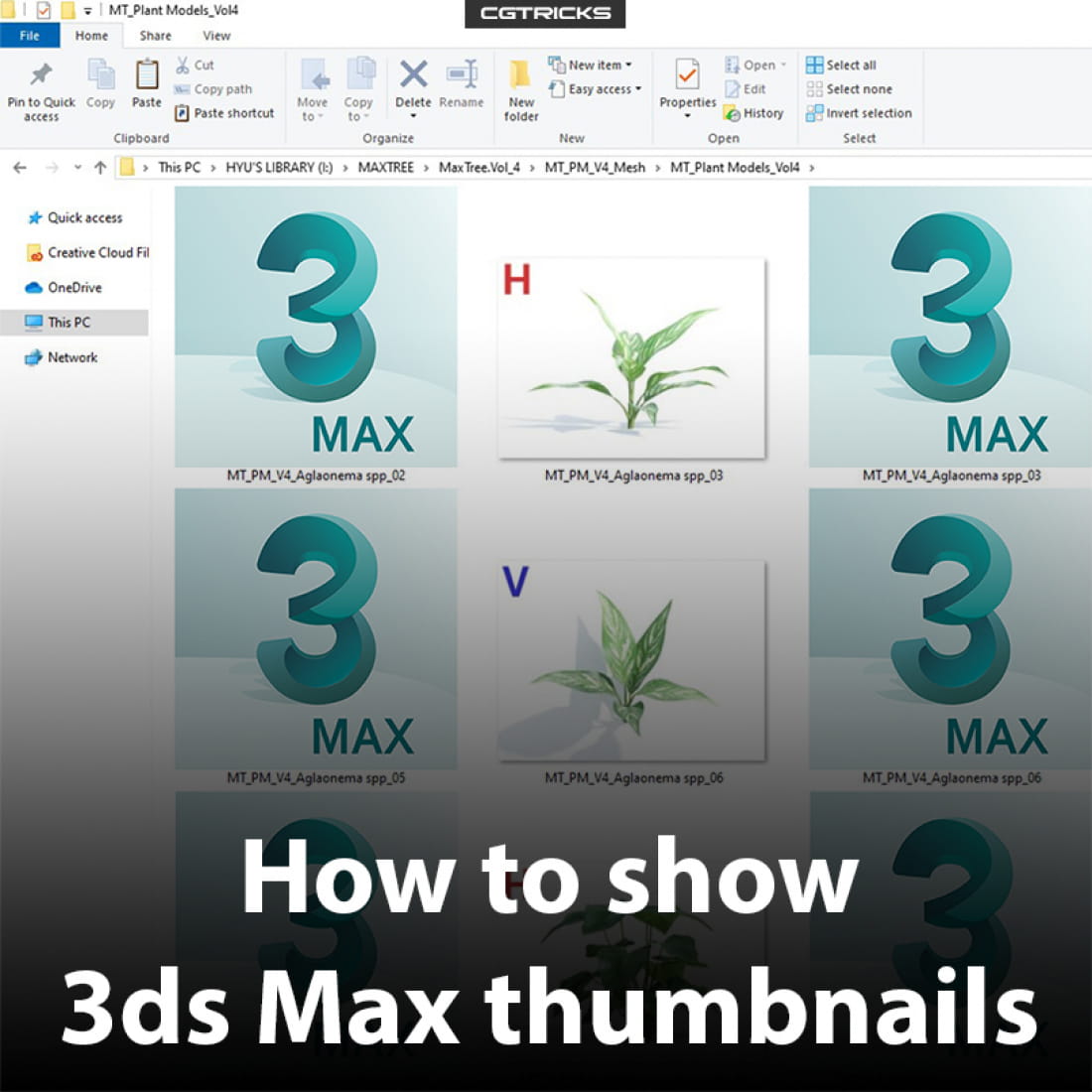
3ds Max thumbnail images aren't showing the Max scene contents when using Windows Explorer or the Max File menu
Causes:
The 3ds Max installer fails to register the MaxThumbnailShellExt.dll file that is responsible for displaying thumbnails in Windows Explorer. This file is in the root folder of the 3ds Max, starting with Version 2014+.
Solution:
1. In Windows, type "cmd"
2. Run as administrator
3. Copy: regsvr32 "C:\Program Files\Autodesk\3ds Max 2018\MaxThumbnailShellExt.dll"
4. Press Enter
5. A RegSvr32 window should appear that says, "DllRegisterServer in C:\Program Files\Autodesk\3ds Max 2018\MaxThumbnailShellExt.dll succeeded."
6. OK. Done!
---
CGTricks | https://cgtricks.com
Posted on 10.04.2020
You have to be logged in to like this project
 wuanhyu
LEAVE A COMMENT






 Customer zone
 Your orders
 Edit account
 Add project
 Liked projects
 View your artist profile