How to Copy Paste Material and Mapping in 3dsMax | Kotiger
https://youtu.be/AT1MyQyv0g8
How to Copy Paste Material and Mapping in 3dsMax?
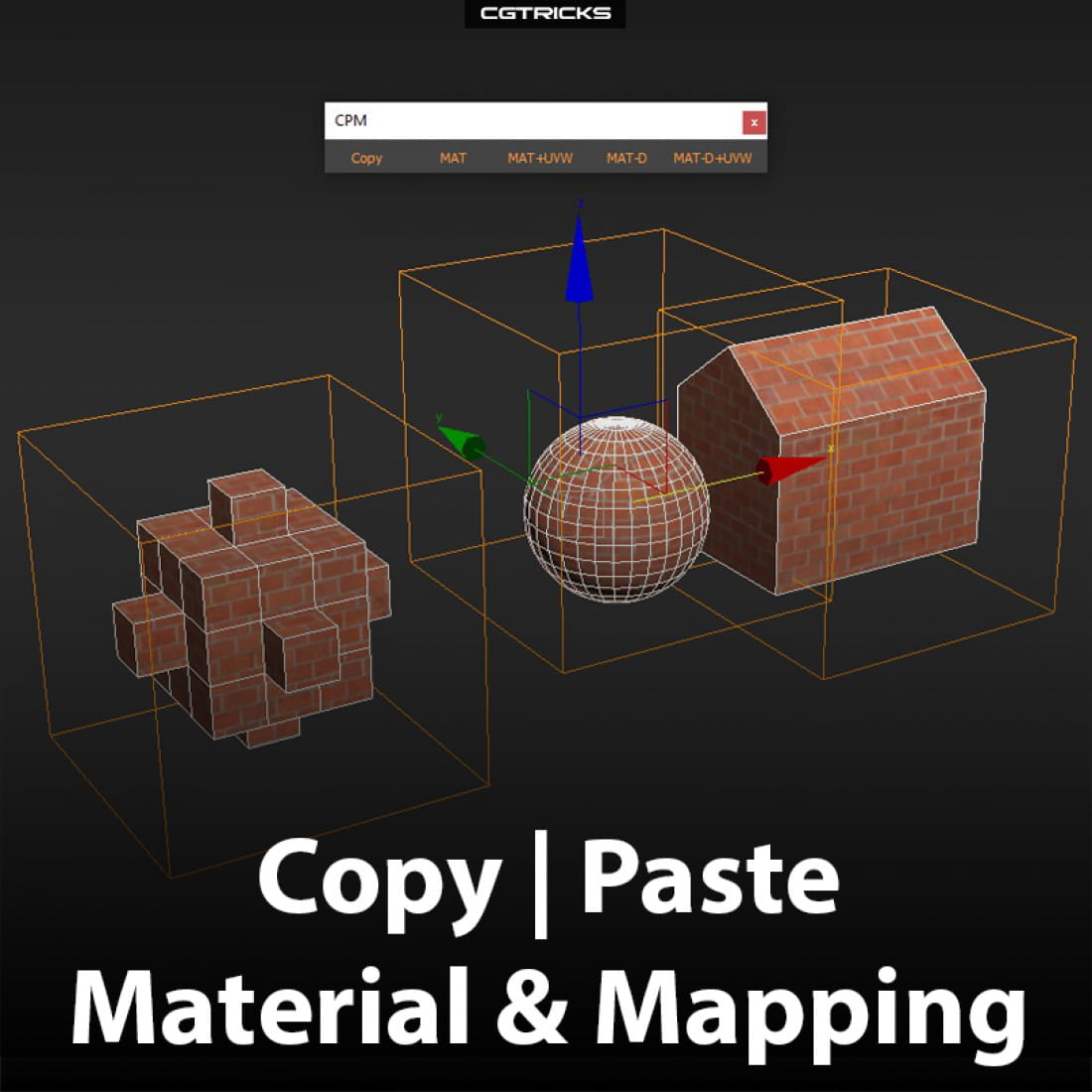
Quick and easy way to copy paste material and mapping from one object to another without opening Material Editor.
ADDITIONAL INFO:
*Copy: MAT+UVW - copies material and mapping
*MAT - applies material ONLY
*MAT+UVW - applies material + mapping
*MAT-D - applies material duplicate and opens SME with it ready to be adjusted
*MAT-D+UVW - applies material duplicate + mapping and opens SME with it ready to be adjusted
Attention: if target objects have UVW modifiers applied to them they will be deleted when using MAT+UVW or MAT-D+UVW scripts.
Tested with 3ds Max 2017.
INSTALLATION:
Run the script. Find installed macroscripts in Customize Users Interface - Toolbars - Category: Kotscript. Create new toolbar and drag selected macroscripts to it.
Download this script here
Author: https://kotiger.co/
---
CGTricks | https://cgtricks.com
Posted on 10.10.2019
You have to be logged in to like this project
 wuanhyu
LEAVE A COMMENT






 Customer zone
 Your orders
 Edit account
 Add project
 Liked projects
 View your artist profile